EasyManua.ls Logo

Multiplex Profi TX - Differnt.ail

Multiplex Profi TX
227 pages
Print Icon
To Next Page IconTo Next Page
To Previous Page IconTo Previous Page
Loading...
The menus
PROFI TX
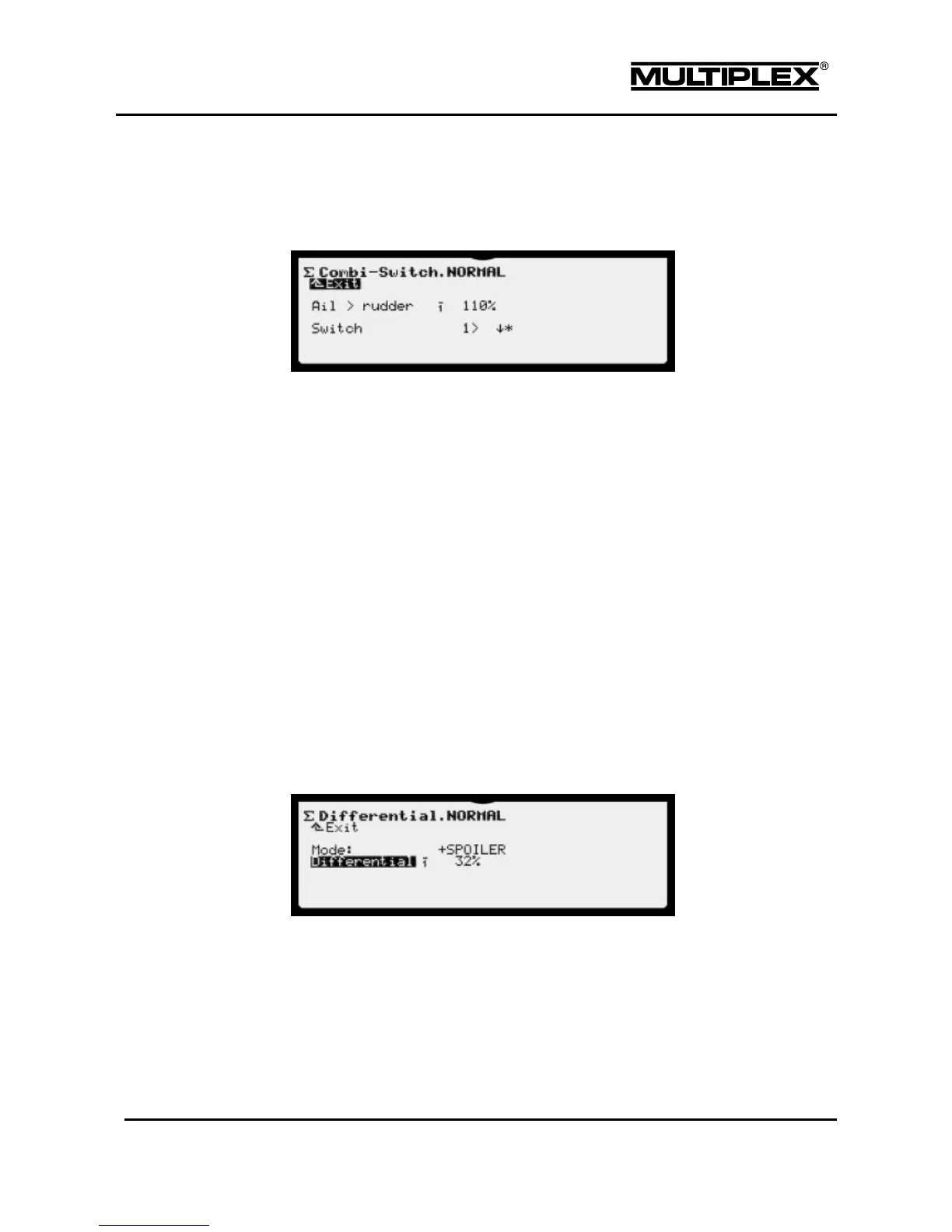
The Combi-Switch can be configured for specific flight phases. You define the
associated switch in the "Setup > Assign.Switches" menu using the CS/DTC
parameter (see section 4.3.7 "Assign.Switches" on page 106).
Ail > rudder or Ail < rudder
Percentage of the respective control function (%).
Increment: 2%
Setting range:
-200%
OFF
+200%
Ail < rudder
Default
Ail > rudder
Switch
The switch used and its respective switch position are displayed here. The
switches are assigned in the Setup > Assign.Switches menu.
4.5.1.2 Differnt.Ail
You use the Differnt.Ail menu to configure the aileron differential. Refer to
section 7.1.3.1 "Configuring aileron differential" on page 184 for differential
information.

Table of Contents

Other manuals for Multiplex Profi TX

Related product manuals