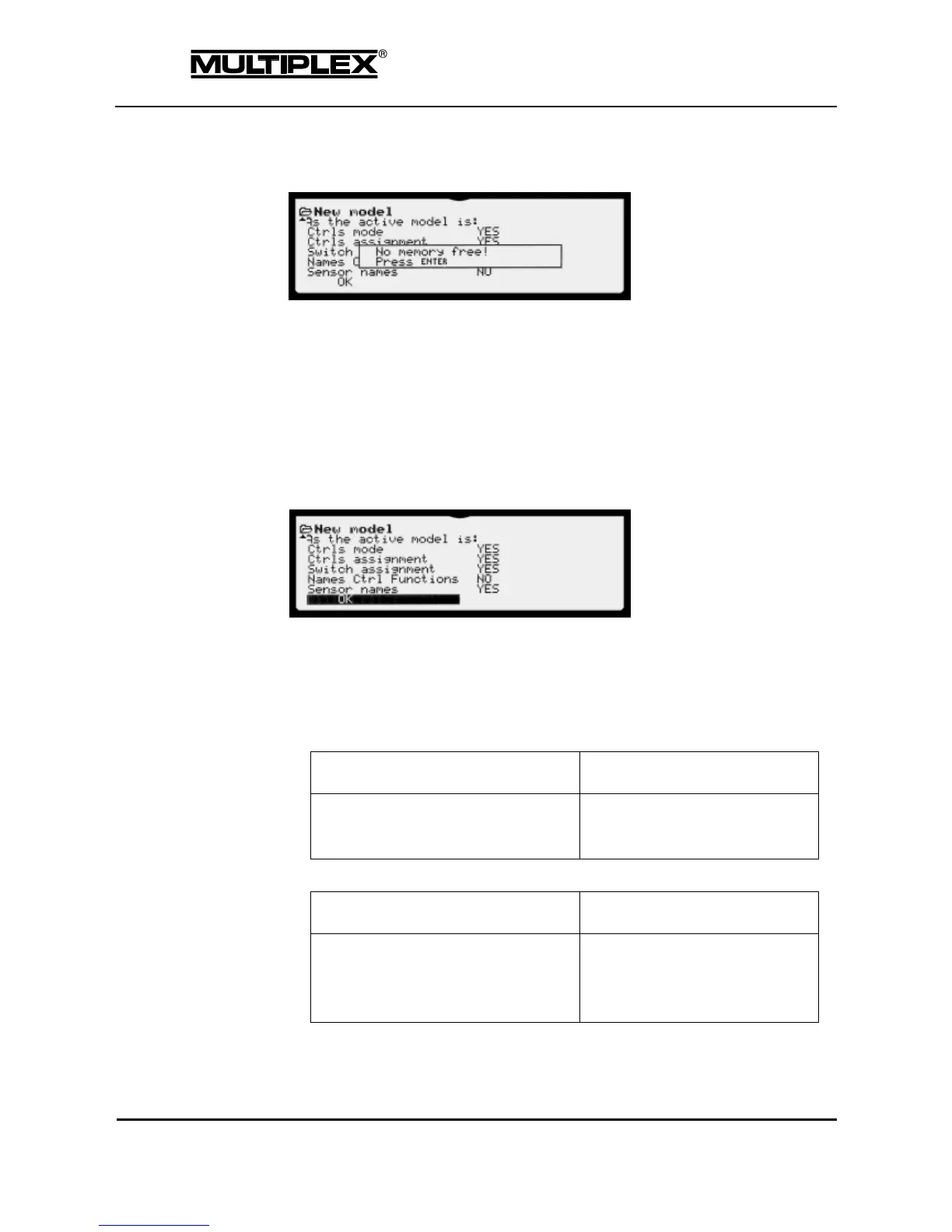
If you still try to create the new model by pressing OK, the following warning is
displayed:
You cannot create new models until you have erased a model memory (see
section 4.8.5 "Erase" on page 162).
Template
Template for the new model. The template provides the basic configuration for
certain model types—fixed-wing models, vehicles, helicopters. The model type
cannot be changed later.
The scrollable field shows a list of all the model templates available in the
PROFI TX (see section 3 "Model templates" on page 55).
As the active model
Here, you specify the setting areas to be inherited from the current model.
If the current model and the template are incompatible, not all of the areas
are inherited. All fixed-wing models are compatible with each other; the same
applies to all helicopters. Vehicles, boats, and crawler-type vehicles (tanks)
are not compatible with any other template.
Ctrls Mode



 To Next Page