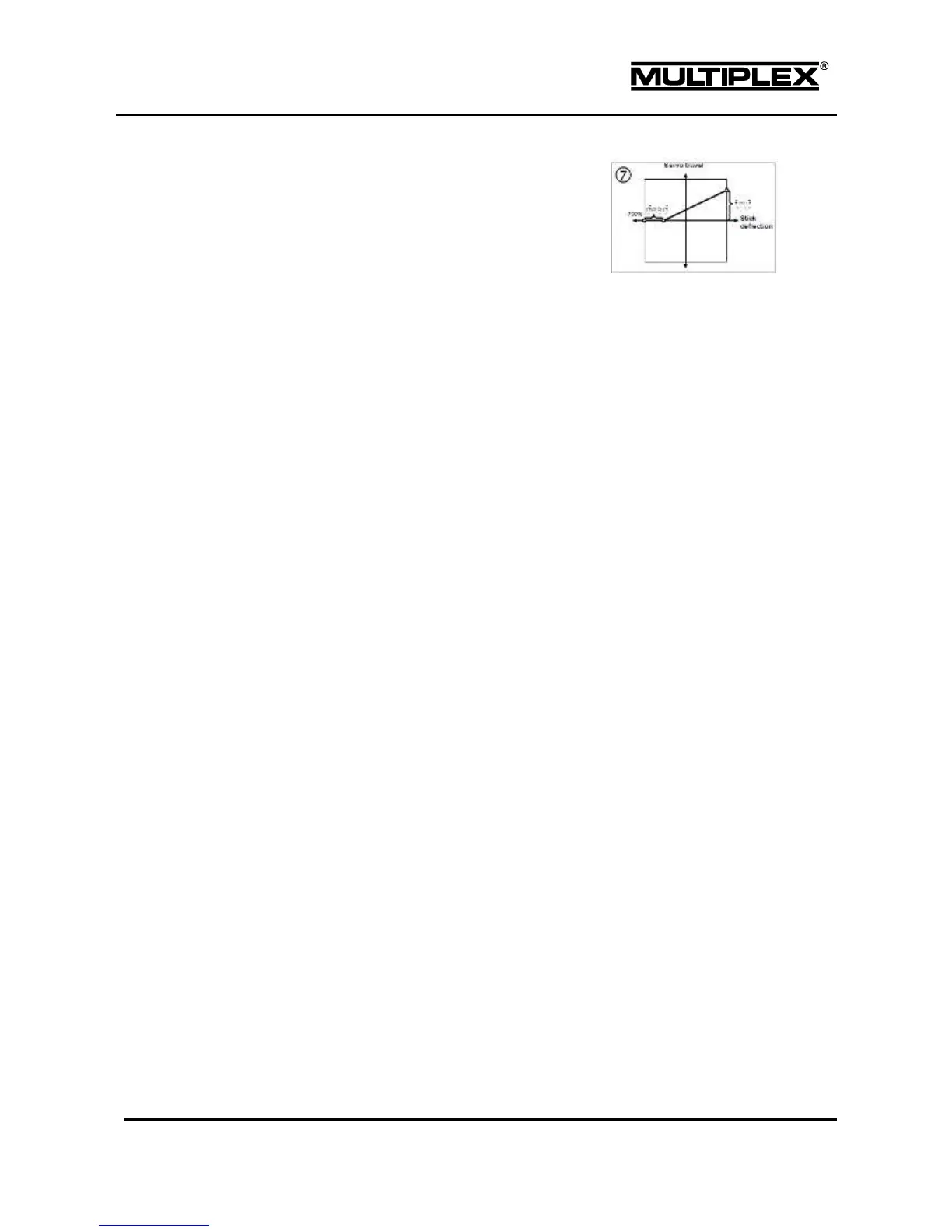
The option can be combined with ™
and ›.
Curve option: The input passes through a 7-point curve. You can
choose from 8 curves. The same curve can be used for multiple
inputs in different mixers.
When scrolling through the 3rd column of the mixer definition you will see any
combination of the icons described above in the following order:
Symmetrical, for surface pairs moving in opposite
directions
Symmetrical, for surface pairs moving in opposite
directions with offset
Symmetrical, for surface pairs moving in opposite
directions with deadband
Symmetrical, with deadband
Asymmetrical, for surface pairs moving in opposite
directions
Single-sided, with offset
Single-sided, with deadband
Single-sided, with additional set point at half travel
Curve mixer: The mixer input passes through one of 8
control curves.
Curve mixer for surface pairs moving in opposite
directions.



 To Next Page