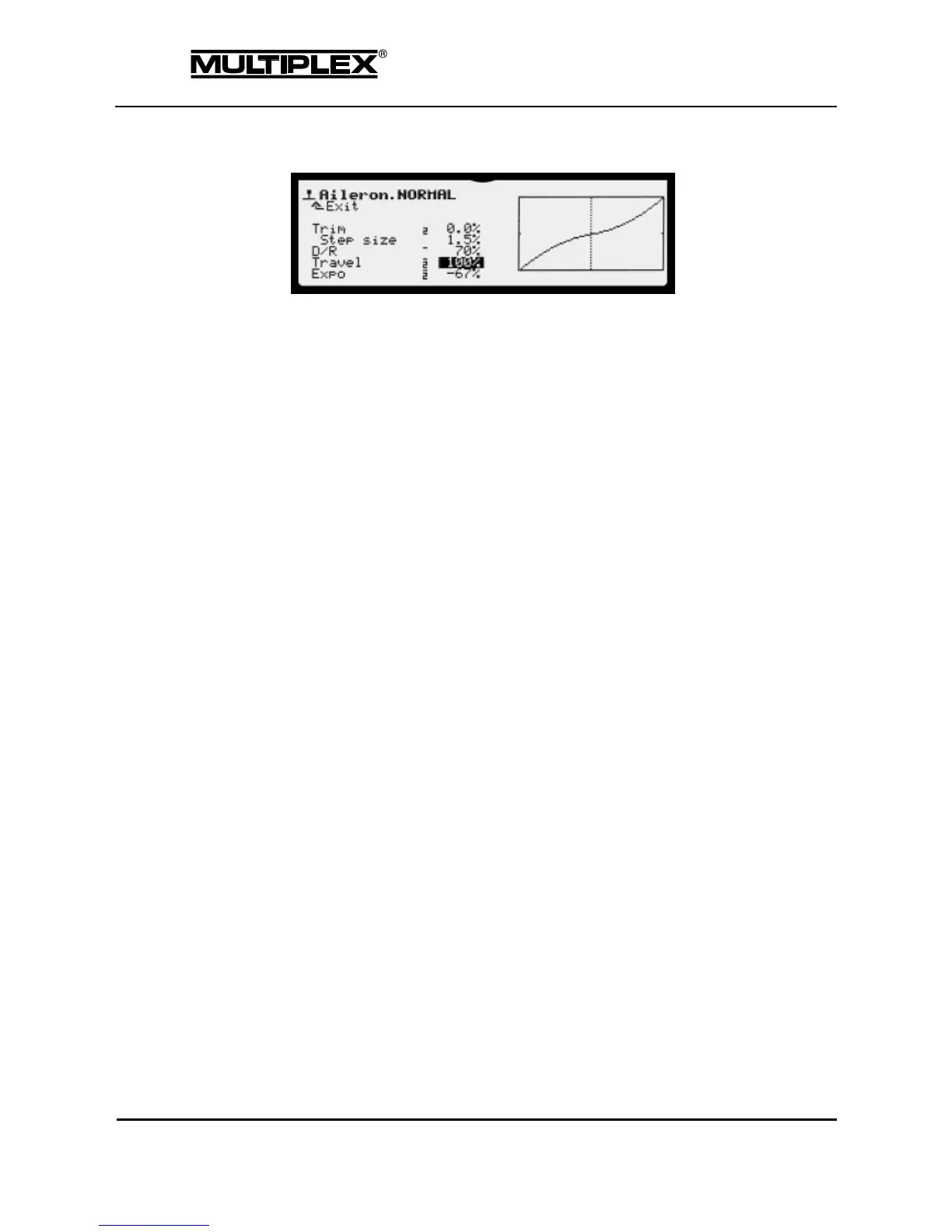
This example shows the screen for the Aileron control function:
Line 1: Designation of the control function and the active flight phase
Line 2: ¨Exit: Return to the parent menu level
Remaining lines:
On the left, all parameters for the selected control function are listed with their
set values.
o Values that can be assigned to a digi-adjuster are marked by a
short horizontal dash preceding the value (see section 5.3.1
"Allocating a set value" on page 168).
o Values that have individual parameters for each flight phase are
marked by a small number (the flight phase number) preceding the
value (see section 4.3.3 "Flight phases" on page 97).
Graph
The effect of all settings is visualized in the graph on the right side of the
screen. The graph illustrates the behaviour of the control function. The dotted
vertical line indicates the current position of the control.



 To Next Page