To ensure that the swashplate moves in the required manner, the swashplate
servos must be connected to the receiver in the correct sequence. The channel
assignment varies according to the selected servo assignment and can be viewed at
any time in the Servo > Assign menu (see section 4.6.2 "Assign" on page 149):
Front or back swashplate servo
Left swashplate servo (as seen from the tail)
Right swashplate servo (as seen from the tail)
Fourth swashplate servo, only useful when installed at
90°
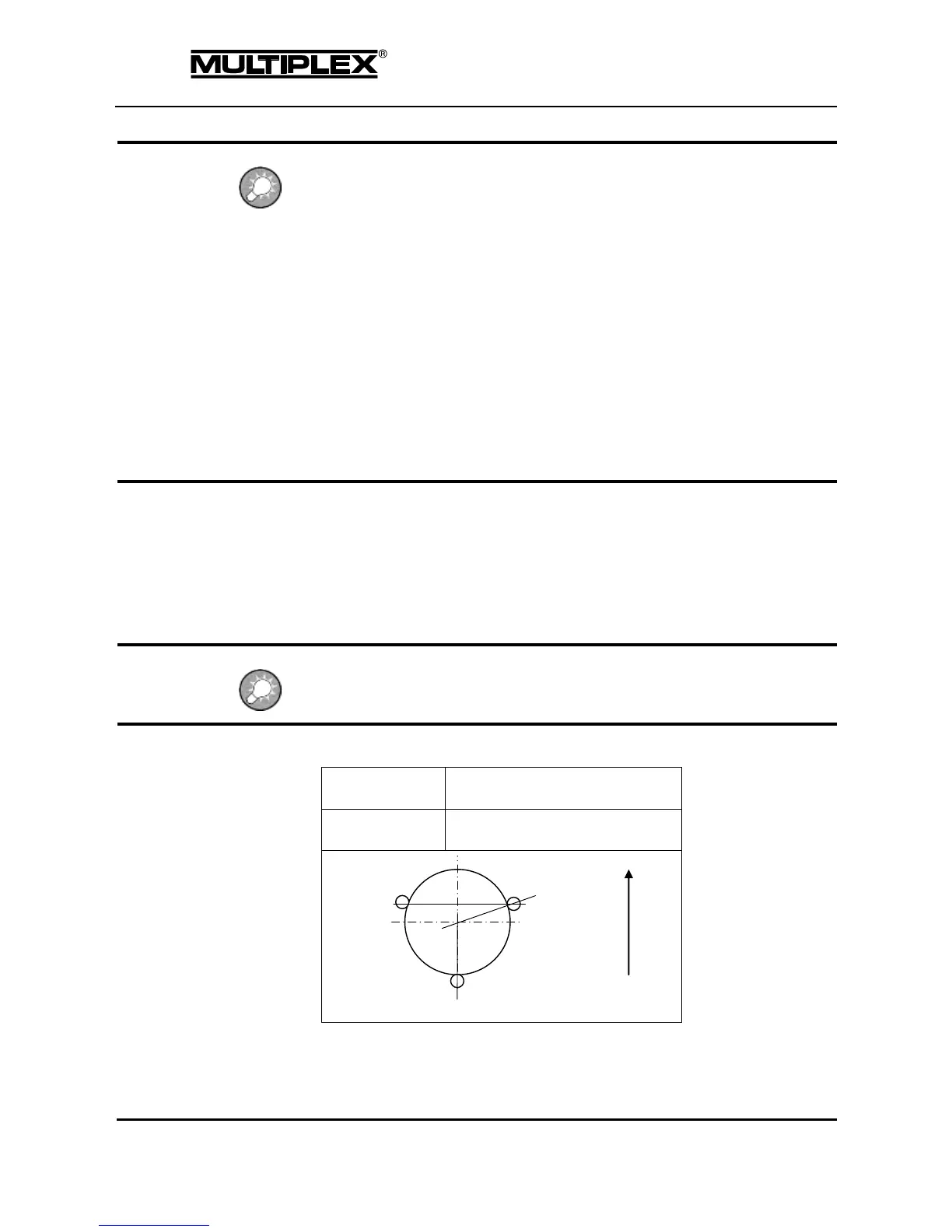
Geometry
Angle between the MAINROTOR-FB swashplate servo and the lateral
MAINROTOR-L. / MAINROTOR-R. servos.
Setting range: 90 to 150º / -90 to -150º
Default: 120º
The angle must be entered with a negative prefix "-" if the MAINROTOR-FB servo is at
the front when seen from the tail (see example 2).
Example 1: 3-point 120º swashplate



 To Next Page