Controls mode
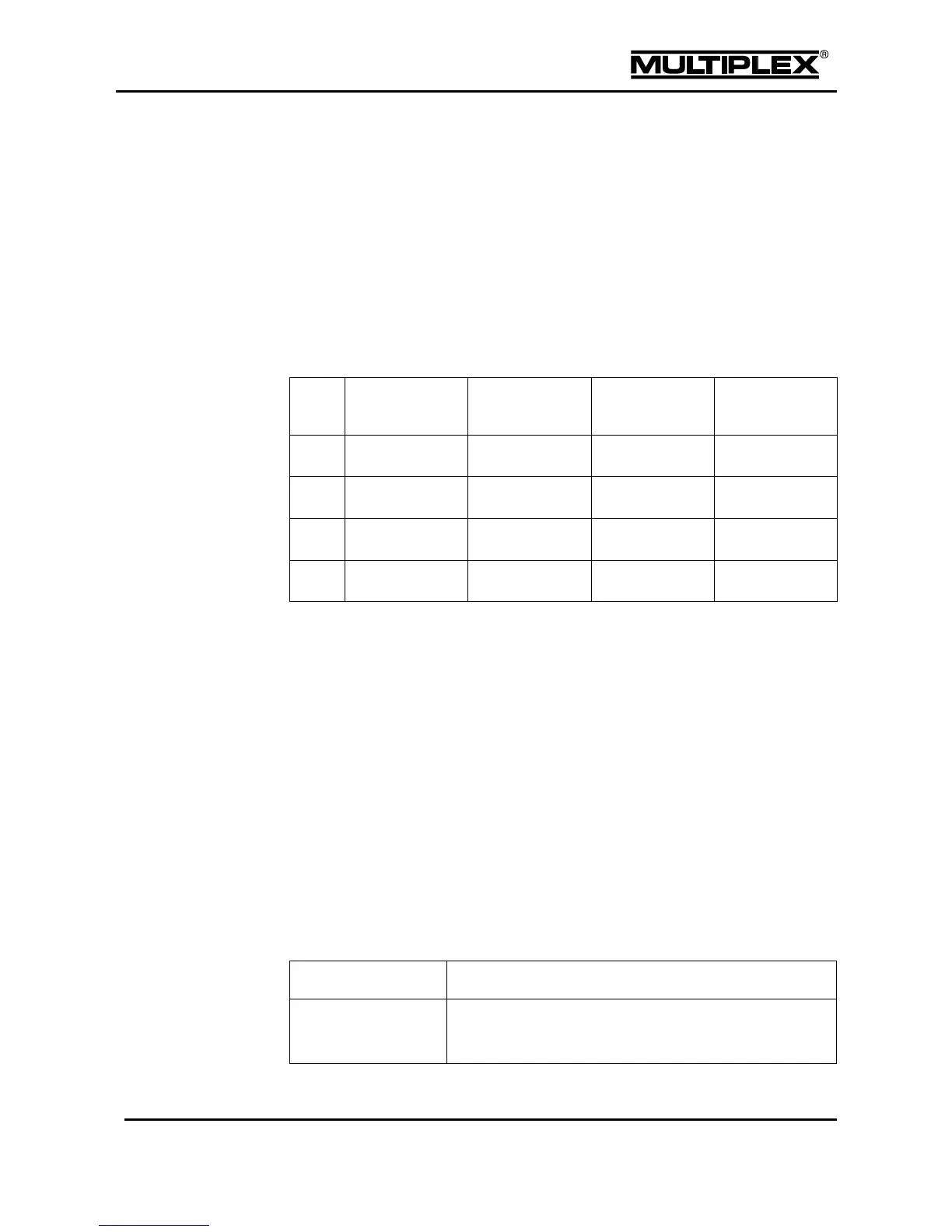
Ailerons, elevators and rudders are controlled by the stick units. The stick units are
assigned to the individual axes using a standardised controls mode (1 to 4).
You configure the controls mode in the Setup > Assign.Controls > Ctrl
Mode menu (see section 4.3.6 "Assign.Controls" on page 104). One vertical axis
always remains unassigned (¢ icon) and can be assigned using the assignment
list. In power models, ¢ is typically used for "Throttle", in glider-type models for
"Spoiler".
The controls modes:
Assignment list
The assignments are stored in the memory of the respective model.
To assign a control function proceed as follows:
1. Move the input cursor to the control function you wish to assign a control to.
2. Open the input field.
3. Assign a control by pressing the + / – buttons, by using the central wheel or by
operating the control.
4. To set the actuation direction keep the control in the desired zero position and
close the input field. Alternatively, you can invert, erase or reset the control by
pressing the REV/CLR button, if required.
You can freely assign 21 physical and 6 logical controls to the following
12 control functions:



 To Next Page