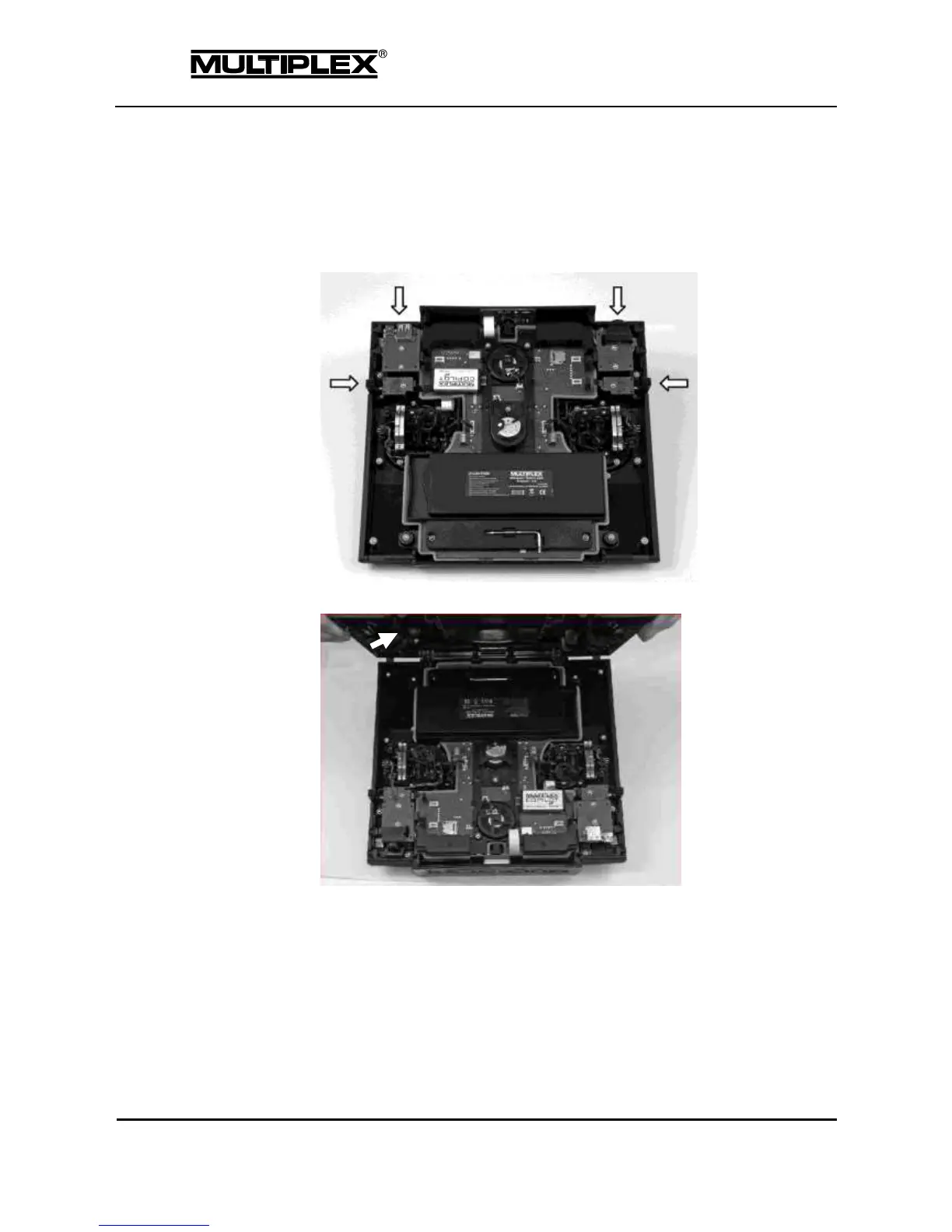
Closing the case
6. Remove the USB and headset cables.
7. Place the transmitter upside down on a soft surface.
8. Move the controls on the side to the centre position.
9. Place the lower edge of the back case cover vertically onto the case.
10. Swivel the back case cover to the front, push down and press gently to snap it
into place.



 To Next Page