XZAC4219-05 Service Manual
6-11
Adjusting the horizontal magnetic/MICR drive belt tension
• MACHINE STATUS
– Printer switched off and without casing.
– Read/write carriage in reset position (end of stroke motor side).
• CONDITIONS TO BE CHECKED
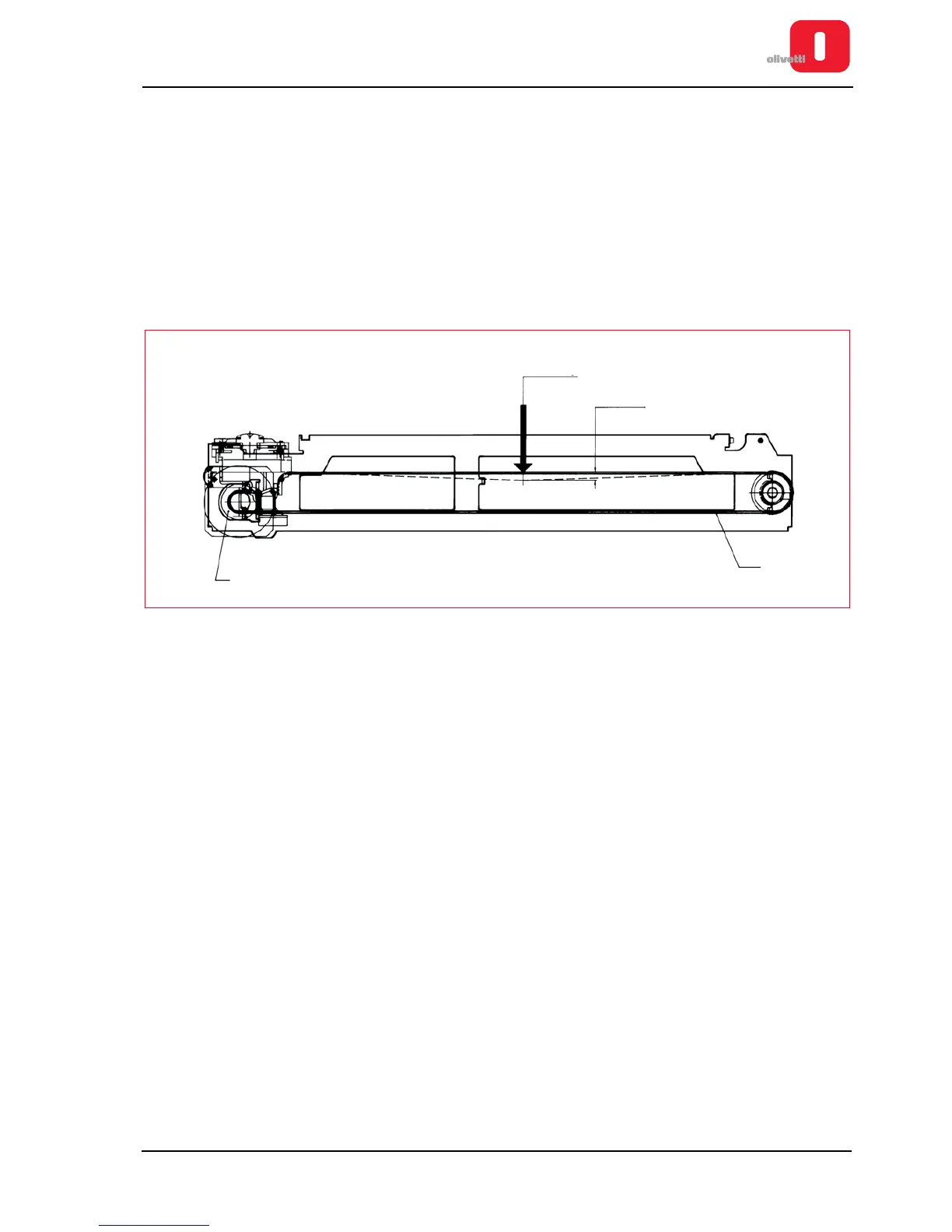
Cogged belt (1) tensioned so as to obtain a deflection of 5 mm with a load of 60 g applied at the center of the
stroke of the carriage. Make the recording with the carriage in the reset position (left-hand end of stroke - motor
side).
• PROCEDURE
Loosening the lock-screws, move the motor (2) until the conditions required are obtained and then tighten the
screws.
Figure 6 - 10 Adjusting the horizontal magnetic/micr drive belt tension















 To Next Page