XZAC4219-05 Service Manual
7-29
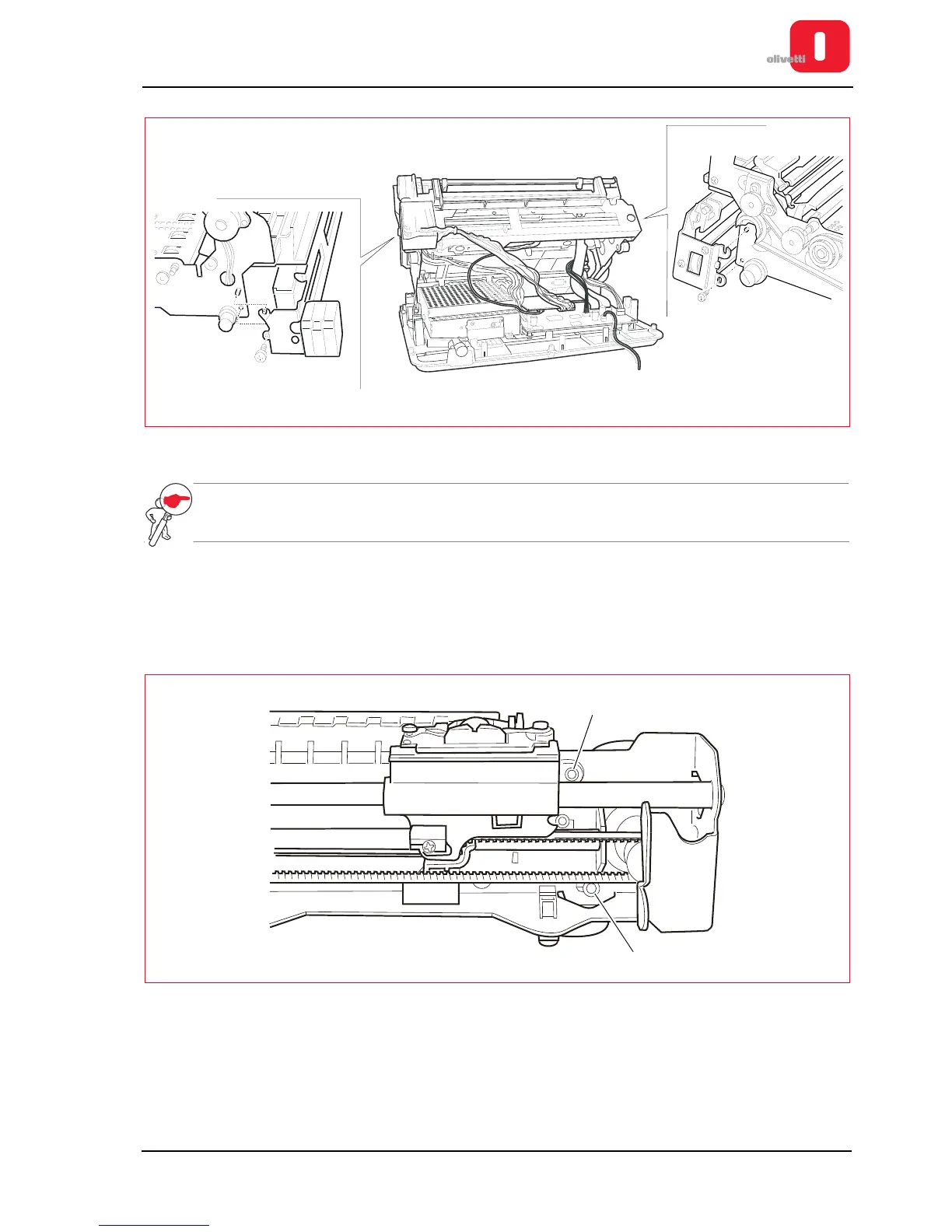
Figure 7 - 39 Fastening screws for horizontal magnetic unit (printers with serial number 1.xxx.xxx)
NOTE: during reassembly, adjust positioning of the assy on the structure. See the section “Positioning the
assy on the horizontal magnetic/MICR structure” on page 6 - 14.
Horizontal magnetic/MICR motor disassembly/reassembly
1. Remove the horizontal magnetic/MICR assy. See the section “Horizontal magnetic/MICR disassembly/
reassembly” on page 7 - 28.
2. Loosen the two nuts (1) and remove the motor with related protection shield.
Figure 7 - 40 Horizontal Magnetic motor lock-nuts















 To Next Page