XZAC4219-05 Service Manual
5-1
Chapter 5 - MACHINE DIAGNOSTICS
POWER-ON SELF-TEST
The PR2 plus features a set of diagnostic tests that are activated automatically at power-on.
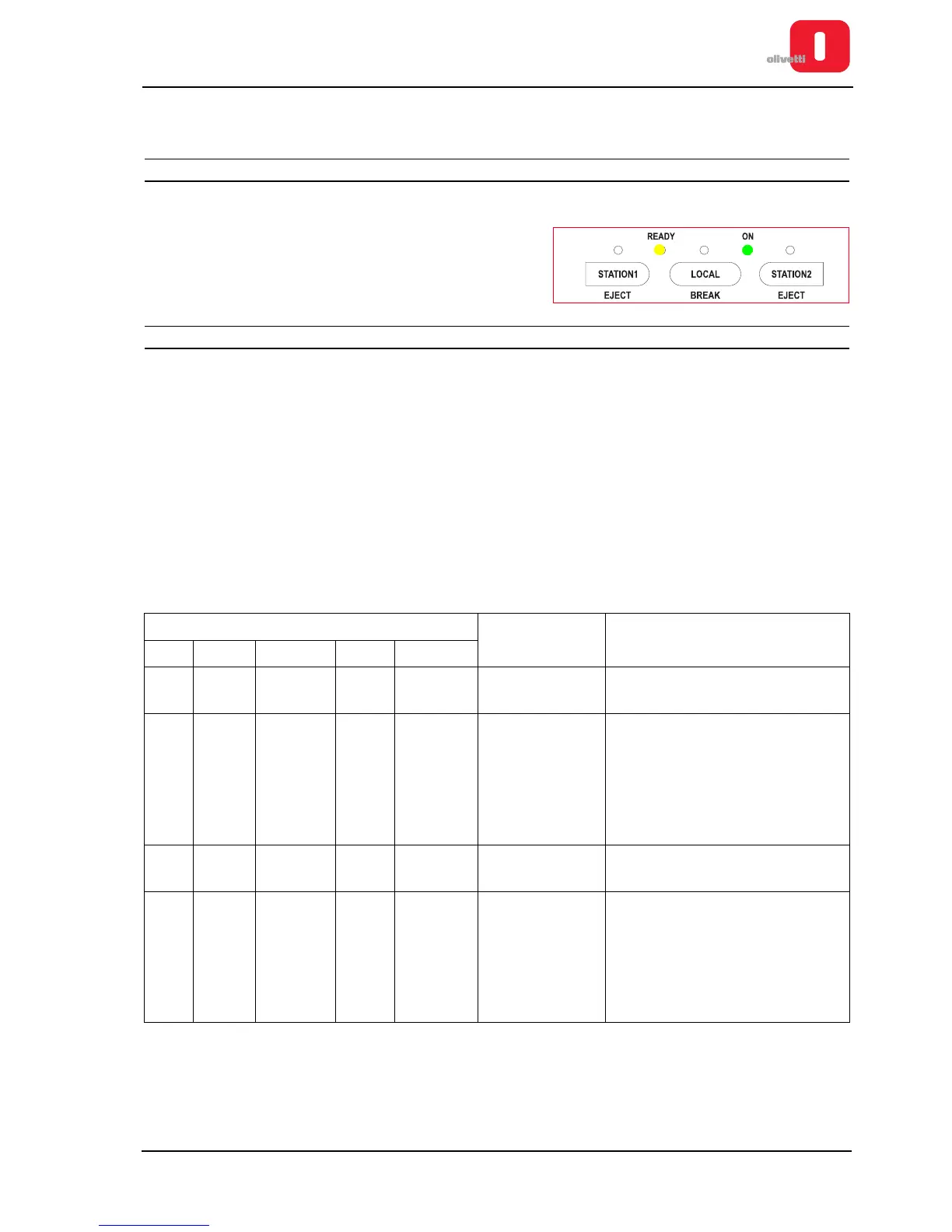
At the end of the self-test phase, if no errors have been detected,
the printer switches to READY status (ON and READY LEDs on
the console on).
Any FW or HW faults are highlighted by LEDs on the console.
ERROR MESSAGES
In the following are shown two tables indicating the meaning of the LEDs in relation to the type of error situation
encountered during the auto-diagnostics phase. The first refers to printers with the serial number 8.xxx.xxx, the
second to printers with the serial number 1.xxx.xxx.
Faults are classified as follows:
1. Non-recoverable fault. Blocks the machine and is eliminated only by switching off the printer and carrying out
the necessary repairs.
2. Fault that can be recovered by the operator eliminating the problem (paper jam) and then pressing the
STATION1 key with the cover open.
3. Anomaly recoverable by calibrating the printer (for example, calibrating photosensors).
Printer anomalies with serial number 8.xxx.xxx
Console LED Anomalies Possible solution
ON Ready Station1 Local Station 2
- - - - - Power unit
See the section “Faults at power-on”
on page 5 - 15.
1x XO O O O
CRC Error in
BOOT sector of
flash
Replace the motherboard. See the
section Disassembling/reassembling
the motherboard (printers with
scanner) or Disassembling/
reassembling the motherboard
(printers with serial number
8.xxx.xxx and 1.xxx.xxx).
2x XO O O O
Firmware
not present
Proceed with forced loading of the
firmware.
3x XO O O O
Programming
error
Replace the motherboard. See the
section Disassembling/reassembling
the motherboard (printers with
scanner) or Disassembling/
reassembling the motherboard
(printers with serial number
8.xxx.xxx and 1.xxx.xxx).















 To Next Page