XZAC4219-05 Sercice Manual
3-5
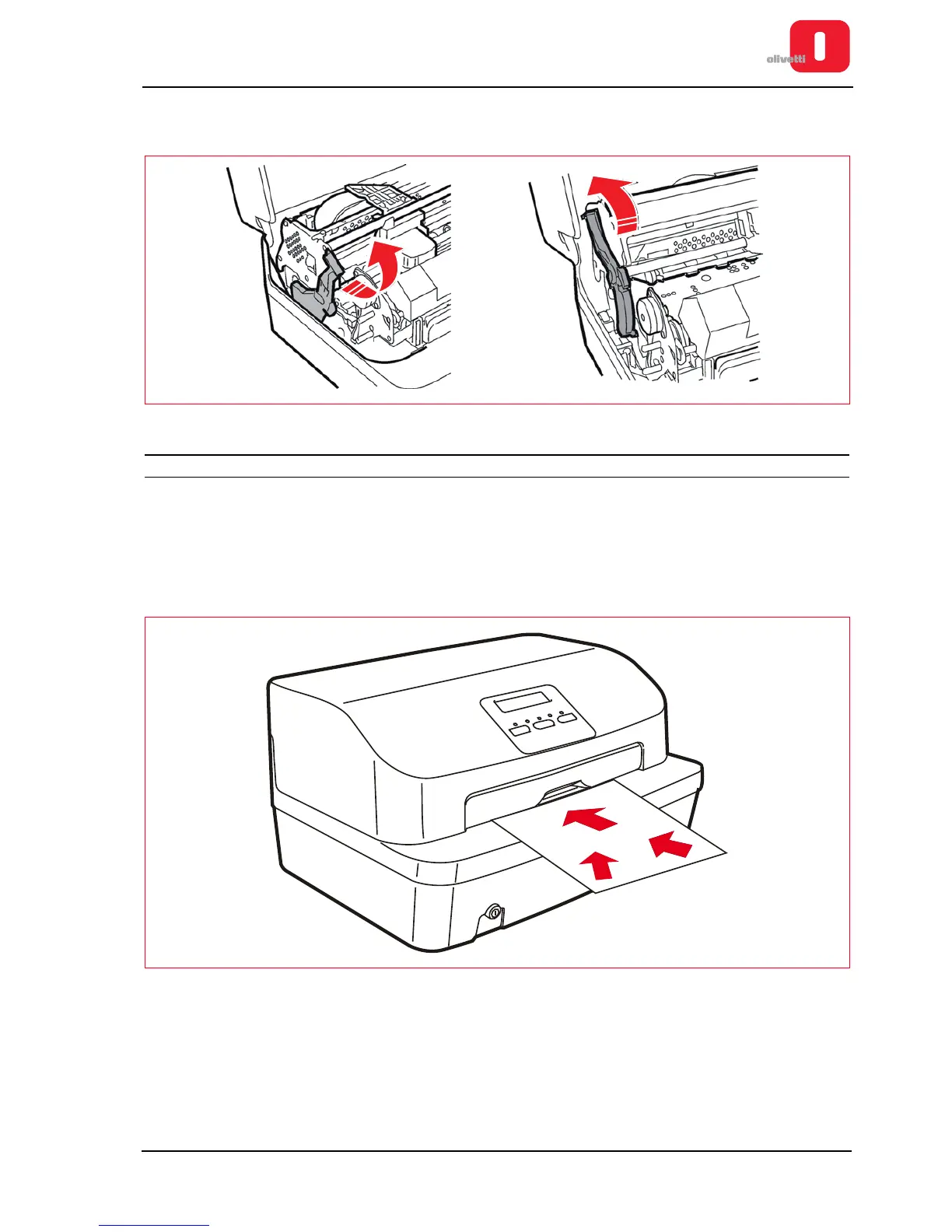
2. Bringing the lever to its end of stroke position lifts the upper part of the mechanism, permitting access to the
document feed zone.
Figure 3 - 4 Lever for lifting the upper part of the mechanism
OPERATING PROCEDURE FOR INSERTING THE DOCUMENTS TO BE PRINTED
Inserting the document with automatic alignment
The resting surface of the casing facilitates introduction of documents in the machine.
1. With the printer on, place the document at the center of the front slot and insert it in the feed slot.
2. Release the document as soon as the automatic alignment system is activated.
Figure 3 - 5 Automatic introduction of the document















 To Next Page