7-4 Service Manual
XZAC4219-05
Casing disassembly/reassembly
1. Disassemble the upper cover.
See the section “Top cover disassembly/reassembly” on page 7 - 3.
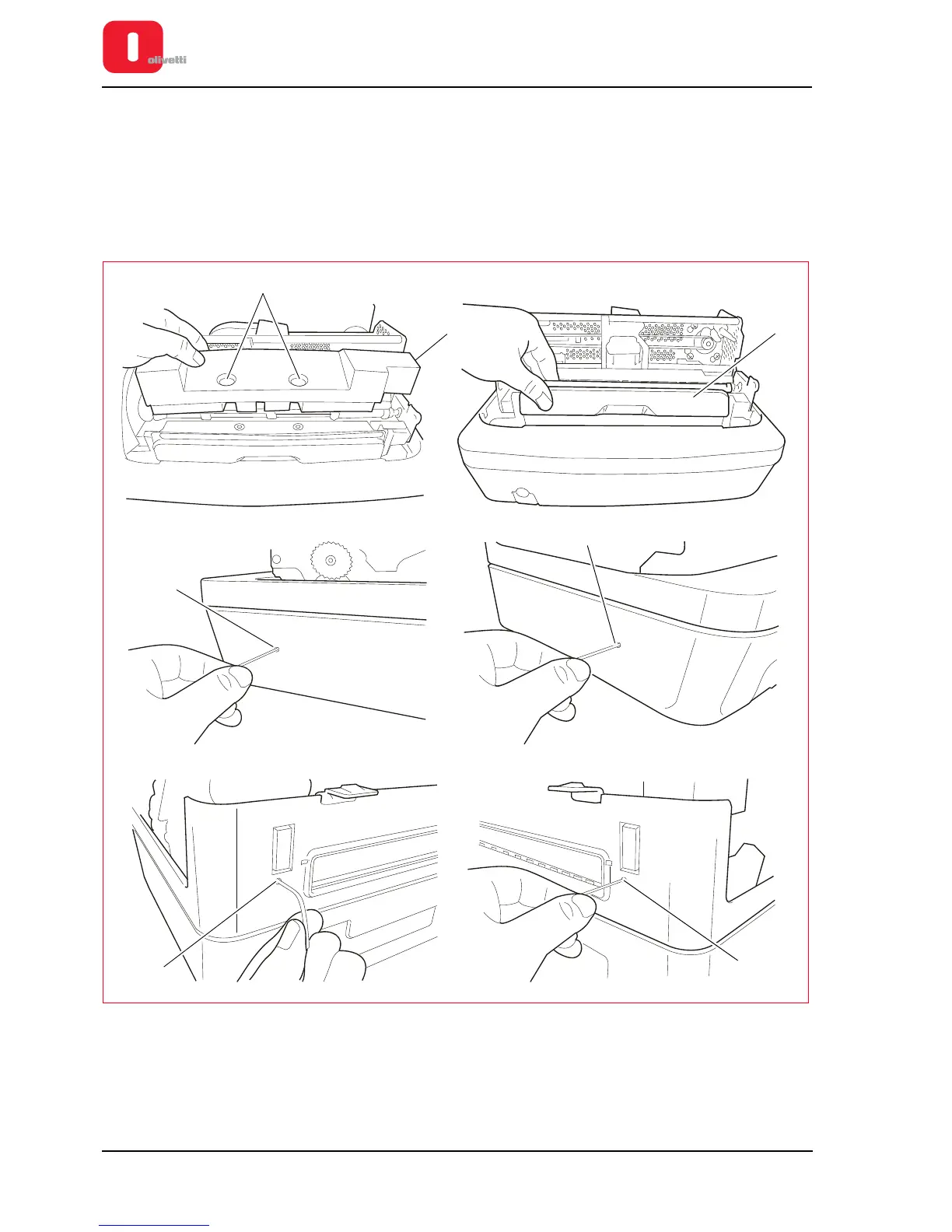
2. Release the pins (1) of the sound-absorbing material (2) and remove it.
3. Extract the front slot (3), pulling it carefully upwards and towards the front of the printer. Loosen the 4 screws
that fix it to the case.
4. Using a pointed tool, exert pressure on the four points (4) of the casing as shown in the figure.
Figure 7 - 3 Disassembling the casing
5. Lift the casing and place it to the side of the machine, as shown in the figure.
6. Back off the two screws (5) of the cover open switch and remove it.















 To Next Page