3-6 Service Manual
XZAC4219-05
Inserting the passbook
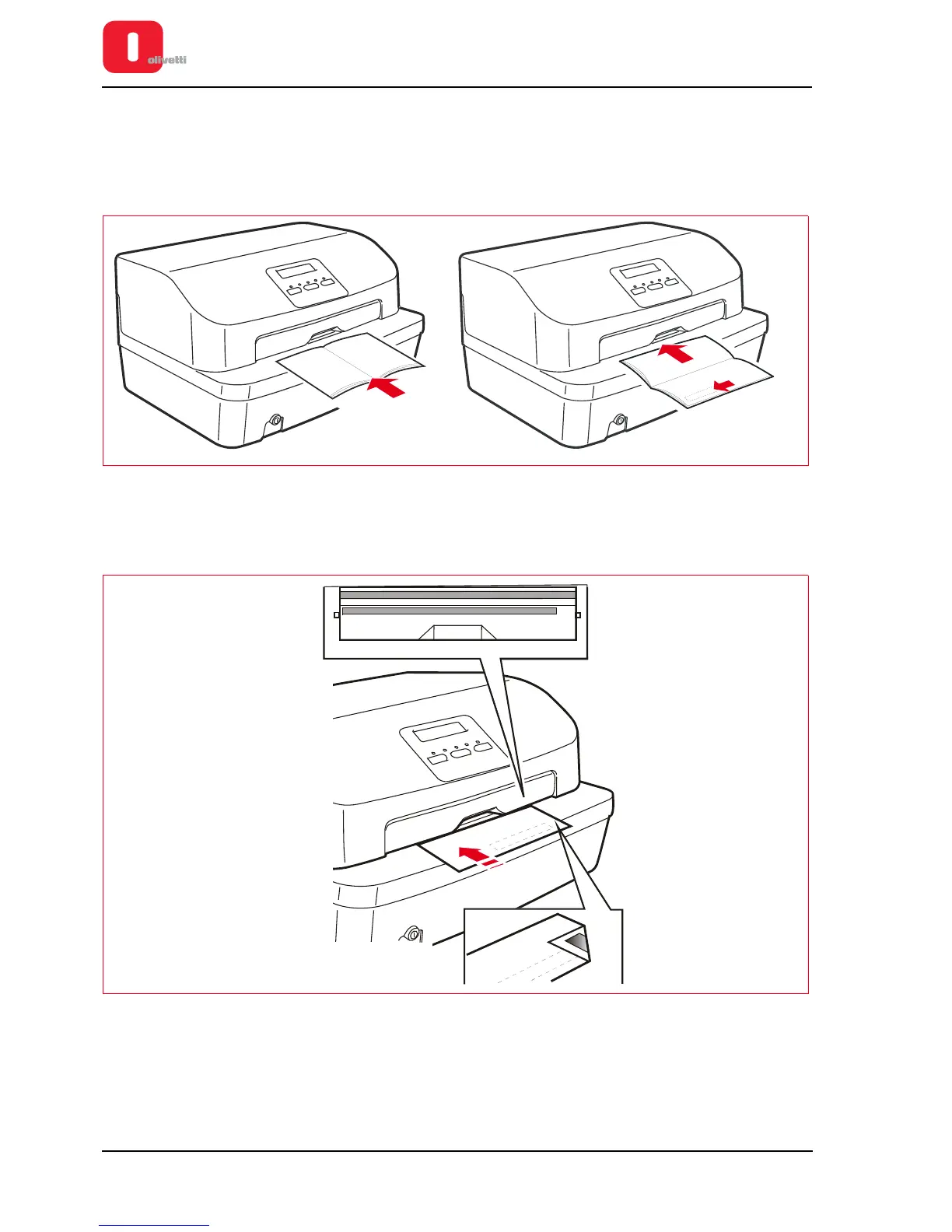
Before inserting a passbook, fold this along the back until it remains completely opened in a horizontal position and
check for any creased or torn pages in order to avoid poor quality printing and wrinkling of the pages during
introduction.
The passbook must be placed open on the supporting surface with the magnetic stripe facing down.
Figure 3 - 6 Manual introduction of the passbook
Inserting a document for horizontal magn./ MICR reading
A reference stripe for insertion of the check is provided on the front part of the cover.
Figure 3 - 7 References for check insertion for horizontal magn./ MICR reading















 To Next Page