3-12 Service Manual
XZAC4219-05
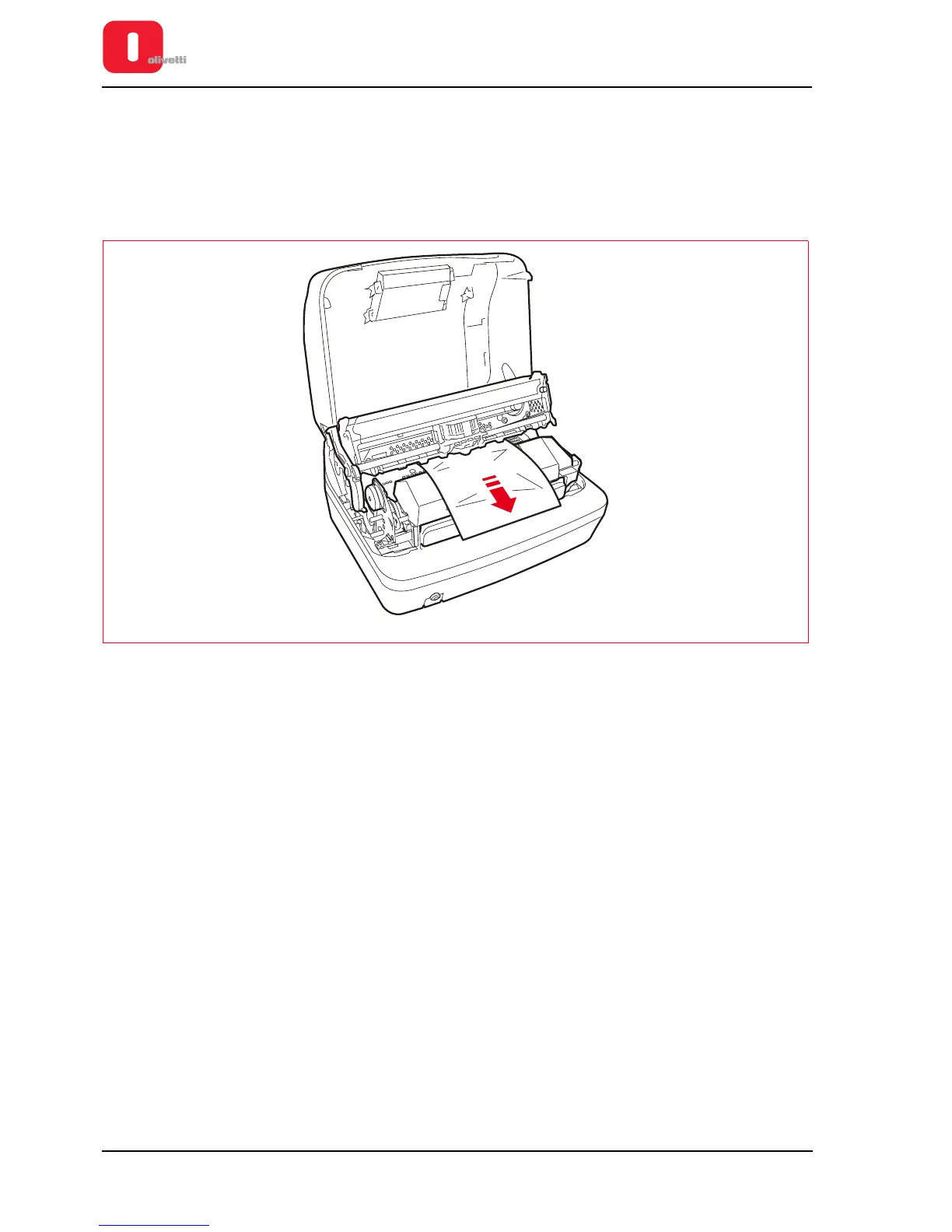
To remove a document that has jammed from inside the printer, proceed as follows:
1. Switch off the printer.
2. Open the cover and switch on the printer with STATION 1/EJECT pressed.
3. Wait for the acoustic signal.
4. Actioning the lever, raise the upper part of the mechanical assembly. Refer to section “Lever for lifting the upper
part of the mechanism” on page 3 - 4.
Figure 3 - 15 Removing paper jams
5. Pressing STATION1 / EJECT or STATION2 / EJECT, the paper will be moved forward and back so that it is
possible to remove the scraps of paper that have jammed.
6. Switch off the machine and close the cover before switching the printer on.















 To Next Page