MULTI GAUGE CONTROLLER MAINTENANCE AND SERVICE
In order to update the software/irmware via USB the USB memory stick must be formatted as FAT
/ FAT32. Then simply copy the update ile received from us to the memory stick and insert into the
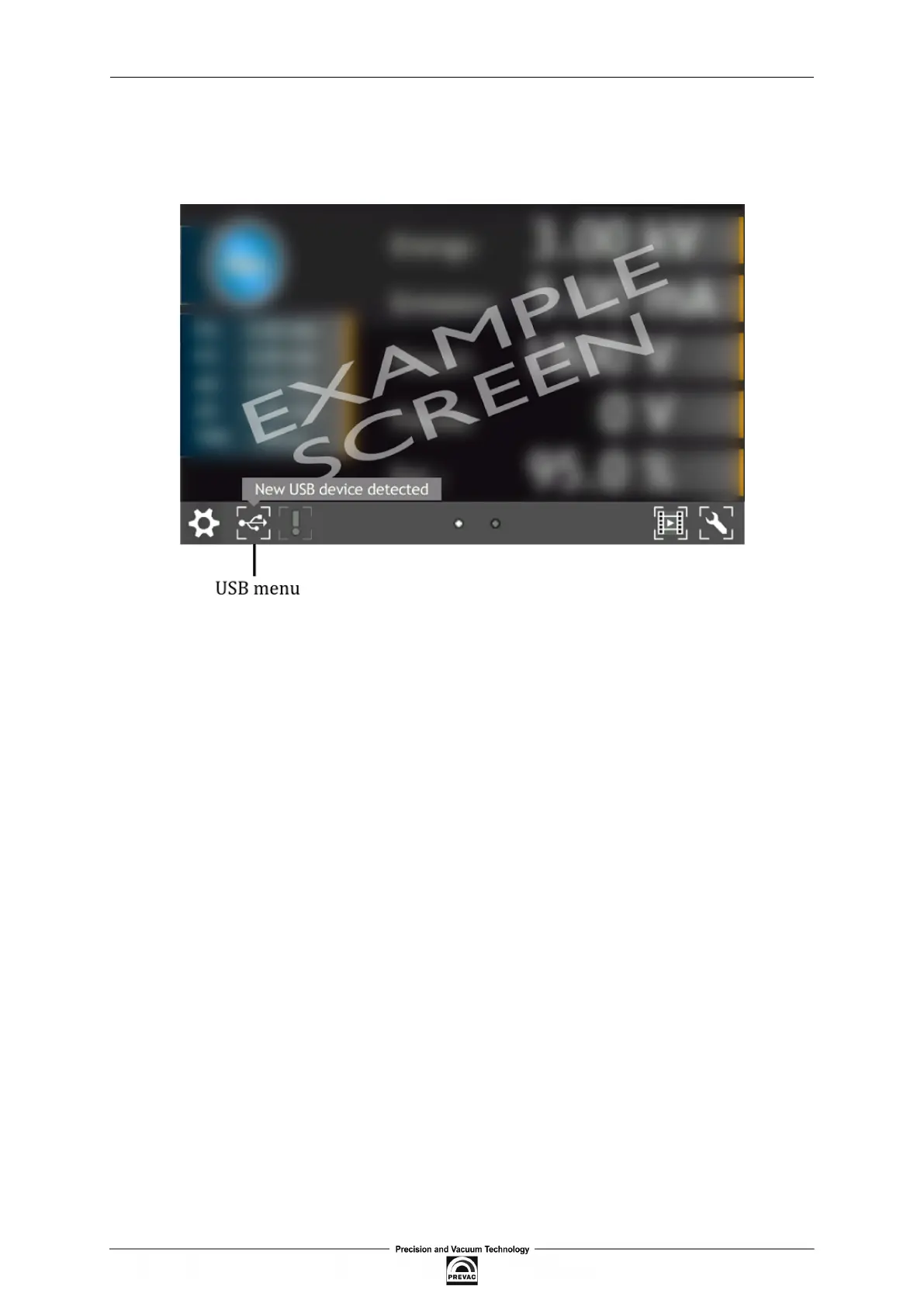
USB slot on the front of the MG15 . The “New USB Device Detected” hint will appear on the bottom
of the screen.
Figure 7.1: USB detected hint
The USB menu is accessed by clicking the USB icon on the bottom of the screen. This displays several
options:
• see list of found irmware,
• copy user manual to USB,
• un-mount USB drive,
• export log ile onto USB,
• see list of videos on USB,
• copy new language to device,
User manual rev. 03 Page 111



 To Next Page