MULTI GAUGE CONTROLLER MAINTENANCE AND SERVICE
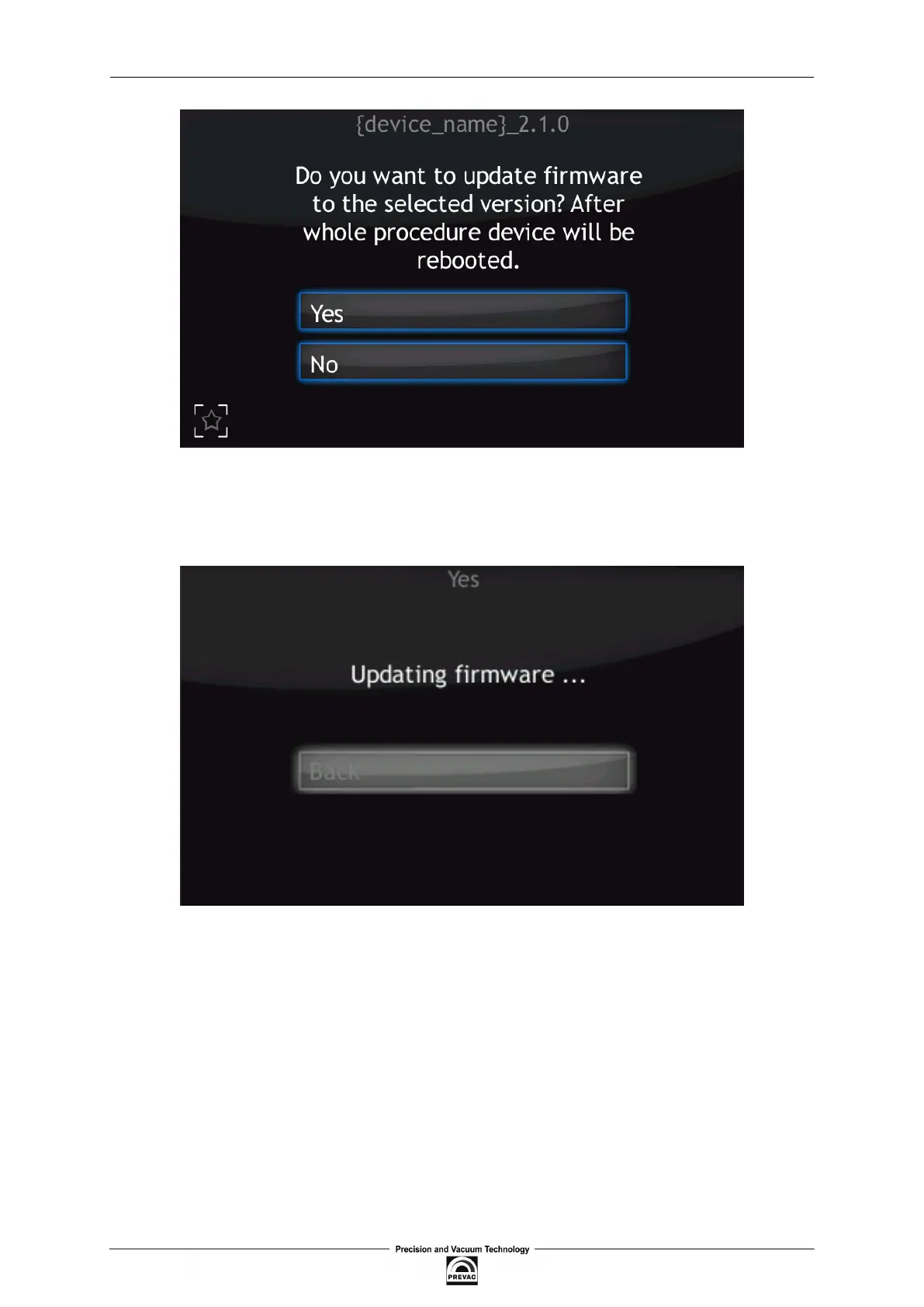
Figure 7.4: Restart message
After selecting to proceed with the update, the device will stop and the updating procedure will be
initiated. The update process takes a few minutes during which time the screen below is displayed.
Figure 7.5: Updating irmware
User manual rev. 03 Page 113



 To Next Page