OPERATION MULTI GAUGE CONTROLLER
The data of each session are stored in iles named ChartData_ series_name.csv. The ile contains
information about the time and value of each point. The time is compatible with the system date.
Example content of the data ile:
Time;data[mbar]
2017-01-01 11:59:46.816;1.50e+3
2017-01-01 11:59:47.028;8.36e+2
3.4.2.7 ACTIVATION OF CHART MODULE
To activate the module:
1. Read the product and serial numbers from the Information menu
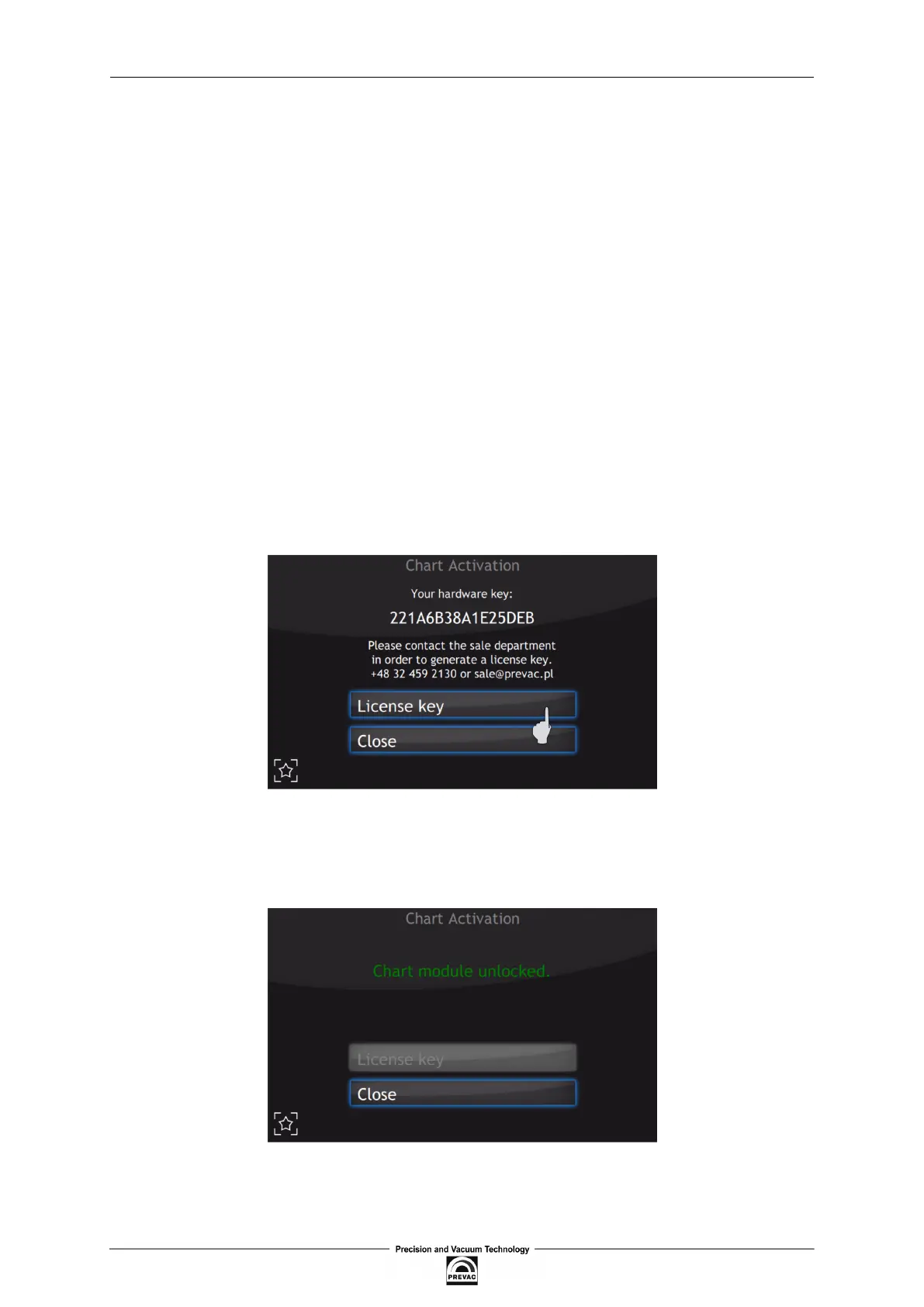
2. Read the product key from the Device Settings → Chart Activation
3. Contact the sales department (+48 32 459 2130 lub sale@prevac.pl) and provide both num-
bers and the product key.
4. After completing the procedure a licence key will be provided, which should be entered after
clicking on the License key 3.18
Figure 3.18: Chart activation menu
After correct completion of the activation of the chart module, the message shown below in ig. 3.19
should appear.
Figure 3.19: Correct activation of chart module
Page 42 User manual rev. 03



 To Next Page