MAINTENANCE AND SERVICE MULTI GAUGE CONTROLLER
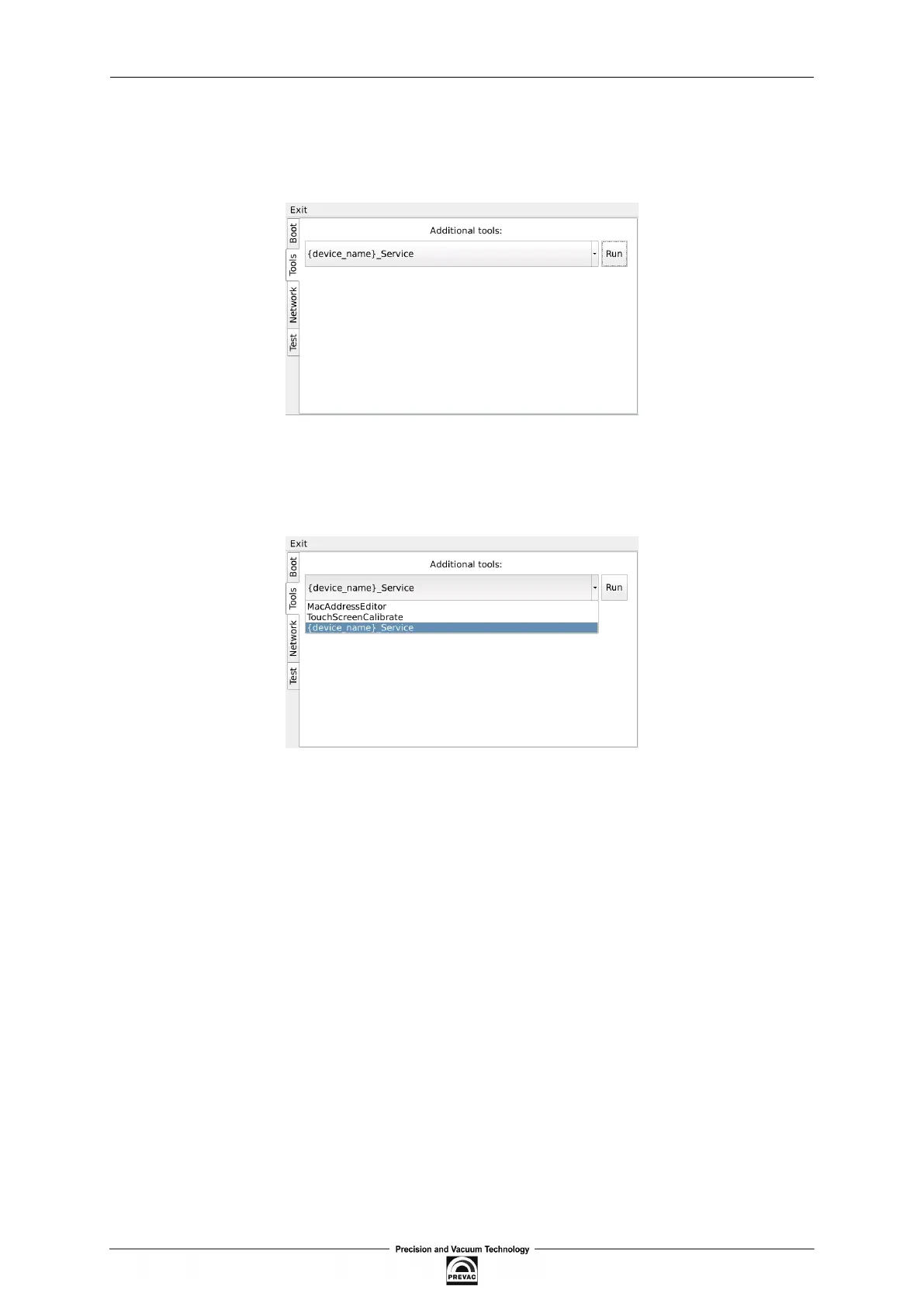
7.4.2 TOOLS MENU
The Tools menu allows the user to run applications such as touch screen or power supply calibra-
tion.
Figure 7.13: Tools menu
In order to select one of the applications, tap the desired application from the tools combo box and
tap the Run button.
Figure 7.14: Selecting additional tool
Page 118 User manual rev. 03



 To Next Page