MULTI GAUGE CONTROLLER MAINTENANCE AND SERVICE
7.4.3 NETWORK TAB
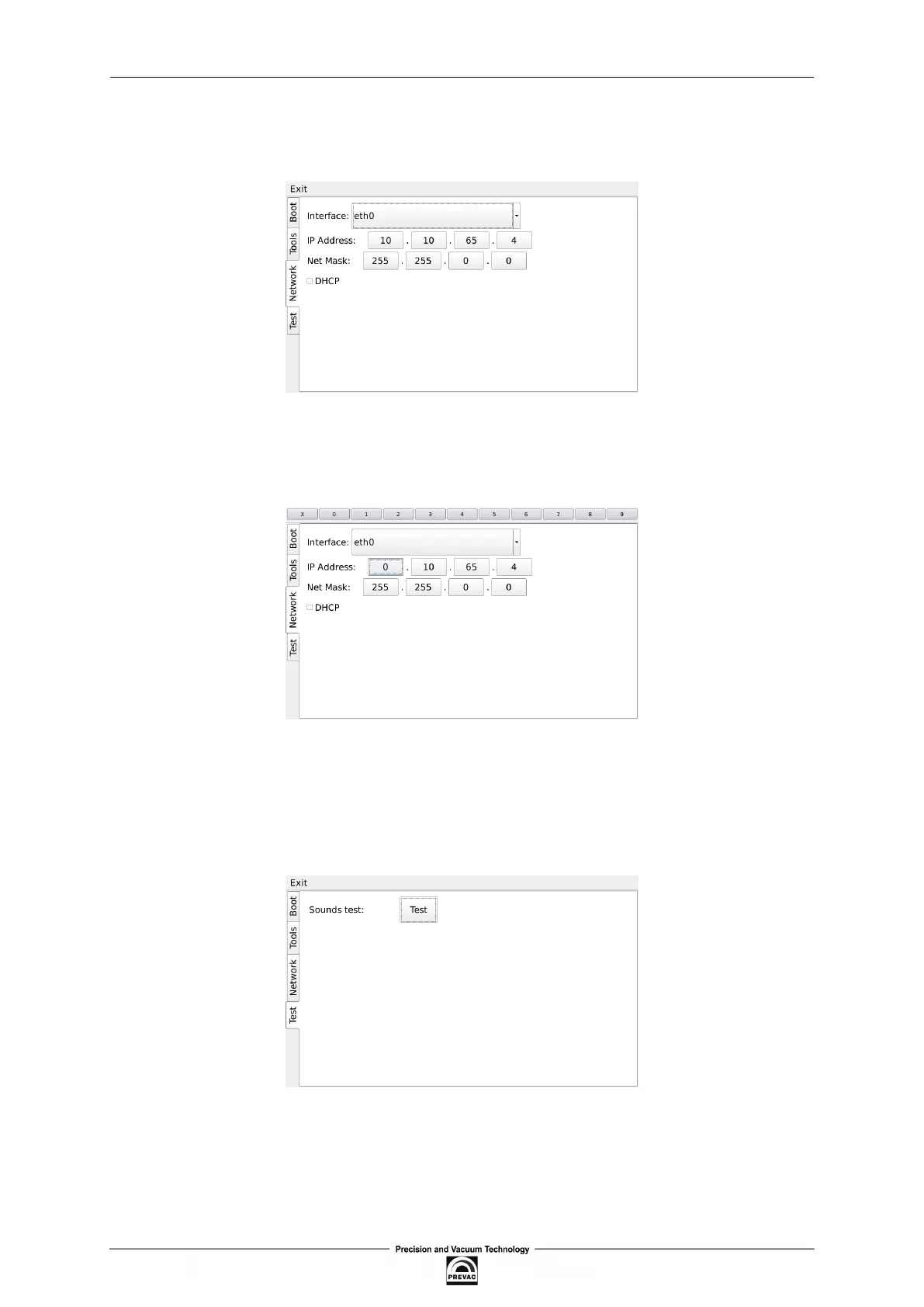
From this tab the user can conigure the IP address, netmask and enable / disable DHCP.
Figure 7.15: Network tab
After tapping on one of the editable ields, the numeric panel for editing values will appear . Input
values can be completed by tapping X button in the upper-left corner of the screen.
Figure 7.16: Numeric panel
7.4.4 TEST TAB
From this tab the user can test the speaker.
Figure 7.17: Test tab
User manual rev. 03 Page 119



 To Next Page