MAINTENANCE AND SERVICE MULTI GAUGE CONTROLLER
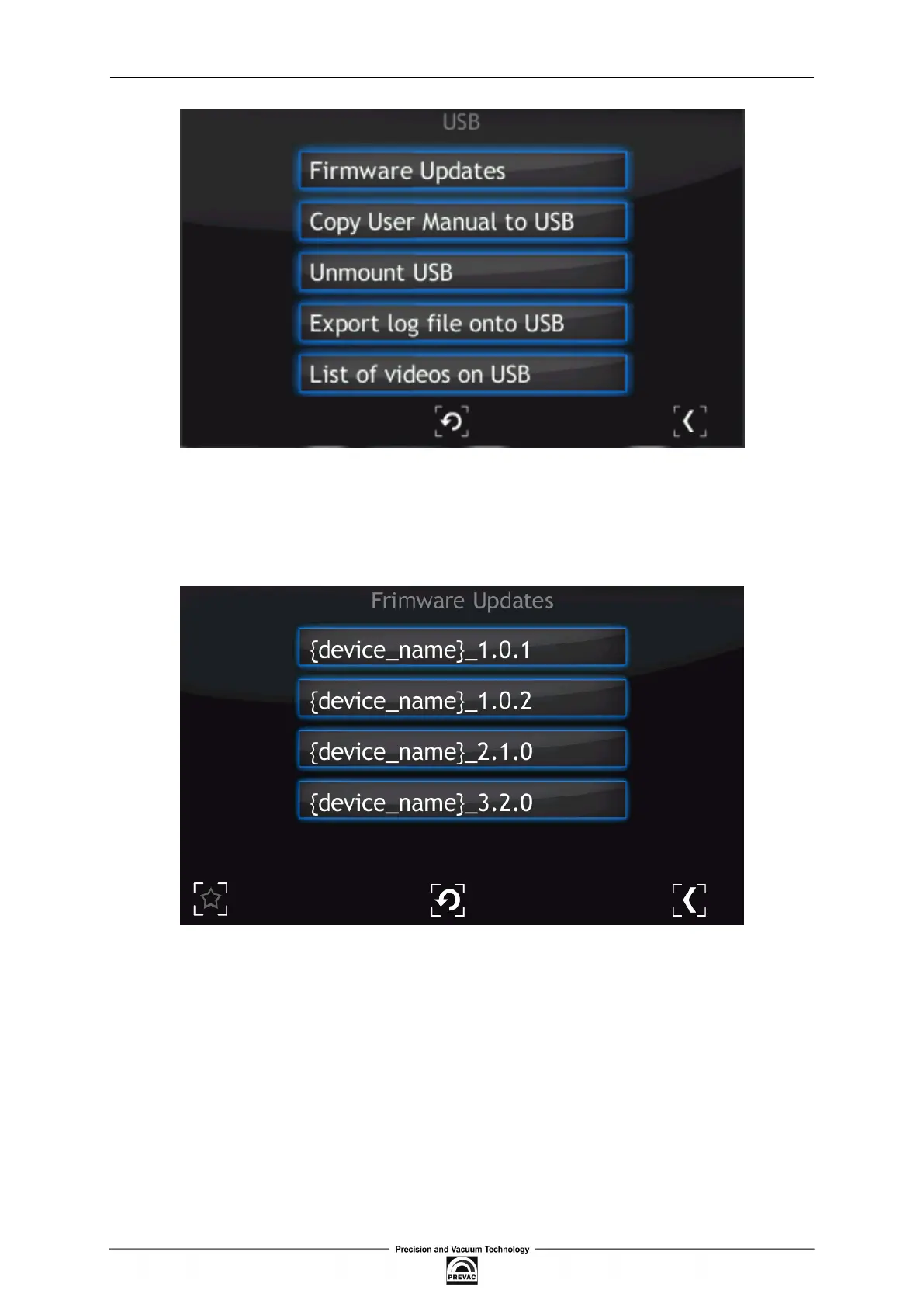
Figure 7.2: USB menu
To update the current version to a newer version, select the Firmware Updates option. To accelerate
the search for updates on the USB drive, delete all iles except the updates.
Figure 7.3: Firmware list
In order to choose one of the updates simply click on the name. The “Do you want to update
irmware to selected version? After whole procedure device will be rebooted” phrase will appear.
Selecting No returns the user to the main menu of Firmware Updates. It is highly recommended to
inish all the work on the device and save your data before pressing the “Yes” button.
Page 112 User manual rev. 03



 To Next Page