OPERATION MULTI GAUGE CONTROLLER
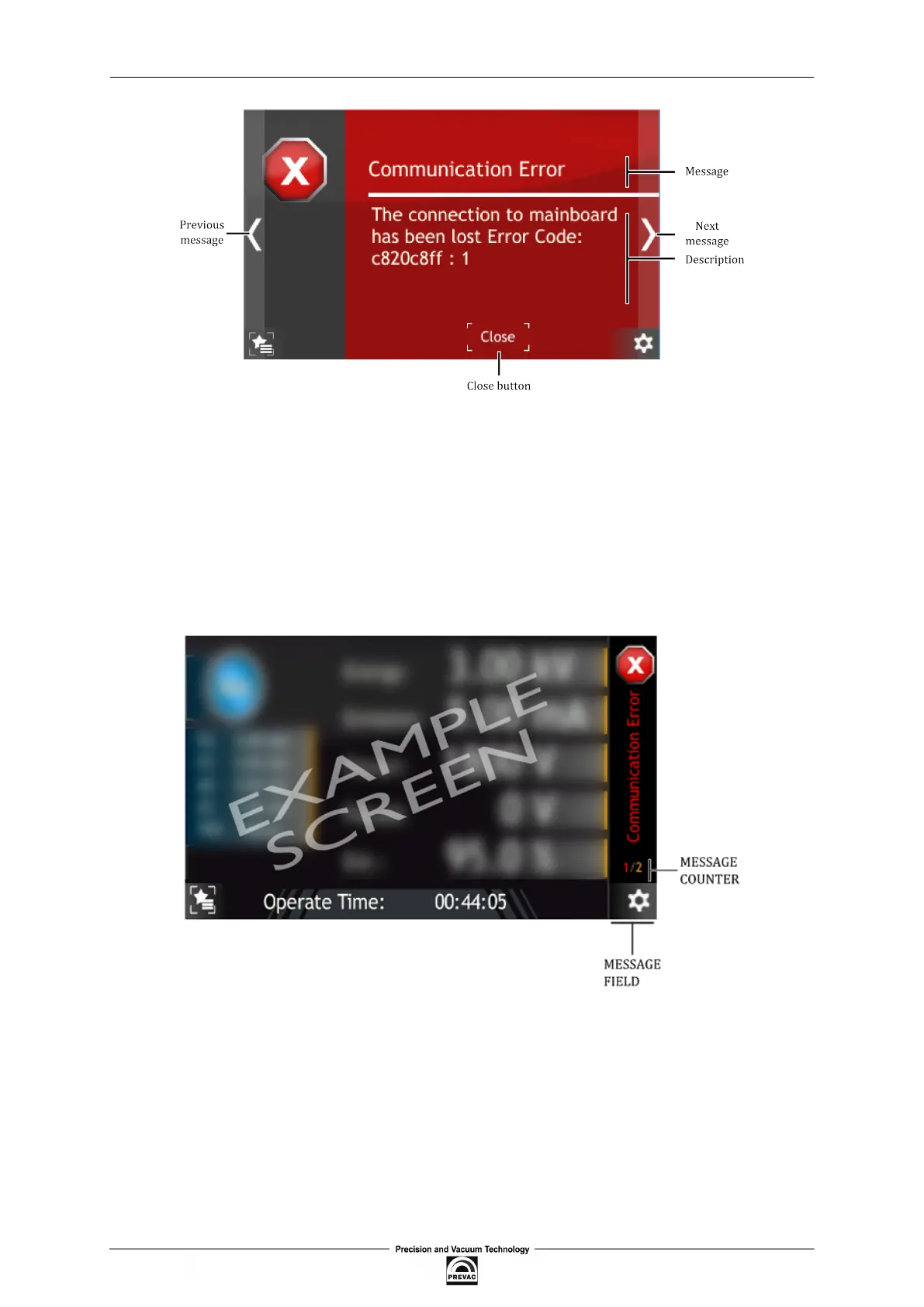
Figure 3.31: Error message
3.4.8.3 MULTIPLE MESSAGES
If several errors or warnings occur simultaneously they are indicated with a counter on the right
hand corner of a screen. The irst digit (red) of the message counter indicates the number of errors,
the second digit (yellow) indicates the number of warnings occurred in the device. Clicking on this
counter will bring up the message list. The list is displayed in date/time order from most recent to
oldest. Error messages appear in the list before Warning messages.
Figure 3.32: Multiple messages
3.4.9 VIDEO PLAYER
The MG15 can play video iles. Files can be played only from the device. The full instructions on
how to copy a video ile onto the device is in the subsection Copy video ile to the device. A short
guide on how to play the video is included in subsection Playing Video.
Page 50 User manual rev. 03



 To Next Page