OPERATION MULTI GAUGE CONTROLLER
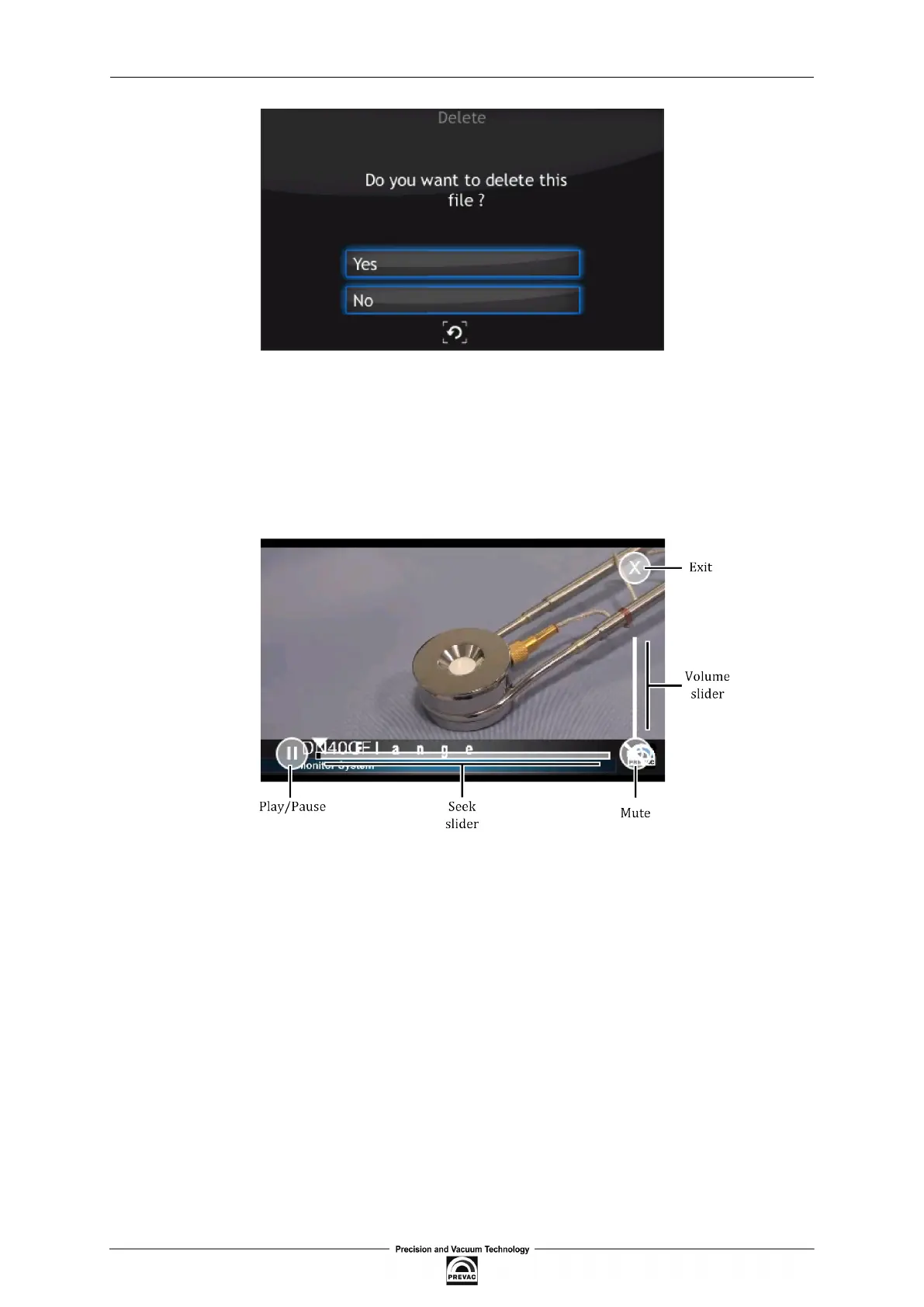
Figure 3.35: Deleting a video ile
3. To open a video, press Open. The video player is displayed.
4. Tap on the screen to see the video player menu.
All the video player menu items are described in the igure below:
Figure 3.36: Video player
3.4.9.2 COPY VIDEO FILE TO THE DEVICE
In order to copy a video ile to the device, connect a USB lash drive which contains the iles. A new
icon and information about detecting a new USB device will appear on the screen: New USB device
detected. After pressing the icon, the menu will be displayed.
Press on the List of videos on USB button to see all the videos stored on the USB drive with *.avi
extension (see Figure 3.38).
1. Choose a ile from the list.
2. To copy ile, press Copy ile to the device.
3. Depending on the ile size, the copy operation can take from a few seconds to several minutes.
At the end of the copy operation, press the Return button.
Page 52 User manual rev. 03



 To Next Page