MULTI GAUGE CONTROLLER OPERATION
3.4.9.1 PLAYING VIDEO
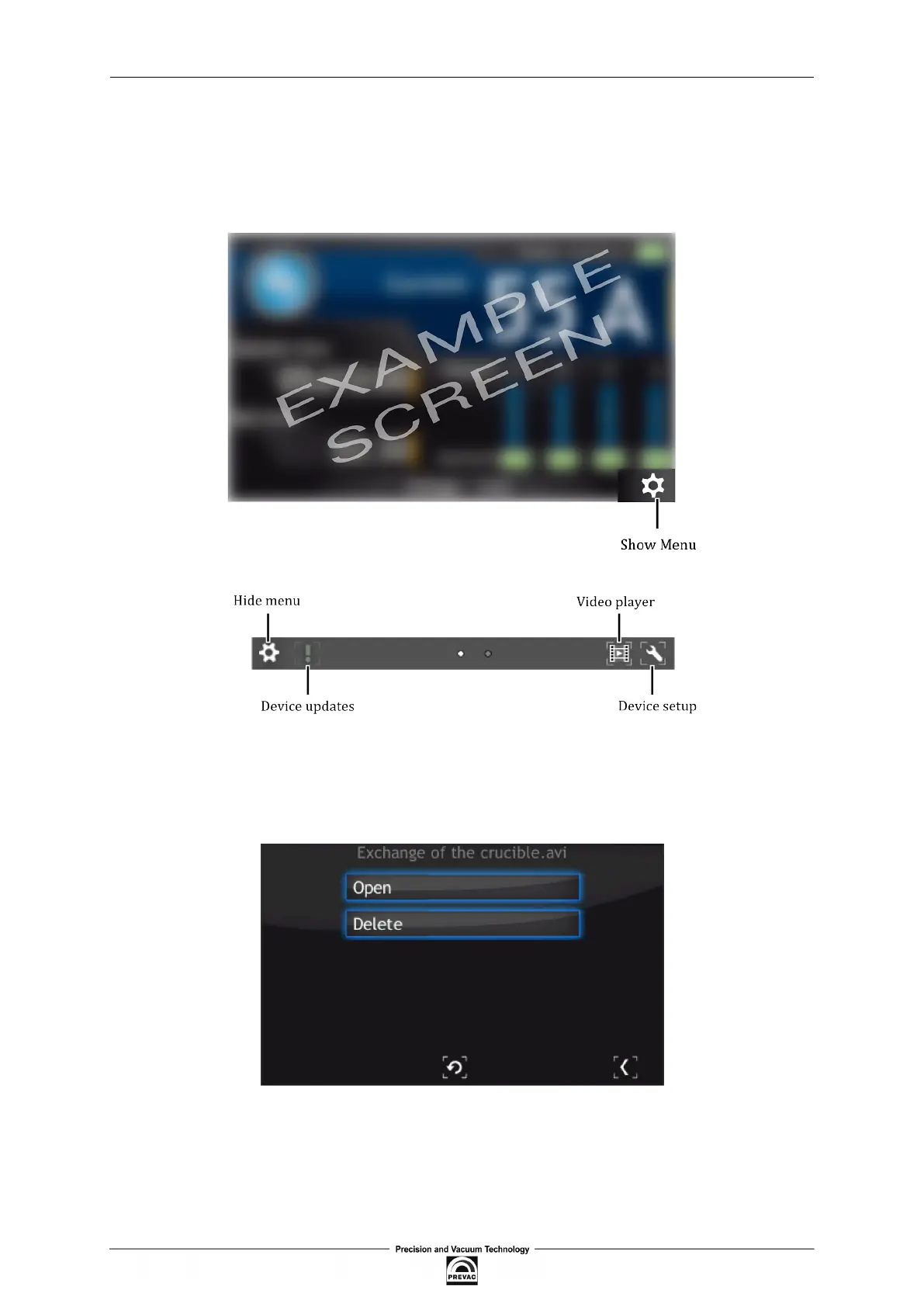
In order to play a video go to the main screen and press the Menu icon on the bottom right corner
of the screen to display the menu bar. Then press the Video player icon on the bottom right (see
Figure 3.33).
Figure 3.33: Menu bar - video player
1. Tap on the desired ile to open video menu.
Figure 3.34: Video player - menu
2. From this menu, a video ile can be played or deleted. In order to delete the ile, press Delete
and conirm the action by pressing Yes.
User manual rev. 03 Page 51



 To Next Page