MULTI GAUGE CONTROLLER INSTALLATION
2.5.6 ADDRESS DIP SWITCH
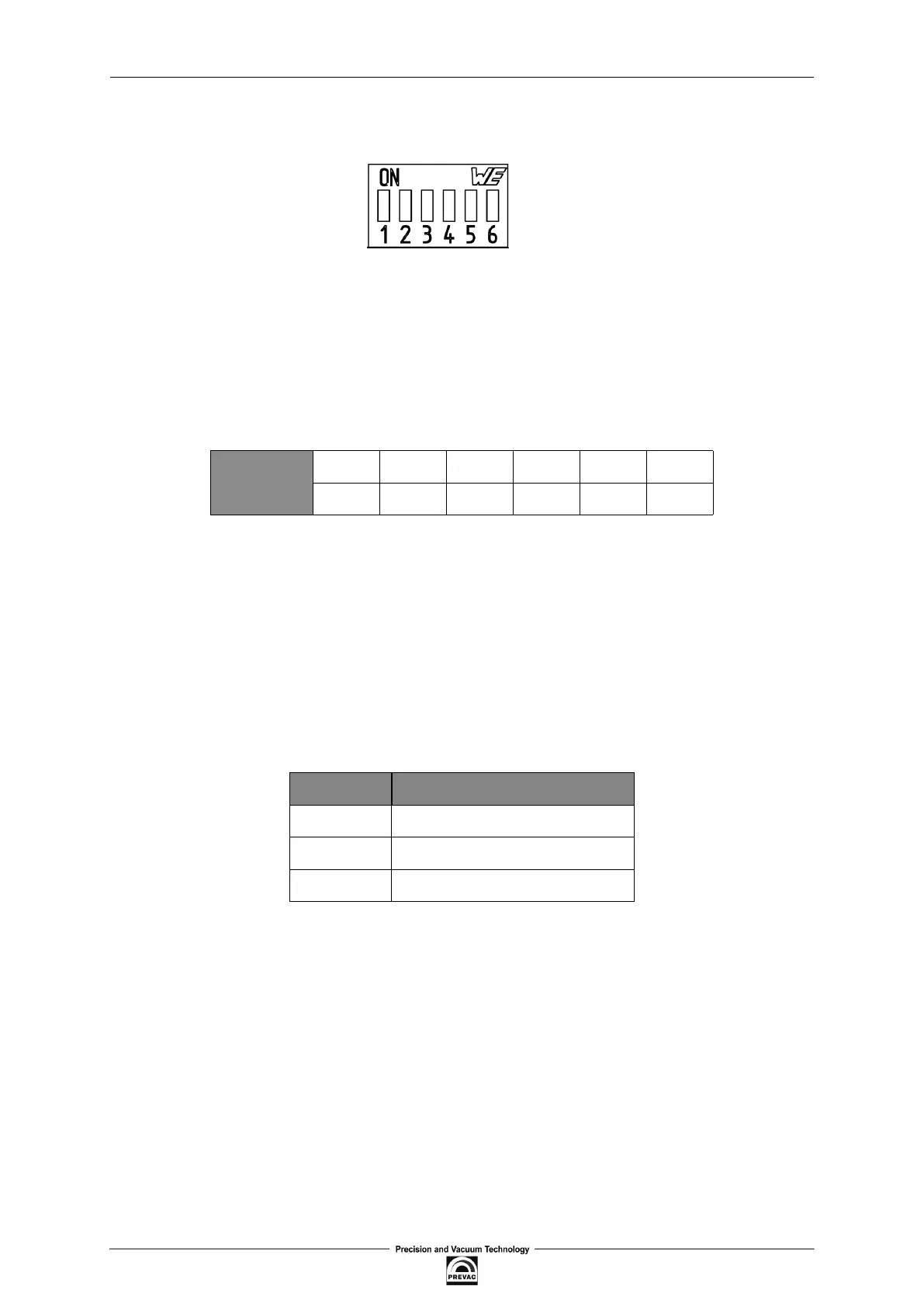
Figure 2.10: Address DIP Switch
To communicate with the MG15 controller the device must be assigned with a unique address set
via the address DIP switch.
1. MG15 controller with LCD display
To set an address use switches 1 - 6. They encode the device address in the binary code.
Weights and values of individual switches are described in table 2.5.
DIP 1 2 3 4 5 6
WEIGHT 0 1 2 3 4 5
Table 2.5: Weight of individual switches
Example:
To assign address with a value of 38 to the device change the position of switches 2, 3, 6 to
ON (upwards).
2
+ 2
+ 2
= 38
Possible settings of addresses are shown in table 9.1.
2. MG15 BlackBox version
• with ProiNet communication socket
DIP FUNCTION
1-4 Address
5 ProiNet
6 RS232/RS485
Table 2.6: DIP switches functions
To set an address use switches 1 - 4. Refer to table 2.5 for weights of switches.
User manual rev. 03 Page 29



 To Next Page