Reference Manual
00809-0100-4026, Rev FA
July 2009
7-29
Rosemount 5400 Series
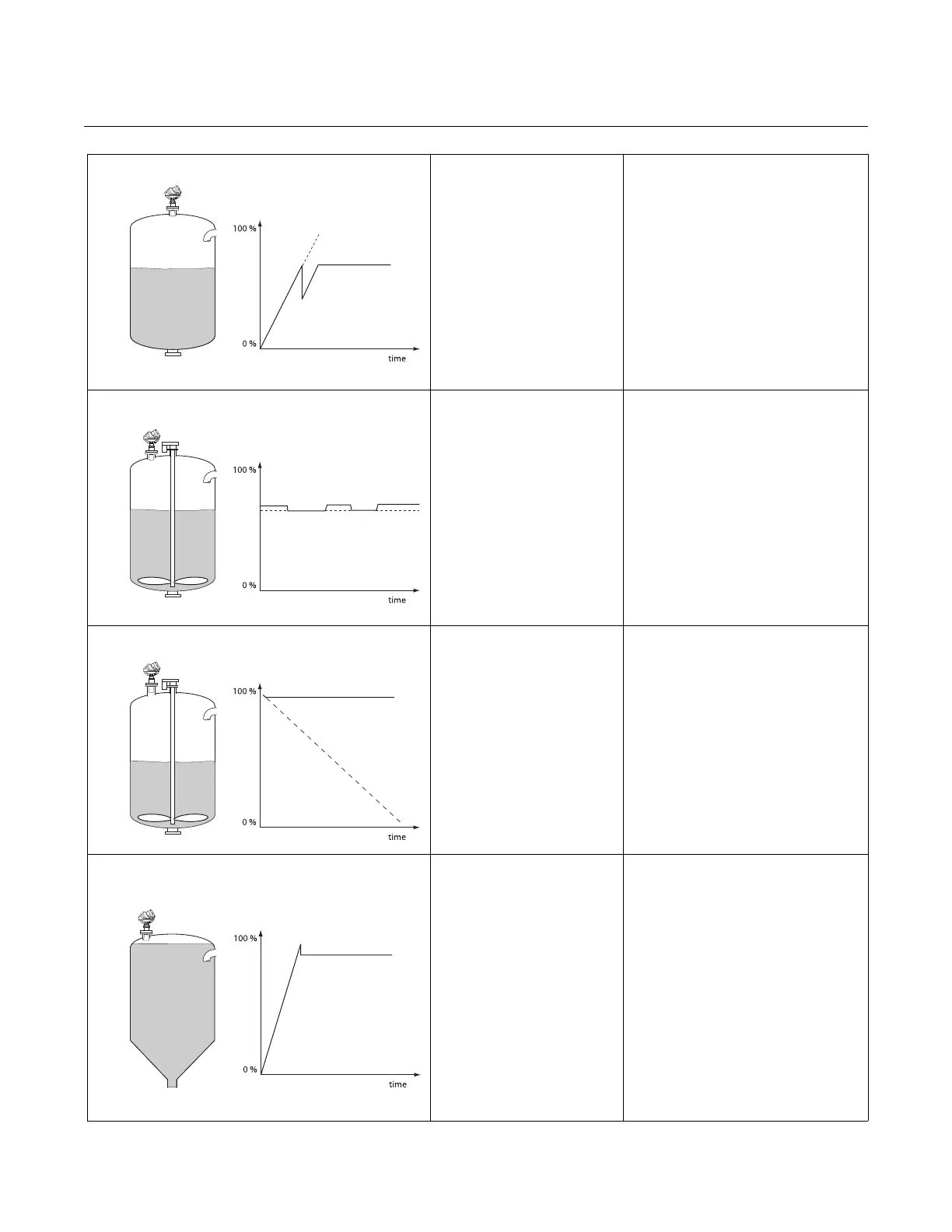
Incorrect measurement level
when the product surface is
above the 50% level.
May be caused by:
• Radar echo bouncing from the
product surface to the tank roof then
back to the surface
• Strong echoes from very high
reflectivity product
Action:
• Move the transmitter from the center
of the tank roof
• Enable the Double Bounce function,
see “Double Bounce” on page C-5
and C-11
RRM: Setup > Advanced
Measured level jumps to a
higher value.
May be caused by:
• Foam on the product surface
• Turbulent product surface
Action:
• Enable the Tank Environment Foam
parameter
RRM: Setup>Tank>Environment
HART: [2, 3, 2]
• Enable the Tank Environment
Turbulent Surface parameter
RRM: Setup>Tank>Environment
HART: [2, 3, 2]
Measured level gets locked near
the top of the tank.
May be caused by:
• Antenna tip ends inside the tank
nozzle
• Disturbing objects near the antenna
• Product built up on the antenna
Action:
• Mount the transmitter on another
nozzle, if possible
• Increase the Hold Off distance
RRM: Setup > Advanced
HART: [2, 3, 4]
The level value drops to a lower
value when the product surface
is close to the antenna.
May be caused by:
• Product level within the Hold Off
region, i.e. outside the approved
measuring range, and the transmitter
is picking up secondary signal
reflections
Action:
• Avoid filling the tank to levels close to
the antenna
• Move the transmitter to increase the
distance between maximum product
level and antenna, if possible
• Activate the Full Tank Handling
function if measurements up to the
antenna are required, see “Full Tank
Handling” on page C-5 and C-10















 To Next Page