IIT-2000/2010/5000/5010 Instruction Manual/English
05/08/2015 Version No. 001 89
Setting the
Sweep Start
Time
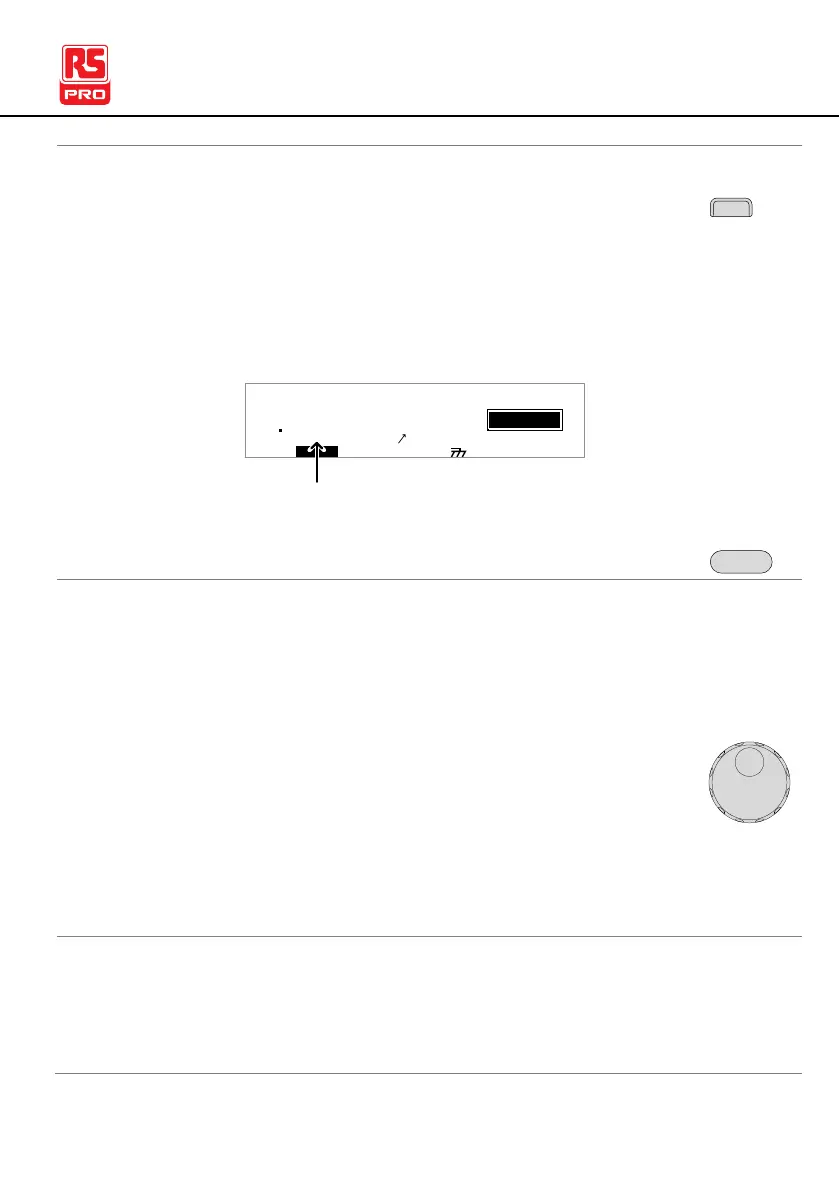
1. When in the VIEW status, press the STA.t key and
set the starting time for the sweep graph. Make
sure that the sweep start time is significantly less
than the test time.
This setting is only applicable for the IIT-5000/5010.
I R G B A CW D C W
E
0
100
k V
EIV
S T A . t = 0 0 0 0 . 1 S MT I E = 0 0 1 . 0 SR
0 0 m AER F =# 0 .0
1 . 0 0 m AIH ES = 0T
0 0 . 1 S0A M P =R
W
MM A UN N A_0M A N U = * * * - 0 0
m A
ESW E S T A . tP
Start time
2. Press the EDIT/SAVE key to save the Start time.
1. In special test mode (000), tests are started and
stopped in the same way as for the normal manual
test mode. See page 72 for details.
2. If required, the scroll wheel can be used to set the
voltage level in real-time as the test is running (this
does not apply to IR or GB tests).
0.050kV ~ 5kV
0.050kV ~ 6kV
Test judgments are the same as those for the
normal manual tests. Please see the PASS/FAIL
MANU Test section for details.



 To Next Page