Communications
SEL-351P Quick-Start Installation and User's Guide (Portuguese) 13
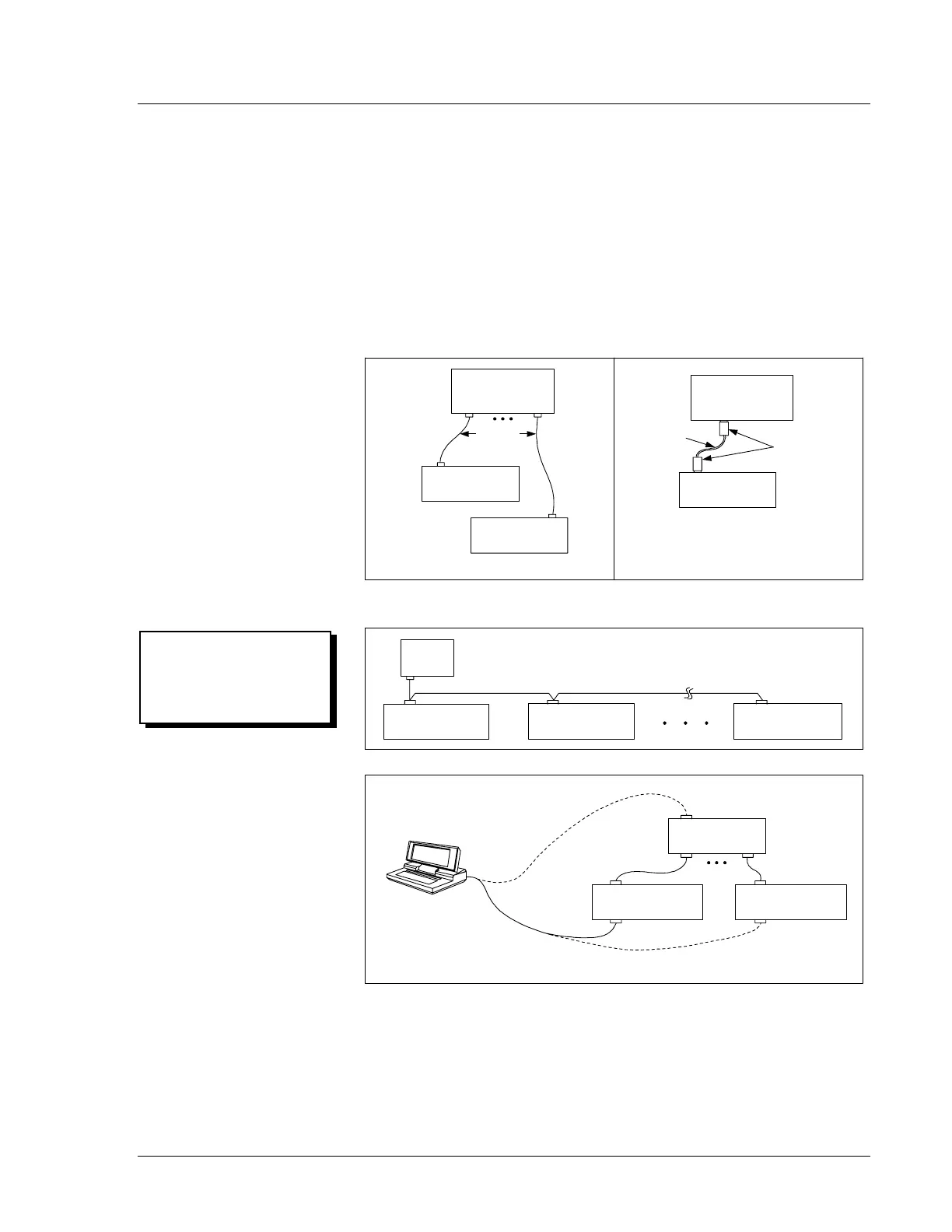
Communications Connections Example
You can connect the serial port to a computer serial port for local
communications or to a modem for remote communications. Other
devices useful for automated communications include the SEL-2020 or
SEL-2030 Communications Processors.
You can use a variety of terminal emulation programs on your personal
computer to communicate with the SEL-351P.
Figure 5 presents some
example SEL-351P communications connections (see
Table 1 and
contact SEL for more information).
Front Panel
SEL-2020
SEL-351P (#2)SEL-351P (#1)
SEL-351P (#1)
Computer
PORT 2
(METALLIC)
Cable #C273A
SEL-351P
SEL-351P
SEL-351P
SEL-2020
Communications
Processor
SEL-351P (#2) SEL-351P (#32)
DATA AND TIME-SYNCHRONIZATION* CONNECTIONS
SEL-2020
Communications
Processor
PORT 2
Fiber-Optic Cable
#C273AFZ
or #C273AF0
SEL-2810
Optical Cable ConnectionMetallic Cable Connection
EIA-485 CONNECTIONS (if ordered with EIA-485 port)
PORT 1 PORT 1 PORT 1
LOCAL CONNECTIONS
C
ONNECT
TO
THE
SEL-2020
ONCE
AND
COMMUNICATE
WITH
ANY
CONNECTED
SEL R
ELAY
OR
R
ECLOSER
C
ONTROL
PORT 2 Side Panel
PORT F Front Panel
OR
. . .
C
ONNECT
TO
THE
SEL-351P
R
ECLOSER
C
ONTROL
INDIVIDUALLY
VIA
THE
F
RONT
-
P
ANEL
S
ERIAL
P
ORT
DWG: M351P056
* Demodulated IRIG-B time code can be input into the connector for either serial port 1 or
serial port 2, but not both at the same time.
PORT 2 Side Panel
PORT F Front Panel
Cable
#C234A
Figure 5: SEL-351P Recloser Control Communications
Connections Example
Protection, Integration,
Automation, and Control
by SEL.



 To Next Page