Communications
SEL-351P Quick-Start Installation and User's Guide (Portuguese) 15
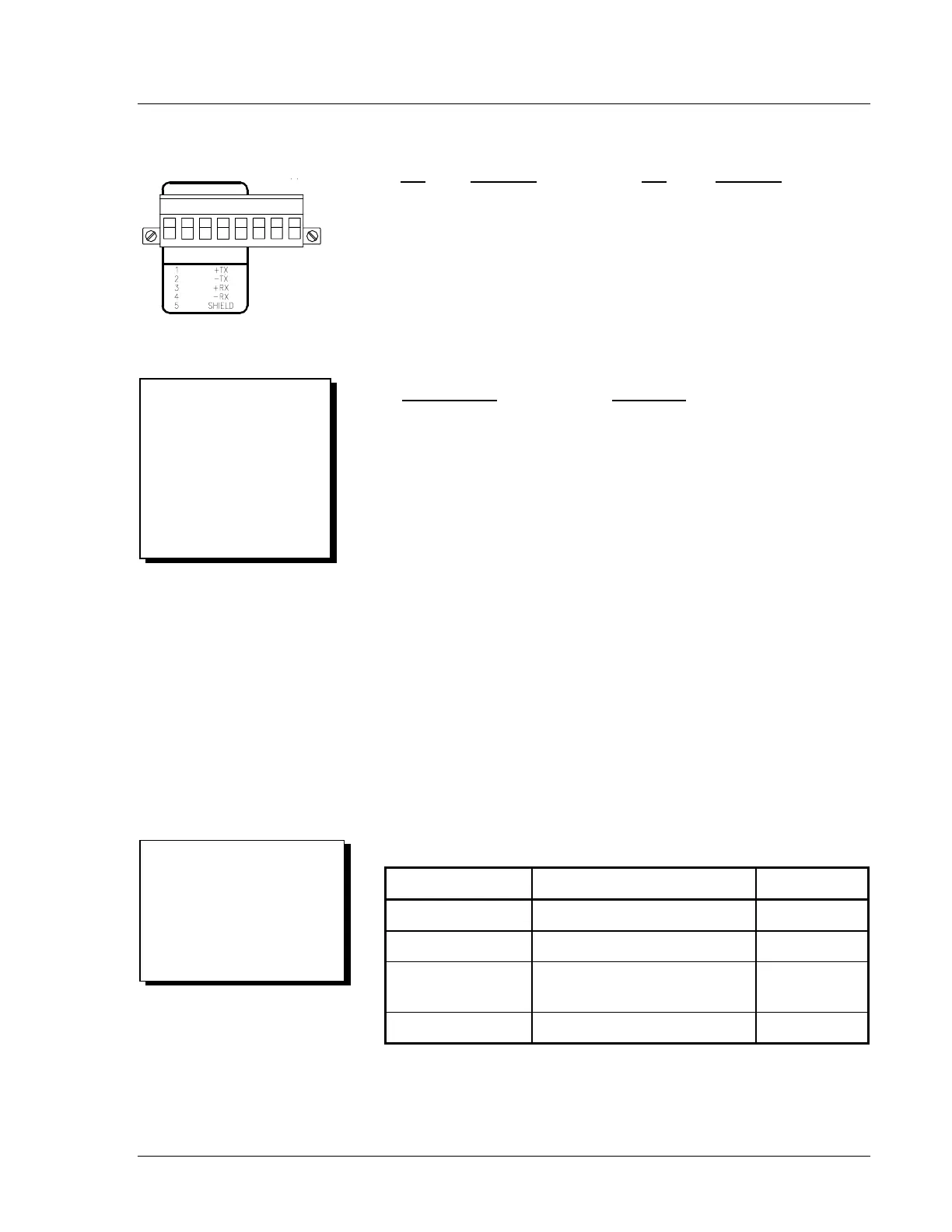
EIA-485 Pinout Functions for Port 1
Pin
Function Pin Function
1 +TX 5 SHIELD
2 -TX 6 N/C
3 +RX 7 +IRIG-B
4 -RX 8 -IRIG-B
Serial Communications Port Pin Function Definitions
Pin Function Definition
N/C No Connection
+5 Vdc (0.5 Amp limit) 5 Vdc Power Connection
RXD, RX Receive Data
TXD, TX Transmit Data
IRIG-B IRIG-B Time-Code Input
GND Ground
SHIELD Shielded Ground
RTS Request To Send
CTS Clear To Send
DCD Data Carrier Detect
DTR Data Terminal Ready
DSR Data Set Ready
Communications Cables
Table 1: SEL EIA-232 Serial Communications Cable Guide
Connect From: Connect To: SEL Cable:
SEL-351P Computer (9-pin) C234A
SEL-351P Computer (25-pin) C227A
SEL-351P SEL-2020 or SEL-2030
Communications Processor
C273A
SEL-351P Modem C222
Other Cables Available:
Table 1 lists the most commonly
used cables (see corresponding
cable diagrams on the following
page). Contact SEL for
information on other available
cables.
IRIG-B
+
_
SERIAL PORT 1
1 2 3 4 5 N/C 7 8
PIN EIA-485
Convenient IRIG-B
Connection:
Serial Port 2 provides the most
convenient connection for
demodulated IRIG-B time code.
See the top of Figure 5 and
SEL Cable 273A in Table 1,
and the corresponding cable
diagram.



 To Next Page