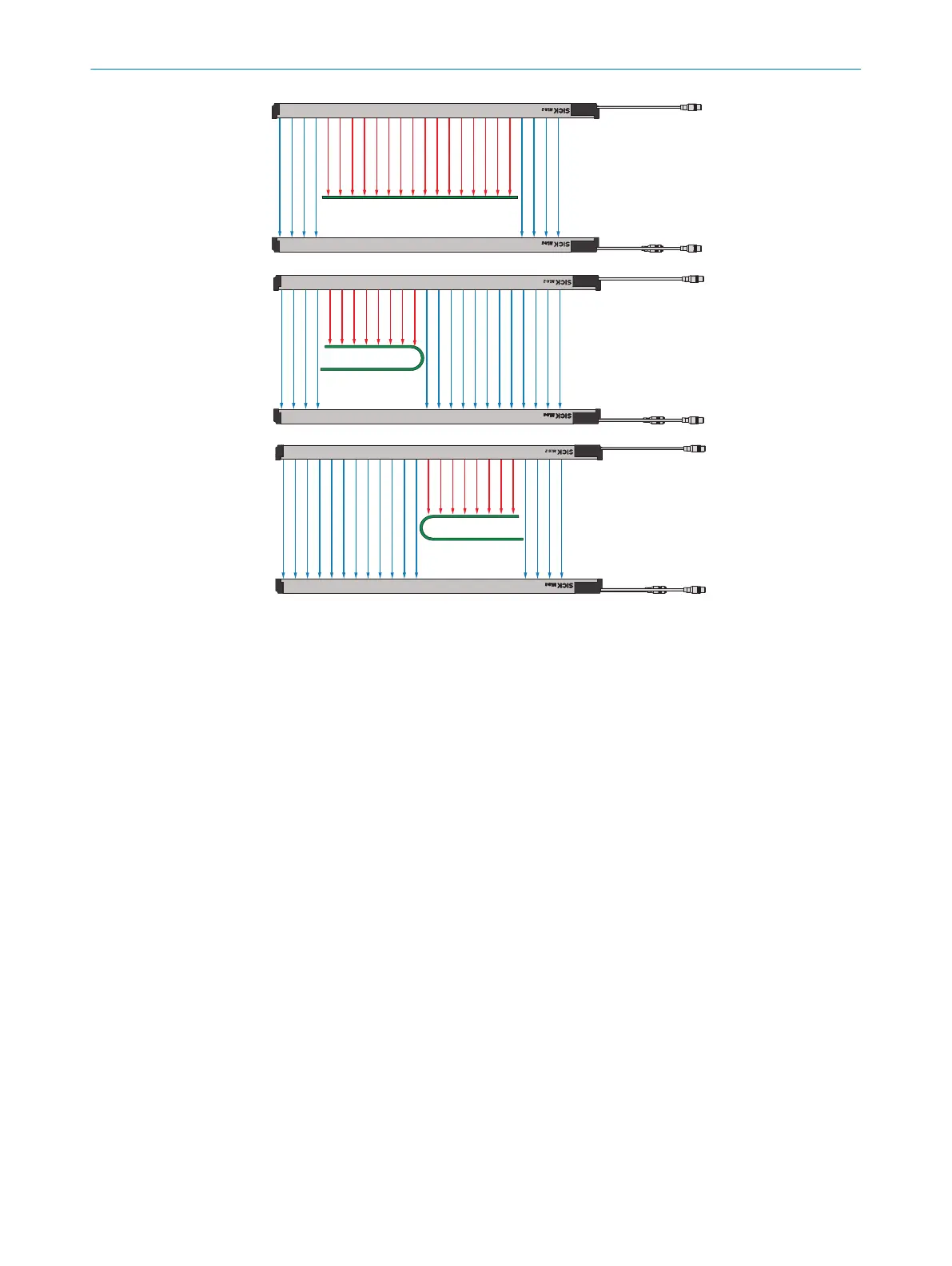
Figure 34: Performing sensor teach-in
7.4
Performing material teach-in
For material teach-in, the object or objects to be detected is/are placed between the
sender and receiver.
The respective positions of the edges are saved during material teach-in.
For the MLG-2 to detect the object, the object must dampen the energy of the light
beams either completely or at least by 20%. An attenuation of 20% is achieved by mate‐
rials with a transmission of up to 80%.
If the MLG-2 is to detect partially transparent objects, in SOPAS ET, for the Sensitivity
parameter, you have to select the Medium or Fine option.
A material teach-in applies for the current distance between the sender and object, for
the material and for the current settings.
You can run a material teach-in as follows:
•
By connecting a signal to a switching input
•
Directly on the receiver via the Teach pushbutton
•
Via SOPAS ET
•
Via IO-Link
•
On the control panel: see "Performing material teach-in", page 49
•
Via SOPAS ET: see "Setting up MLG-2 (installation assistant)", page 51
7.5 Calling up teach-in quality and process quality
Quality of Teach (QoT)
•
The teach-in quality indicates the quality after the last teach-in. The MLG-2 calcu‐
lates this value for the quality of the sensor teach-in using the received light level.
For example, the following influences the quality of the material teach-in:
7 COMMISSIONING
46
O P E R A T I N G I N S T R U C T I O N | MLG-2 WebChecker 8024643/2019-09-02 | SICK
Subject to change without notice



 To Next Page