Chapter 3: Service program PowerSys SWT 3000 Equipment Manual
Page - 30 Edition p3_3_2x 08/09 © SIEMENS AG 2008
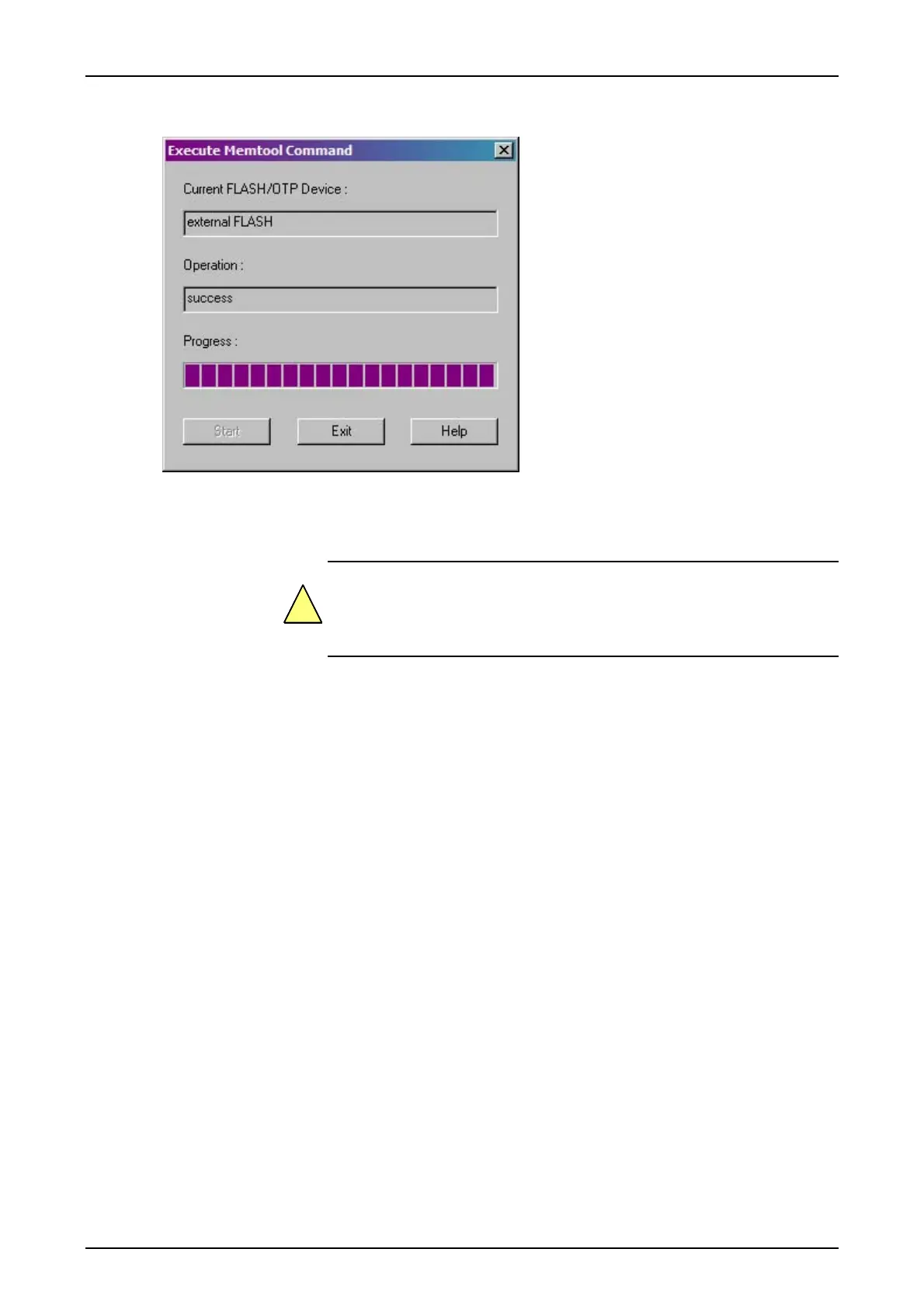
Figure 41: Display after a successful programming
After successful upgrade Exit the command dialog, click Disconnect and Exit to close the Mem-
Tool in the main view.
Switch OFF the Power on the CSP module. Move S2/1 back to the OFF
position.
In case vMUX or SWT 3000 is integrated continue with vMUX resp. SWT 3000 flash programming
otherwise switch Power ON (CSP-Reset).
!










 To Next Page