EasyManua.ls Logo

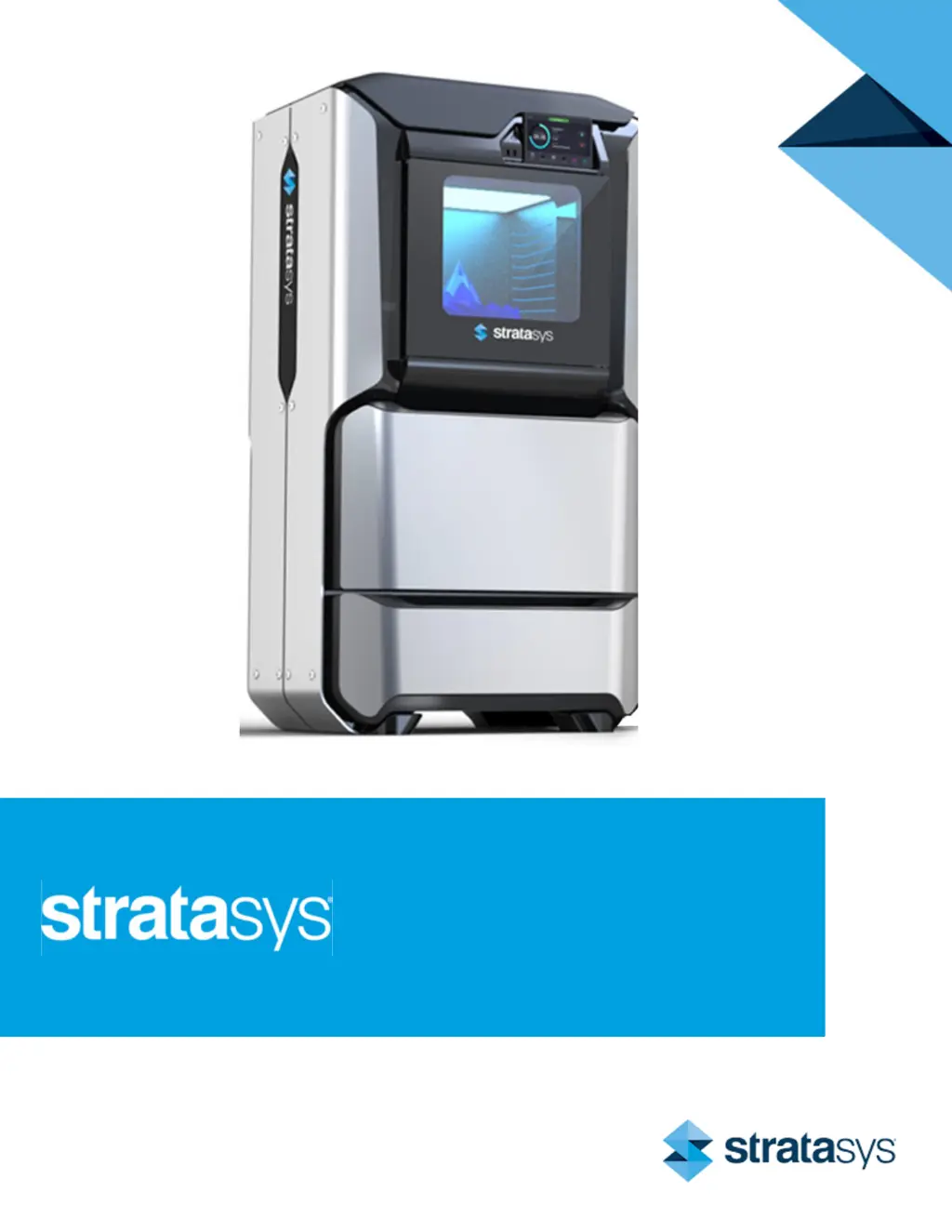
Stratasys F270 - User Manual

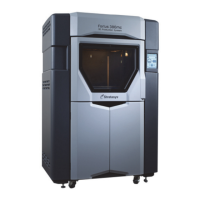
Stratasys F270
230 pages
Print Icon
To Next Page IconTo Next Page
Loading...
Part No. 401691-0001_REV_D
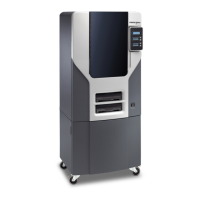
F123 Series
Shared Office 3D Printers
USER GUIDE

Table of Contents

Other manuals for Stratasys F270

Questions and Answers

  • N
    nicole62Sep 2, 2025
    How to fix support head not communicating in Stratasys F270?
    • A
      Ashley AlexanderSep 2, 2025
      If the support head is not communicating on your Stratasys 3D printer, open the top cover and unclip the head cable from the support head.
  • D
    Danielle McdanielSep 2, 2025
    What to do if model head not initialized in Stratasys 3D Printers?
    • W
      William YoungSep 3, 2025
      If the model head is not initialized on your Stratasys 3D printer, wait at least 60 seconds after the error is first displayed.
  • D
    Daniel WrightSep 3, 2025
    What to do if support head not initialized in Stratasys F270?
    • M
      Molly MccormickSep 3, 2025
      If the support head is not initialized on your Stratasys 3D printer, wait at least 60 seconds after the error is first displayed.
  • W
    William WeberSep 4, 2025
    What to do if Stratasys F270 is busy?
    • V
      Victoria LeonSep 4, 2025
      If your Stratasys 3D printer is busy, wait a couple of minutes and then attempt to restart the build.
  • G
    George SimmonsSep 4, 2025
    How to remove the part from Stratasys 3D Printers?
    • L
      Lori JamesSep 4, 2025
      To remove the part from your Stratasys 3D printer, open the oven door and remove the completed part.
  • W
    William SullivanSep 5, 2025
    How to select a job on Stratasys F270 3D Printers?
    • C
      Curtis JonesSep 5, 2025
      To select a job on your Stratasys 3D printer, select the job you’d like to build from the Job Queue.
  • J
    Jeremy MeyerSep 5, 2025
    How to fix cooler module not installed error on Stratasys F270?
    • C
      Christine SmithSep 6, 2025
      If the cooler module is not installed on your Stratasys 3D printer, install the bead cooler.
  • S
    Scott HoSep 6, 2025
    What to do if Stratasys F270 timed out?
    • S
      Stephen DavisSep 6, 2025
      If your Stratasys 3D printer has timed out, remove the material spool and ensure that it is properly prepared for installation and load.
  • J
    Jamie JacksonSep 7, 2025
    What to do if purge failed on Stratasys F270 3D Printers?
    • J
      Jay PetersSep 7, 2025
      If the purge failed on your Stratasys 3D printer, unload model and support material and then reload these materials.

Summary

Service and Support

Safety Instructions and Precautions

Covers hazard types, safety signs, label locations, and general safety practices.

User Interface

Working with Build and Queue Pages

Details managing jobs, loading files, viewing status, and job queue operations.

Settings and Calibration

Adjust printer settings, perform calibration procedures, and view maintenance.

Operating the Printer

Basic Operations and Material Handling

Covers powering on/off, loading, unloading, and storing materials.

Head Replacement and Job Building

Instructions for replacing heads and performing basic job build tasks.

Calibration and Adjustments

Tip Calibration Procedures

Covers automatic and manual tip calibration processes.

Touchscreen and Gantry Calibration

Procedures for calibrating the touchscreen and XY gantry.

Z Zero Calibration and Tip Wipe Adjustment

Explains Z zero calibration and adjusting tip wipe height.

Troubleshooting

Build Start and Load;Unload Issues

Troubleshooting warnings and errors that occur at build start or during load/unload.

Build Abort and Head Issues

Addresses build abort errors and warnings/errors related to head status.

Stratasys F270 Specifications

General IconGeneral
BrandStratasys
ModelF270
Category3D Printers
LanguageEnglish

Related product manuals