112
CD METHOD (ALTERNATE METHOD)
This method is for customers who do not have web access. The Controller Software Update CD containing the
updated .upg file and must be obtained from Stratasys. Inc.
1. Insert the Controller Software Update CD into the workstation computer and then transfer the
.
upg file to a known location on the workstation hard drive.
2. Make sure the system is placed in the receive software upgrade mode. (See “
Placing System in
Receive Software Upgrade Mode” on page 113.)
3. Open the Control Center application and select the Services
tab and then click Update
Software. (See Figure 6-1 on page 111.)
4. Browse to the location of the .upg upgrade file.
5
. Select the .upg file to be downloaded and then press O
pen. This will send the file to the F900.
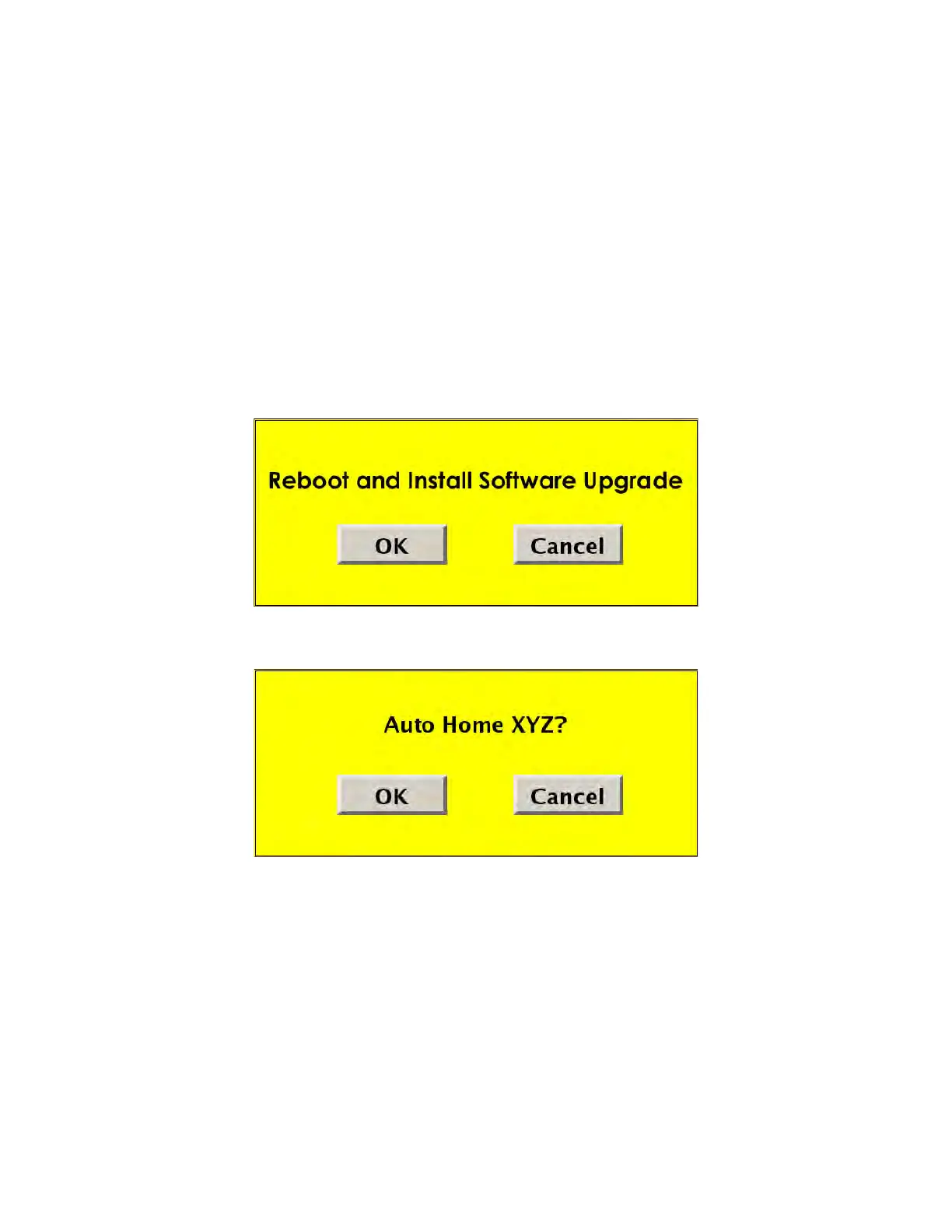
6. When the download is complete, select R
eboot and Install Software Upgrade and then press
OK at the F900 system.
7. After the system reboots and the upgrade installation completes, the following screen appears:
8
. Press OK
to complete the Auto Home XYZ calibration.














 To Next Page