81
PAUSING OR STOPPING A JOB
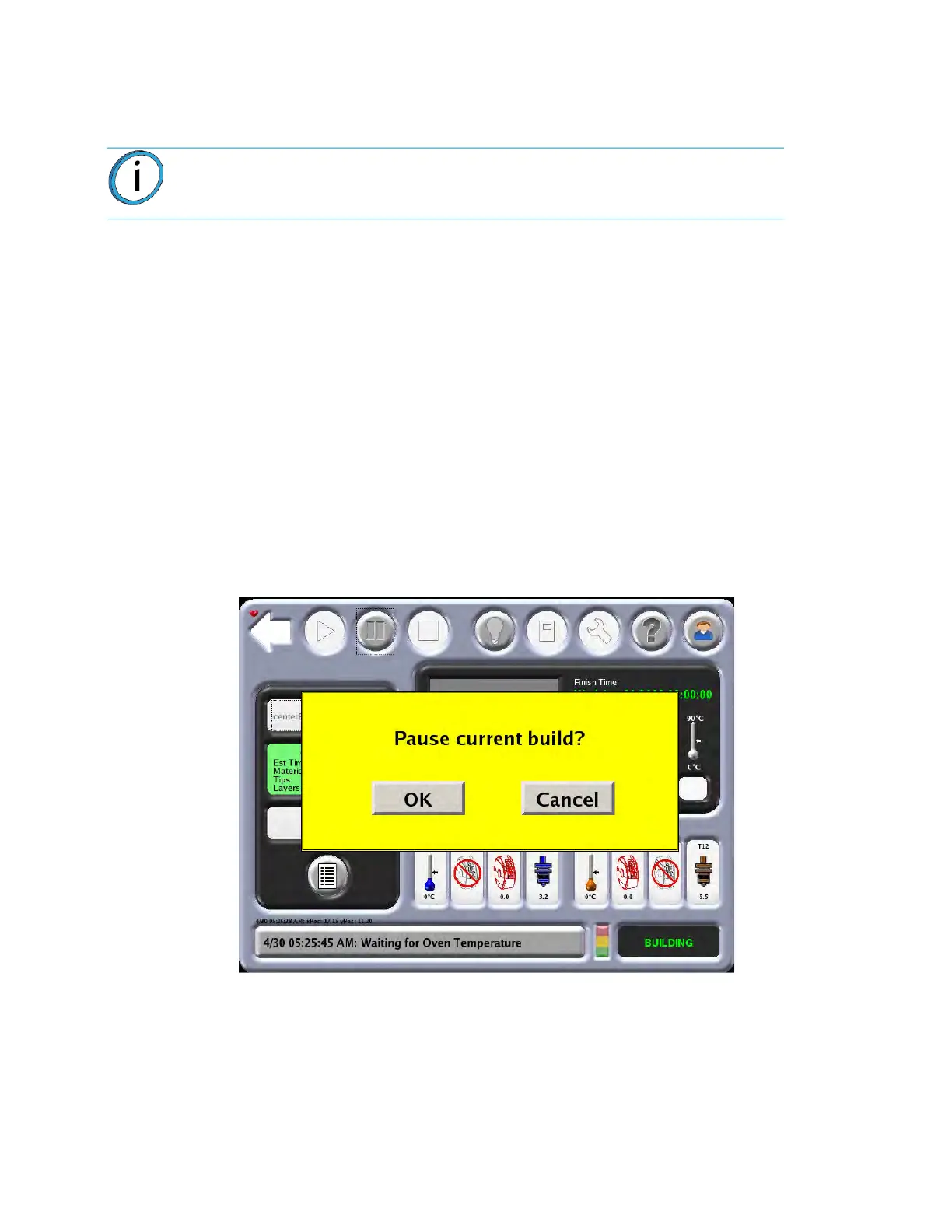
During a part build, the system can pause automatically (when a canister runs out of material, failure detected,
etc.) or can be put into a paused state using the Pause icon on the Operator Touchscreen.
When the system is directed to pause, the following actions take place:
1. The current tool path is completed.
2
. The Z Stage is lowered slightly.
3
. The head is parked.
4
. The user display will change to indicate the paused condition.
Fr
om the pause mode you can make the following selections:
1.
Resume Build - the system resumes building the part.
2.
Modeler Status - View the Job Status and Canister Status.
3.
Operator Control - Unlock the oven door and top slide covers, clean tips, change materials
(including load/unload and canister removal/installation), move the head, or move the Z Stage.
4.
Stop Job - Stops the current job.
Figure 4-29: Pa
use Mode
Note: If an automatic pause occurs, the issue will appear in the System Log
Button on the bottom of the screen.














 To Next Page