36
4 OPERATING THE SYSTEM
This chapter explains basic steps in operating the F900 system.
BASIC USER INTERFACE AND OPERATIONS
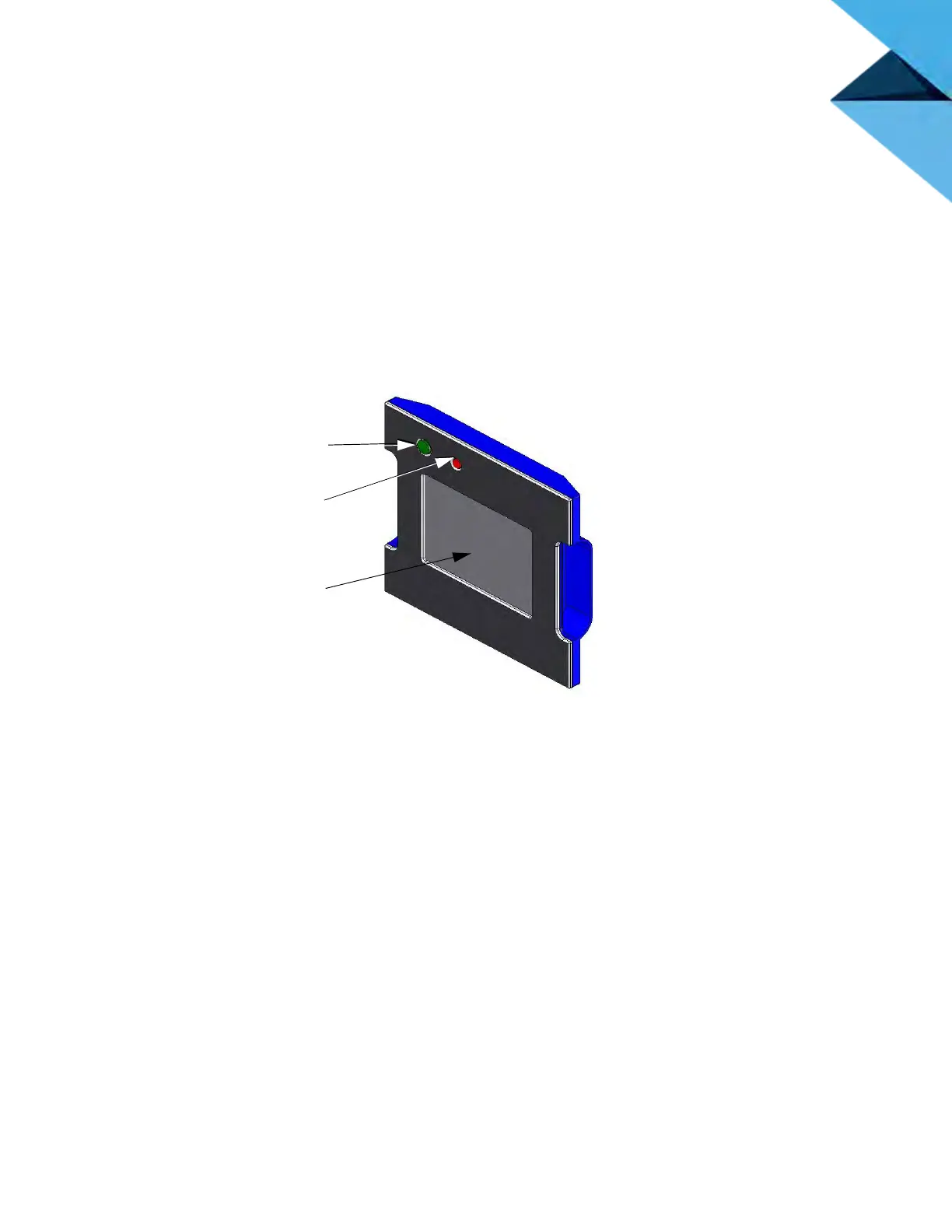
The Operator Touchscreen is located on the front of the system. Icons are displayed on the screen that are
universal and intuitive to use.
Figure 4-1: Op
erator Touchscreen
The Operator Touchscreen (Figure 4-1) allows you to:
• A
ccess material loading and unloading functions along with access to calibration.
•
Monitor system status.
•
Monitor material status (type loaded and amount).
•
Monitor job status (number of hours completed, number of hours total, current build height and
t
otal build height, and the name of job currently being built).
• Initiates a system power ON or a power OFF.
•
Access network configuration.
•
Access the job queue.
•
Access the sample job queue.
Power On
Button
Power Off
Button
Operator
Touchsceen














 To Next Page