126
MOTOR HEAD CURRENT TEST
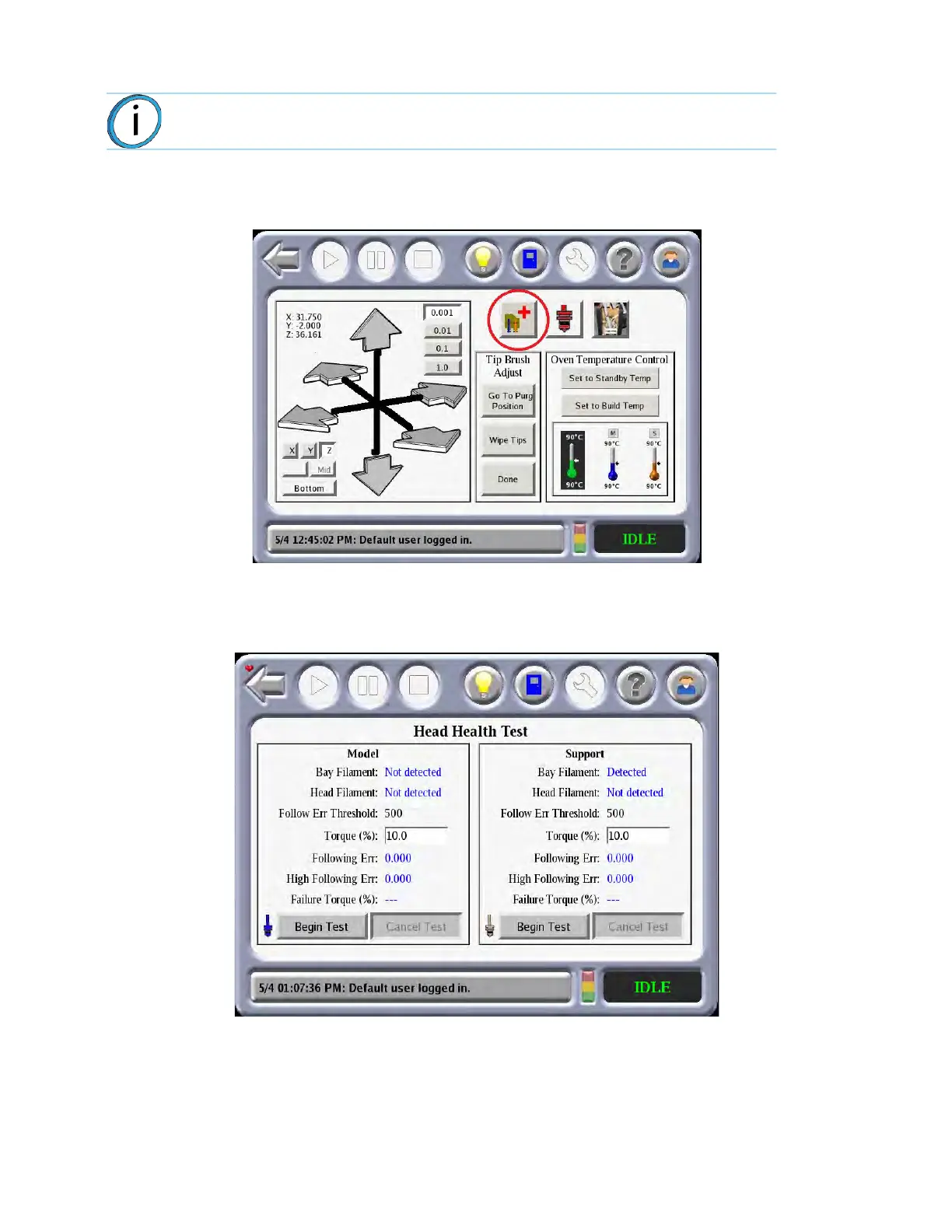
1. At the Operators Tools menu, select the Head Motor Health Test.
Figure 7-1: He
ad Motor Health Test Selected
2. Verify that the head filament is noted as not detected. If it is detected, unload the model filament before
p
roceeding. Default values are as shown.
Figure 7-2: He
ad Health Test Default Values
3. Select B
egin Test. The model drive wheels will begin rotating and the Torque will automatically be
decreased by 0.5%.
4. When the following error exceeds 500 counts, the test will terminate and indicate the Failure Torque
v
alue. Note this value in the PCD checklist if required.
Note: The model filament must be unloaded at the head.














 To Next Page