46
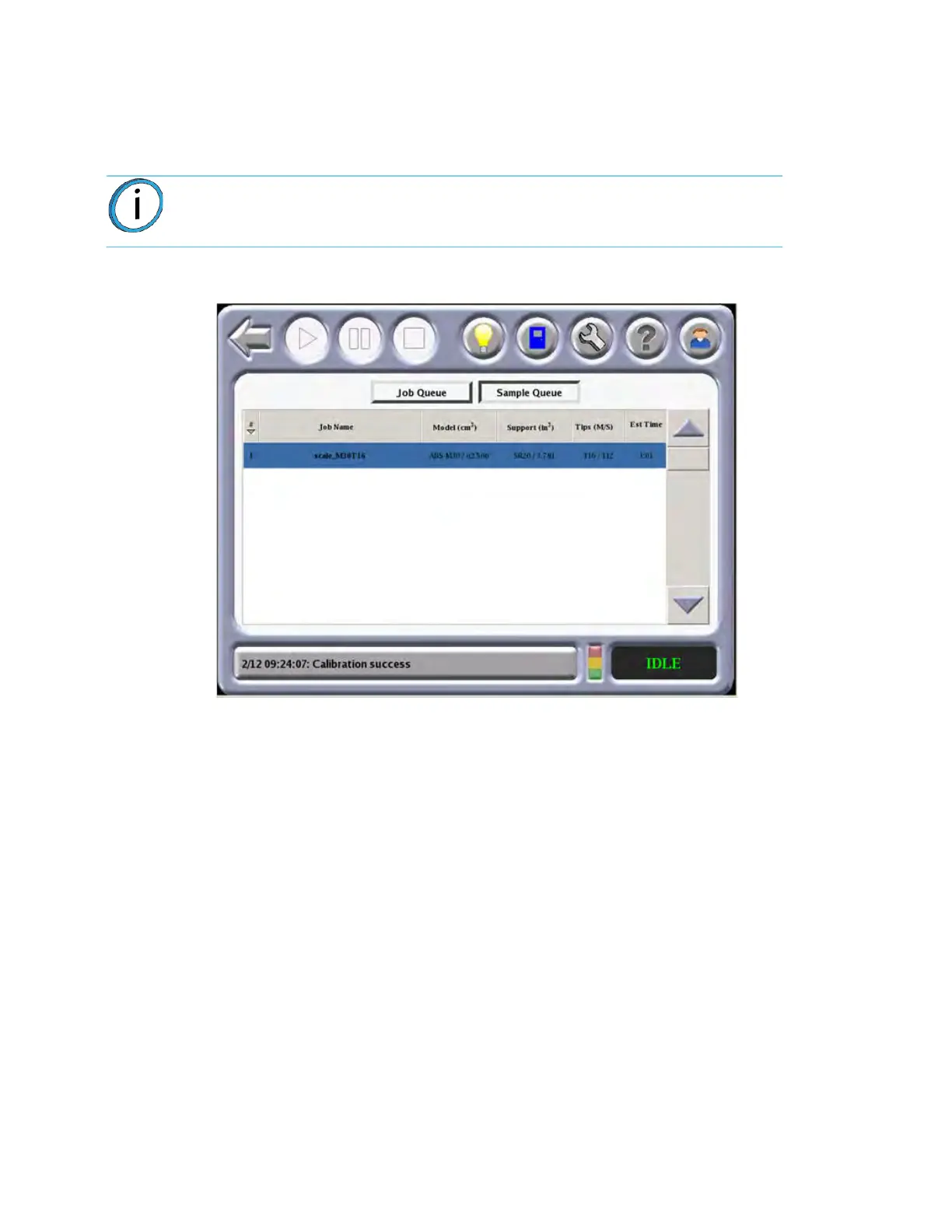
QUEUE WINDOW
The Queue menu contains files downloaded from the Insight application on your PC workstation.
• Job Queue displays current jobs that are waiting in the queue.
•
A list of stored sample jobs can be displayed by pressing the Sample Queue icon.
Fi
gure 4-4: Qu
eue Window
Note: The jobs listed in either queue can be arranged by pressing any of the
categories (i.e., Job Name, Materials, Tips, or Build Time).














 To Next Page