50
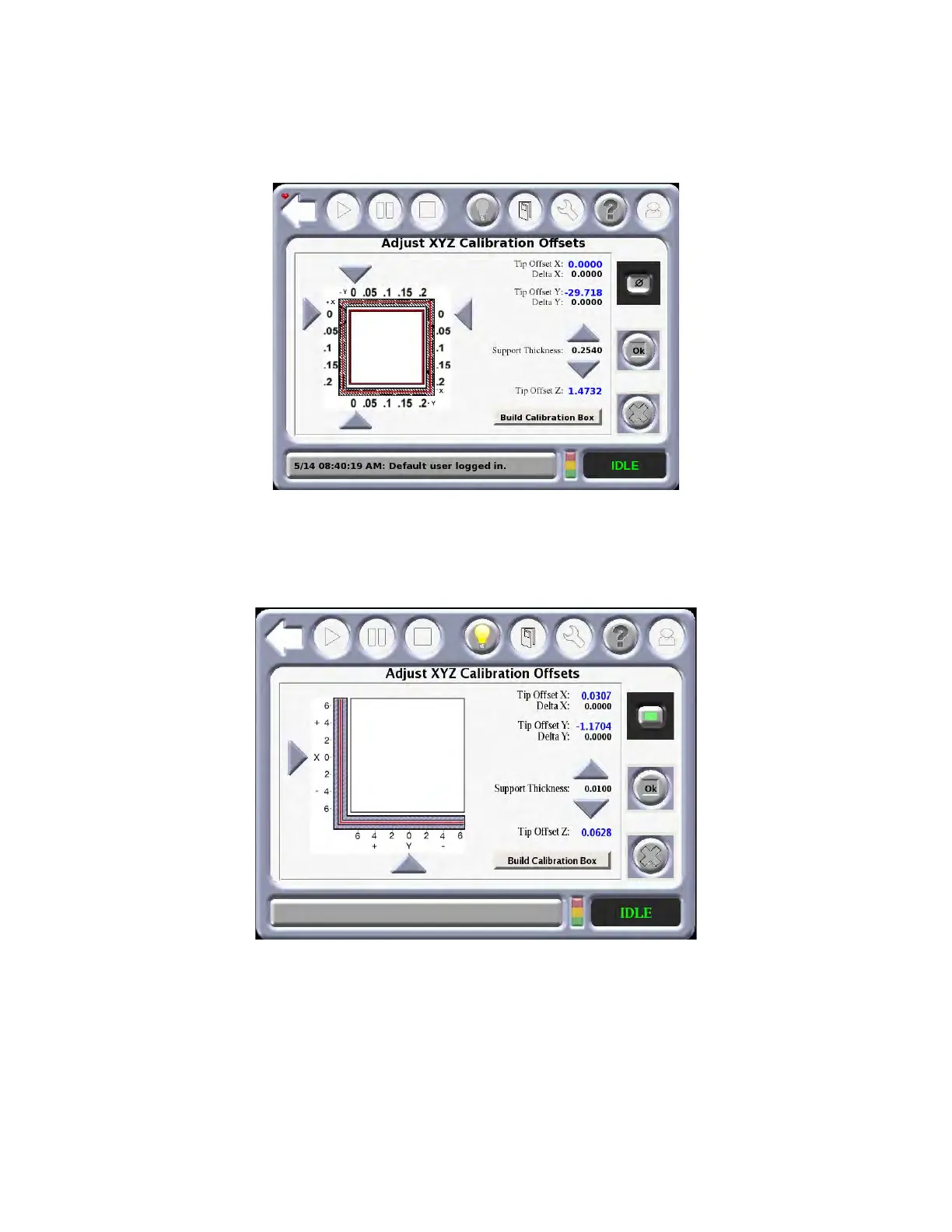
TIP OFFSET MENU
This menu allows the user to adjust the XYZ calibration offsets. The thickness of the support material can also
be adjusted. After adjustment, the user can press the Build Calibrations Box to verify the calibration.
Figure 4-10: Ti
p Offset Menu
Although Nylon CF and ULTEM9085 use a different calibration job the adjustment method is the same as it its
fo
r the other materials. The menu for Nylon CF and ULTM9085 is shown in Figure 4-11.
Figure 4-11: Ny
lon CF and ULTEM9085 Tip Offset Menu
PART PLACEMENT MENU
The Part Placement window allows the user to move the part manually to a position on the build sheet. The part
is moved by touching the black box outline of the part and dragging it to the desired location. Shadows of
previous builds appear as grey boxes. These can be cleared by pressing the “Clear” button. The part outline
cannot be dragged outside the currently installed build sheet.














 To Next Page