99
WORKING WITH THE JOB QUEUES
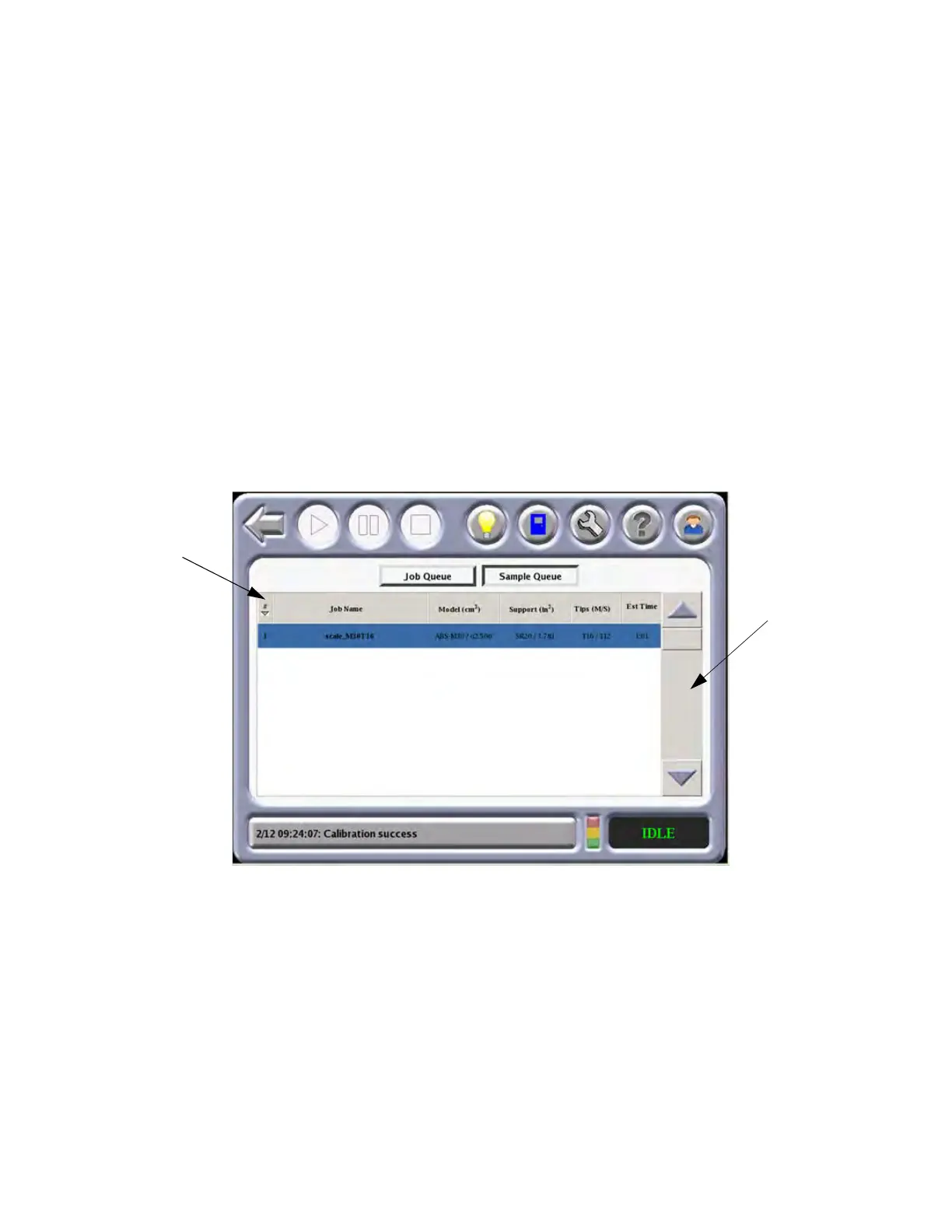
There are two queues available on the F900 - the Job Queue and the Sample Job Queue. Use
the Job Queue and Sample Queue buttons within the Operator Touchscreen to toggle between
the two queues.
The Job Queue m
enu contains files downloaded from the Insight application on your PC
workstation.
• Side Bar - Use the slide bar to scroll the display up or down through the available
j
obs.
• Heading Bar - Press any column in the heading bar to change the order of the
c
olumn listing.
The Sample Queue menu contains files that are helpful for testing the system. The F900 comes
wi
th several sample job files permanently installed on the system.
• Use the slide bar to scroll the display up or down through the available sample
j
obs.
Figure 4-45: Jo
b Queues
Slide Bar
Heading
Bar














 To Next Page