78
BUILD JOB WARNINGS
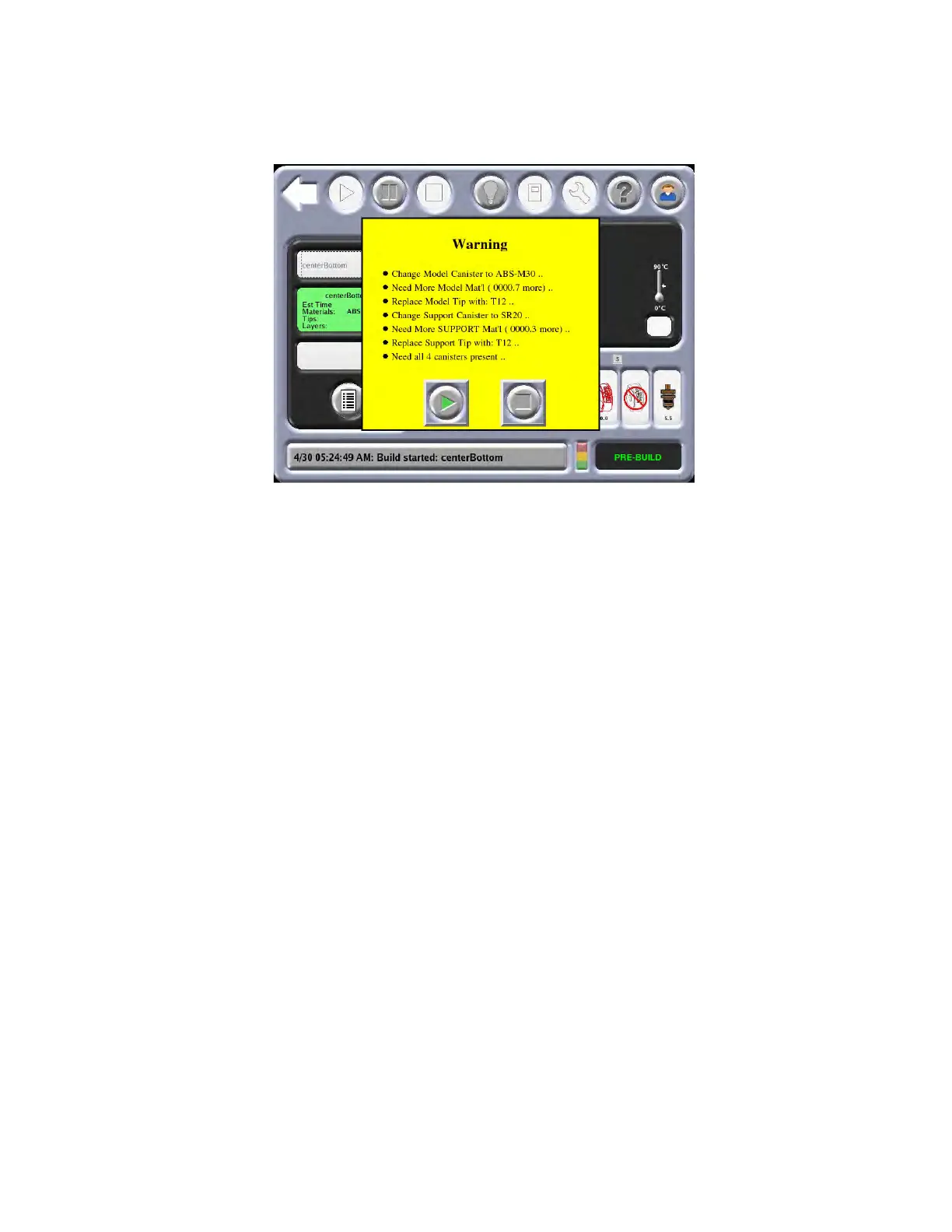
If the system detects an issue that may affect a job build, the system displays one of the following warnings:
Figure 4-27: Bu
ild Job Warnings
A.
Head has been changed. Consider tip calibration.
• Indicates a new head has been installed.
• Run and verify a calibration part before building jobs.
B. Change Model (or Support) canister to ABS (or other material).
• Indicates a mis-match between loaded material and material for which the part (CMB) file was
processed.
• Replace the flagged material canister with proper type.
C. Need More Model (or Support) Material.
• The total available material is less than the estimated amount for the part (CMB file).
• If the system runs out of material before part completion, system will pause the build until material is
added.
• Replace flagged material canister.
D. Need both (or 4 for 4-bay system) canisters present.
• Indicates that at least one operating canister bay does not have material loaded to the Ready mode
(flashing green LED)
• System operation will not be significantly compromised by this condition. The air-dryer circuit
performs more efficiently when all operable bays are Ready.
• Install canisters to the Ready mode for all operating canister bays.
E. Replace Model (or Support) tip with T12.
• Indicates a mis-match between installed tip and tip for which the part (CMB) file was processed.
• Install the correct.














 To Next Page