24
OVEN
OVEN DOOR
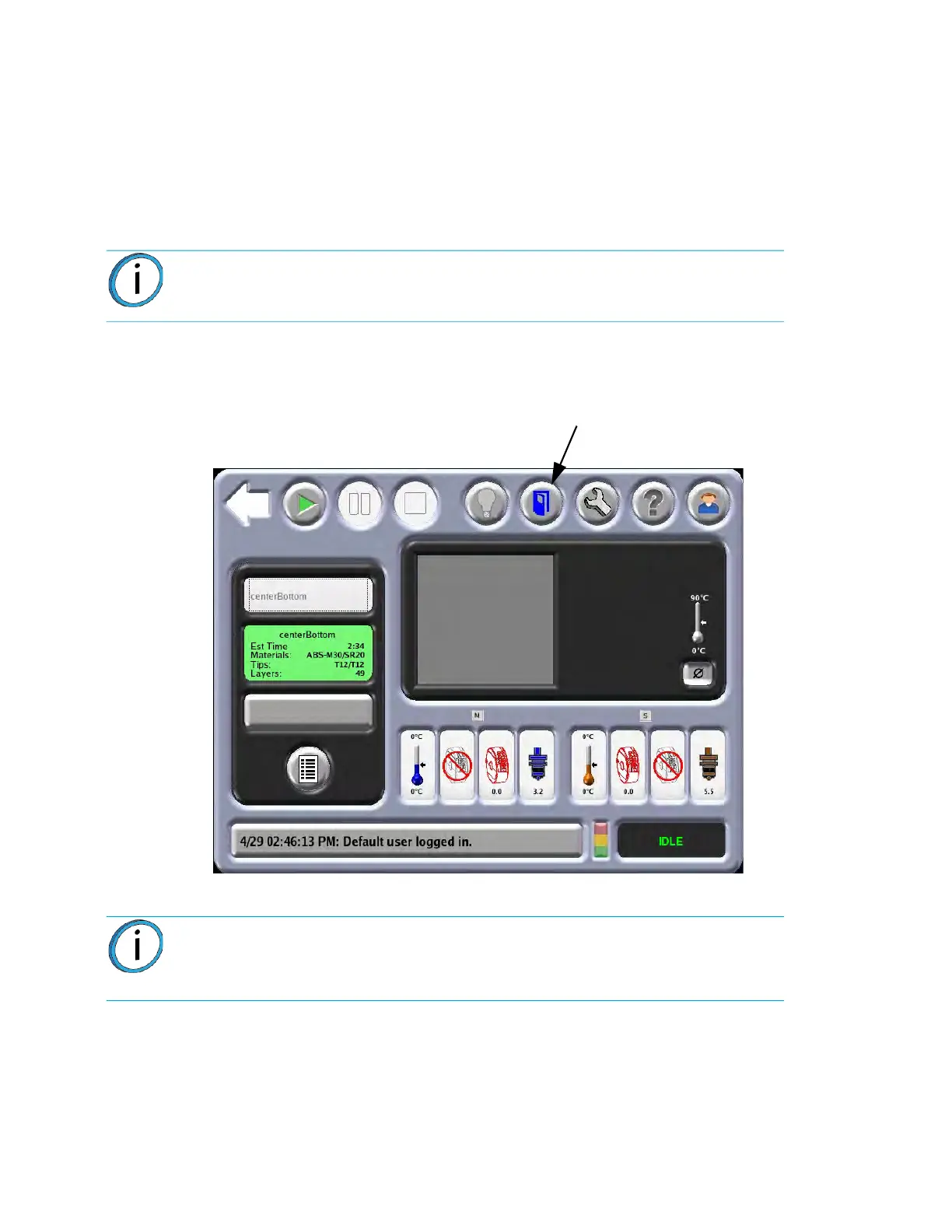
The oven door is locked by a solenoid during the building of a part. Pressing the Door button on the Operator
Touchscreen will release the solenoid allowing you to open the door. This command is available only while the
system is paused or in an idle state. You do not have access to this command while any mechanism in the
system is moving.
From the Operator Touchscreen, press the Door
button to unlock the oven door. (Figure 2-12)
Figure 2-12: Op
en Door Icon
Note: By design, the oven door can be partially opened while locked. Do not
force the oven door open by pulling on it while the locking solenoid is engaged.
Note: Once the oven door is unlocked and/or opened, system operation cannot
be resumed. Additionally, a manual move command cannot be sent until the
oven door is closed. When the oven door is closed, the solenoid activates and
operation can resume.
Door button














 To Next Page