86
AFTER A JOB BUILD
After a job build is complete, the system performs the following actions:
• The Z Stage is lowered and the head is parked.
•
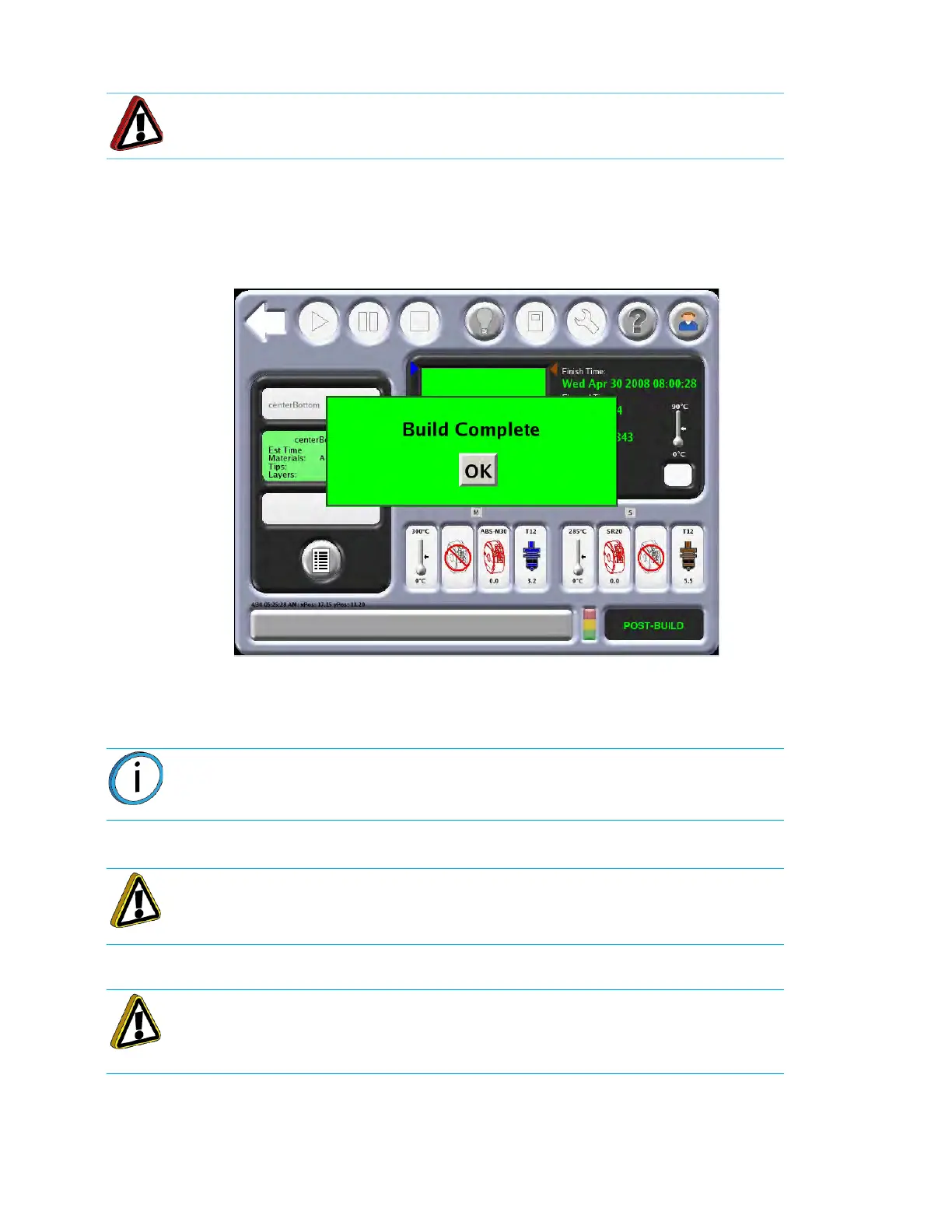
The touchscreen will displays the following Build Complete message
:
Figure 4-37: Build Complete
Perform the following steps after the completion of a job build:
1. Press
OK and then remove the part from the system.
2. Turn off the vacuum with the button on the Operator Touchscreen.
3
. Open the oven door and remove the build sheet from the platen.
4
. Use a vacuum cleaner or a soft brush to remove debris that may have fallen onto the platen.
Warning: Wear proper safety equipment when handling items inside the oven.
Surfaces in the build chamber can be very hot.
Note: If Auto Cool Oven is active, allow the oven to cool to the standby
temperature before removing the part.
Caution: Do not attempt to remove a part from the build sheet while the build
sheet is on the platen. Damage to the platen or the platen level may occur.
Caution: Use extreme care when cleaning the platen. If using a brush, brush
away from the vacuum port in the center of the platform. If debris falls into the
vacuum port, it can cause a loss of vacuum, resulting in poor adhesion of the
build sheet during building.














 To Next Page