49
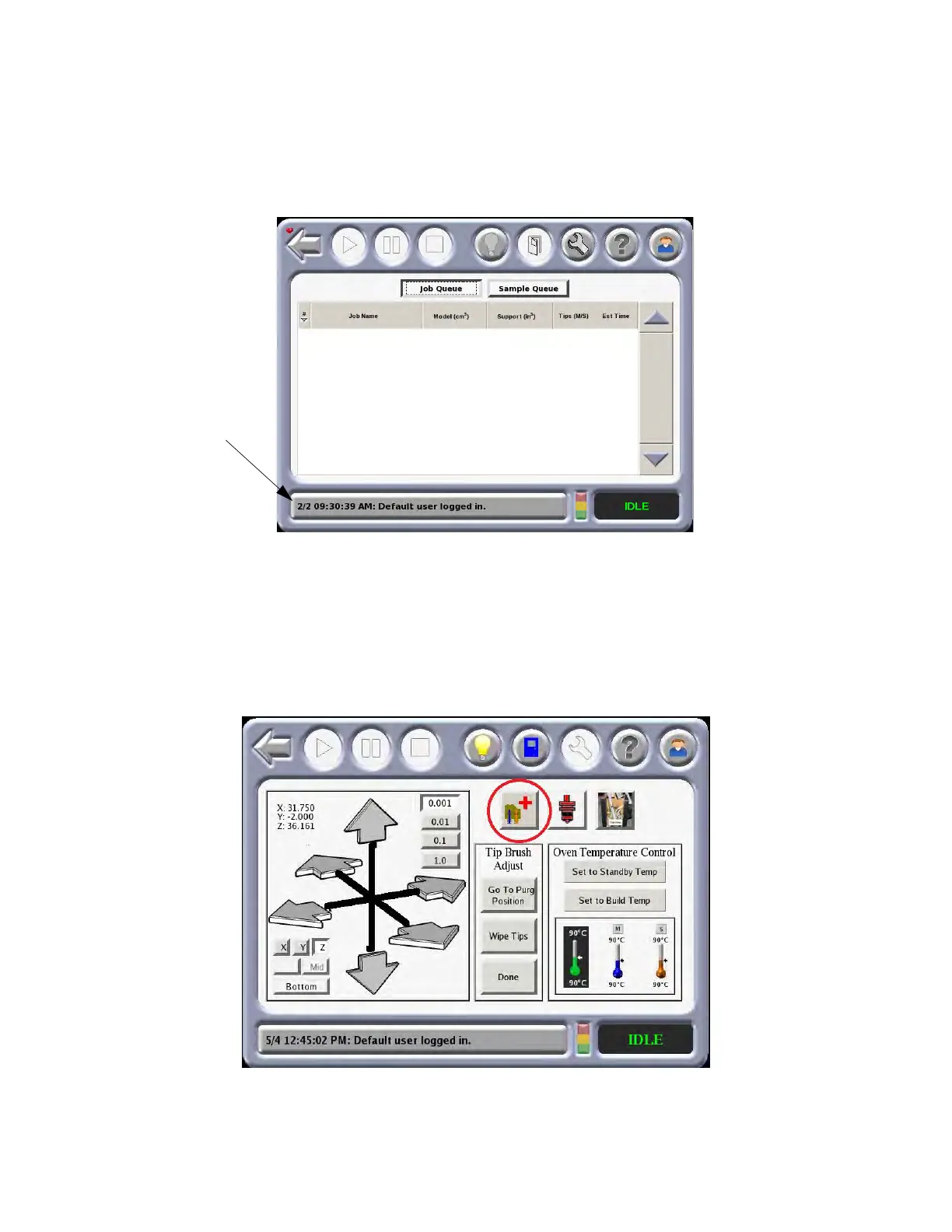
SYSTEM LOG
Displays a log of events that have taken place on the system The log list is cleared when the system is powered
down or there is a loss of power. Pressing the system log button displays a history of system messages.
Pressing the System Log button again clears the current message from the button.
Figure 4-8: Sy
stem Log
TECHNICIAN MENU
The Technician Menu allows the user to move the platen up or down and the head in the X and Y axis.
Movements can be selected in units of 1, 10ths, 100ths or 1000ths of an inch or in millimeters (as shown in
figure below).
Figure 4-9: Te
chnician Menu
System Log
Button














 To Next Page