116
DAILY MAINTENANCE
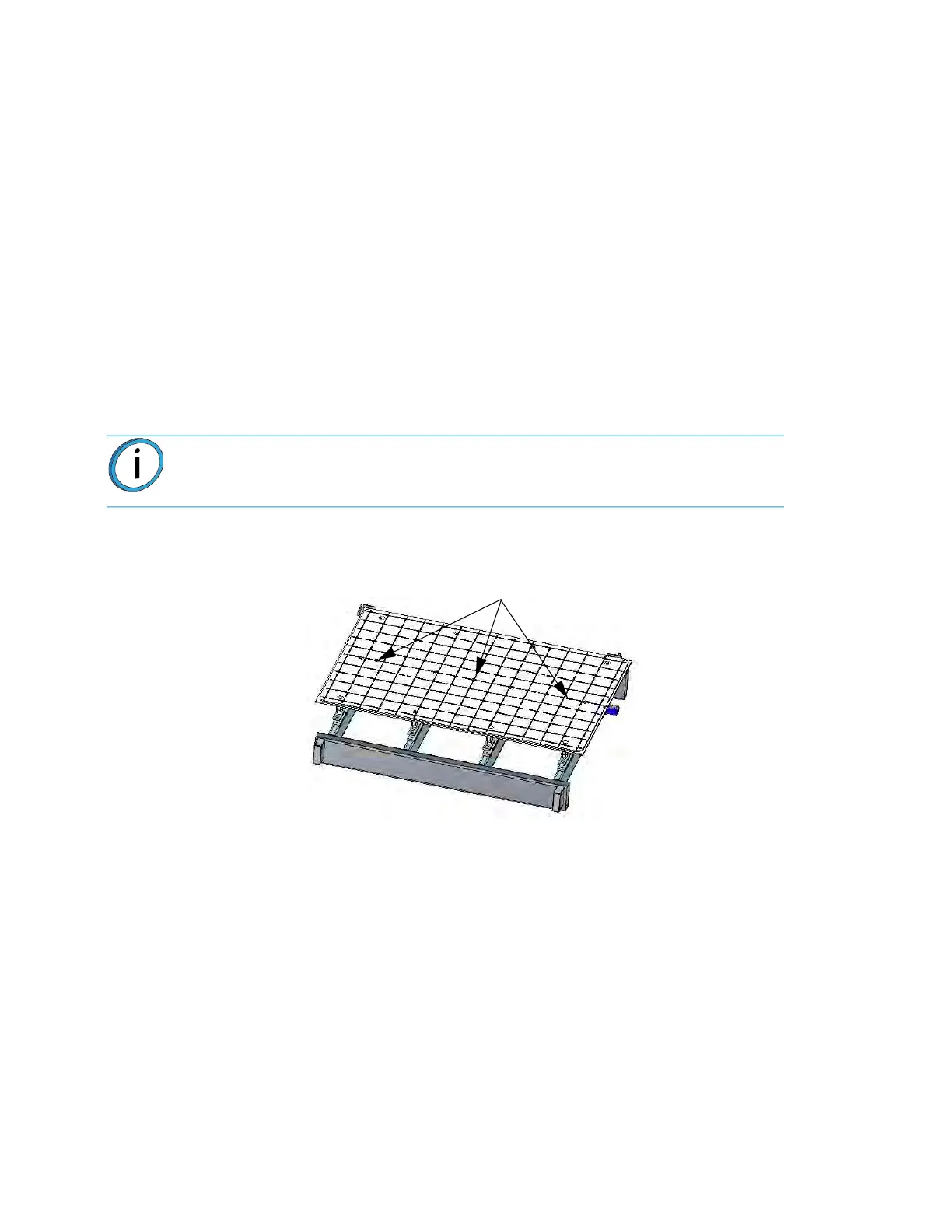
CLEAN THE PLATEN
The platen is the surface on which the build sheet is placed for modeling. If debris collects on the platen, it can
adversely affect the vacuum which secures the build sheet to the platen.
1. Remove the build sheet from the platen.
•
Lift a corner of the build sheet to break the vacuum holding it to the platen or turn off vacuum
u
sing the button on the touch screen.
• Slide the build sheet from the platen.
2
. Carefully remove debris that has fallen into the channels of the platen.Use a vacuum or use a
s
oft brush.
• If a brush is used, brush away from the vacuum port in the center of the platen.
•
If debris falls into the vacuum ports, it can cause a loss of vacuum, resulting in poor adhesion of
t
he build sheet to the platen during part build.
Figure 6-2: Pl
aten Cleaning
Note: Do not attempt to remove the vacuum port screens. They are not a
customer replaceable items.
Vacuum Ports
and Debris Screens














 To Next Page