74
BASIC JOB BUILD TASKS
BEFORE A JOB BUILD
To build a job, you must send the job file to the system from the Insight application installed on your workstation.
Jobs are sent in a CMB format and placed in the job queue (stored on the system hard drive). The header of the
CMB file contains the processed job’s basic information (material type, approximate material amount required
for build, tip size, etc.). This information is used to verify job compatibility with the system setup.
For detail about how the system uses file information see “SmartSpool System” on page 29.
1. P
repare the system:
A
. Power up the system. (Stabilization of the system takes approximately four hours.)
B
. Install a new build sheet by doing the following;
i
.
If applicable, remove the plastic wrap from both sides of a new build sheet.
ii. Set the build sheet on the platen.
• The F900 can accommodate two sizes of build sheets. Make sure the build sheet that is used is
centered on the platen.
• If the oven is hot, the build sheet will curl when placed on the platen. As the build sheet warms up, it
will flatten and adhere to the platen. Some adjustment of the sheet may be necessary to seal it
against the platen. (Turning the platen vacuum off and on will help this final adjustment to a warm
build sheet.)
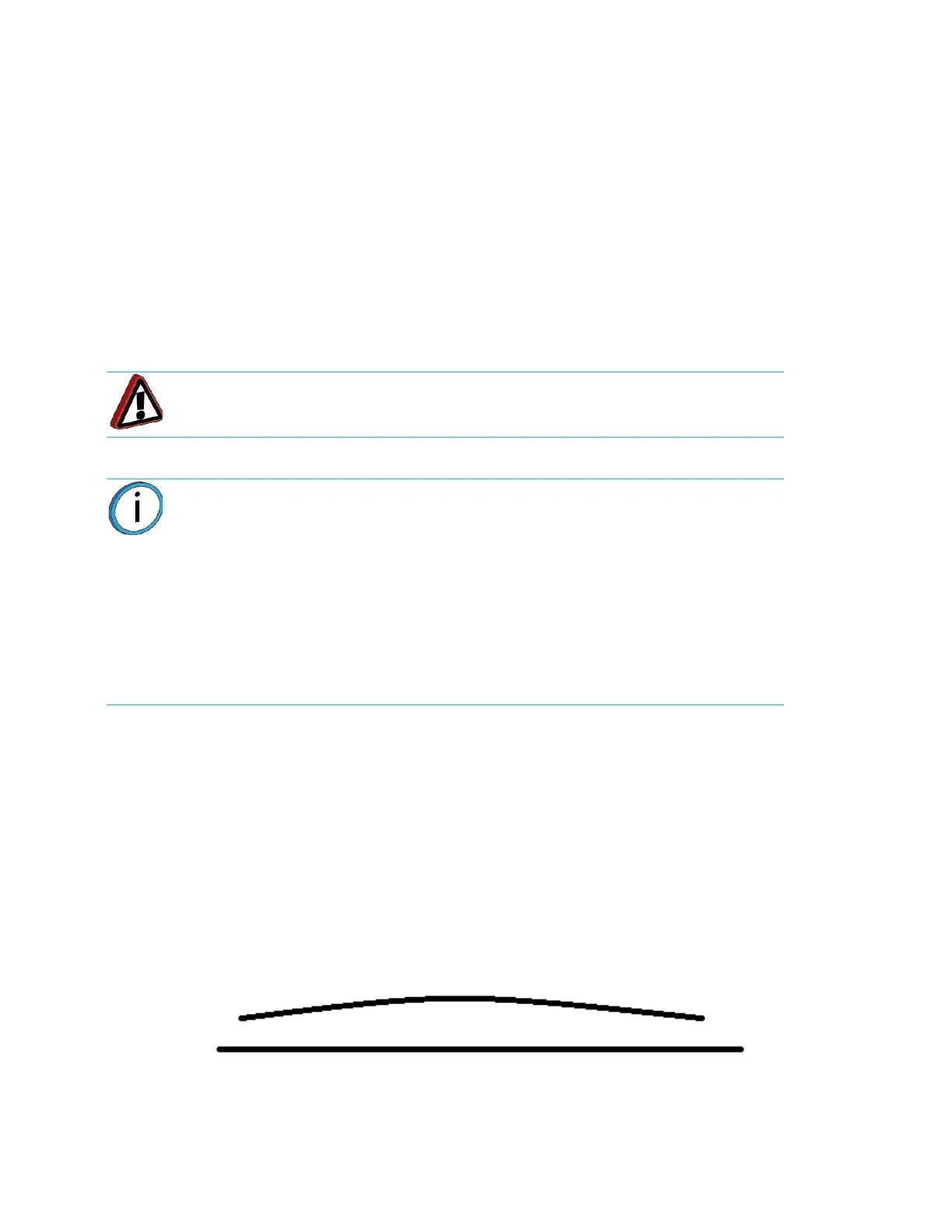
• If there is a curvature set to the build sheet, place the build sheet onto the platen in the concave
orientation (see Figure 4-24.).
Figure 4-24: Build Sheet Curvature
Warning: Wear proper safety equipment when handling items inside the oven.
Surfaces in the build chamber can be very hot.
Note: Always use a new build sheet when building a job. The build sheet is
intended for one-time use. Do not turn a build sheet over and place it on the
platen. Material residue on the sheet can adhere to the platen or interfere with
the build sheet vacuum.
Using build sheets not provided by Stratasys may impact part quality and system
re
liability.
ABS, ASA and PC parts use a clear build sheet.
PPSF and ULTEM parts use an amber-colored build sheet.
Nylon parts use a green tinted build sheet.
Platen














 To Next Page