35
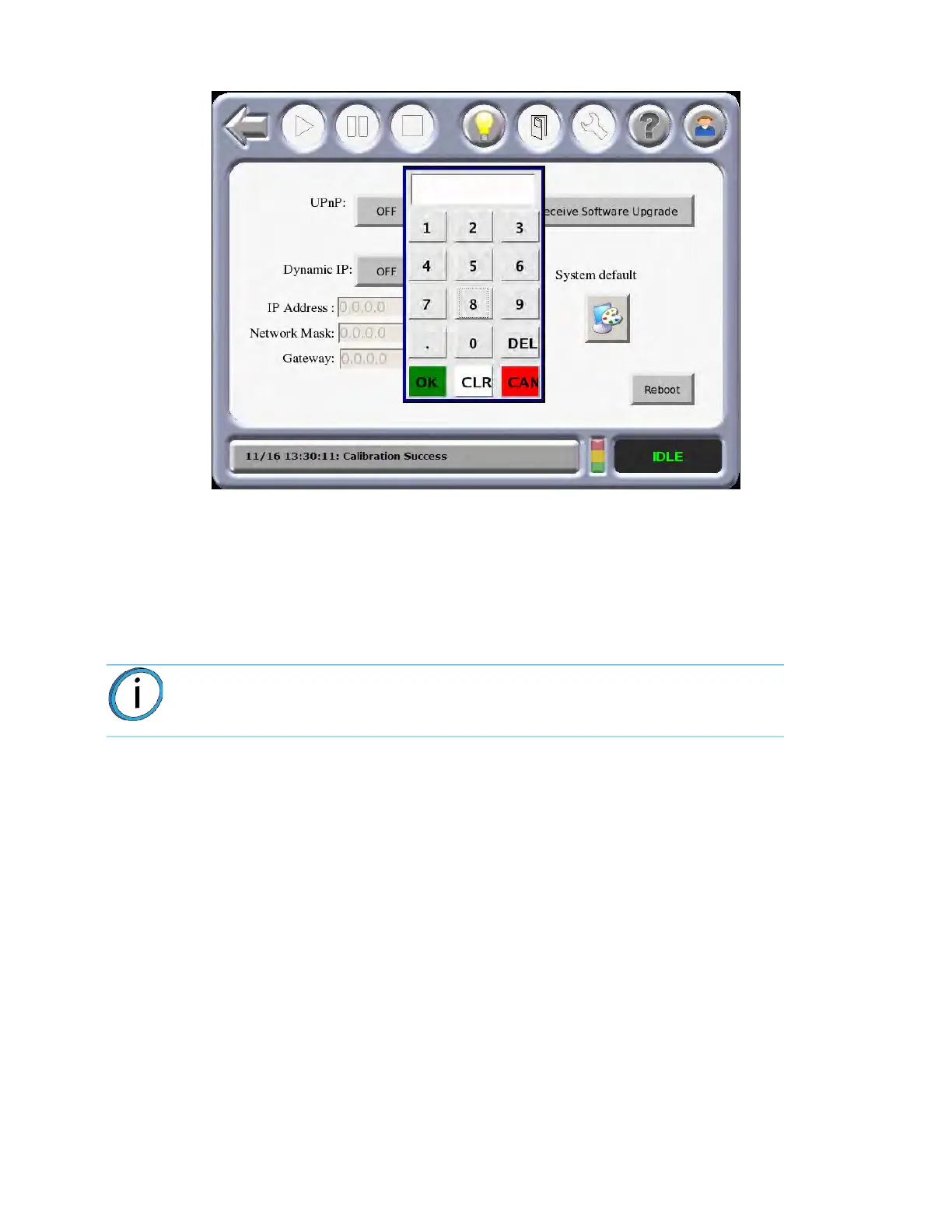
Figure 3-7: Administrator Screen with Key Pad
5. From the Administrator screen, press the I
P address box desired and enter the address using
the touchscreen keypad.
6. Press the N
etwork Mask box desired and enter the numbers using the touchscreen keypad.
7. Press the Gateway box desired and enter the numbers using the touchscreen keypad.
8. Press the Back icon to exit and return to the Main Menu.
Note: See your system administrator if you do not know the IP, Network Mask, or
Gateway address.














 To Next Page