40
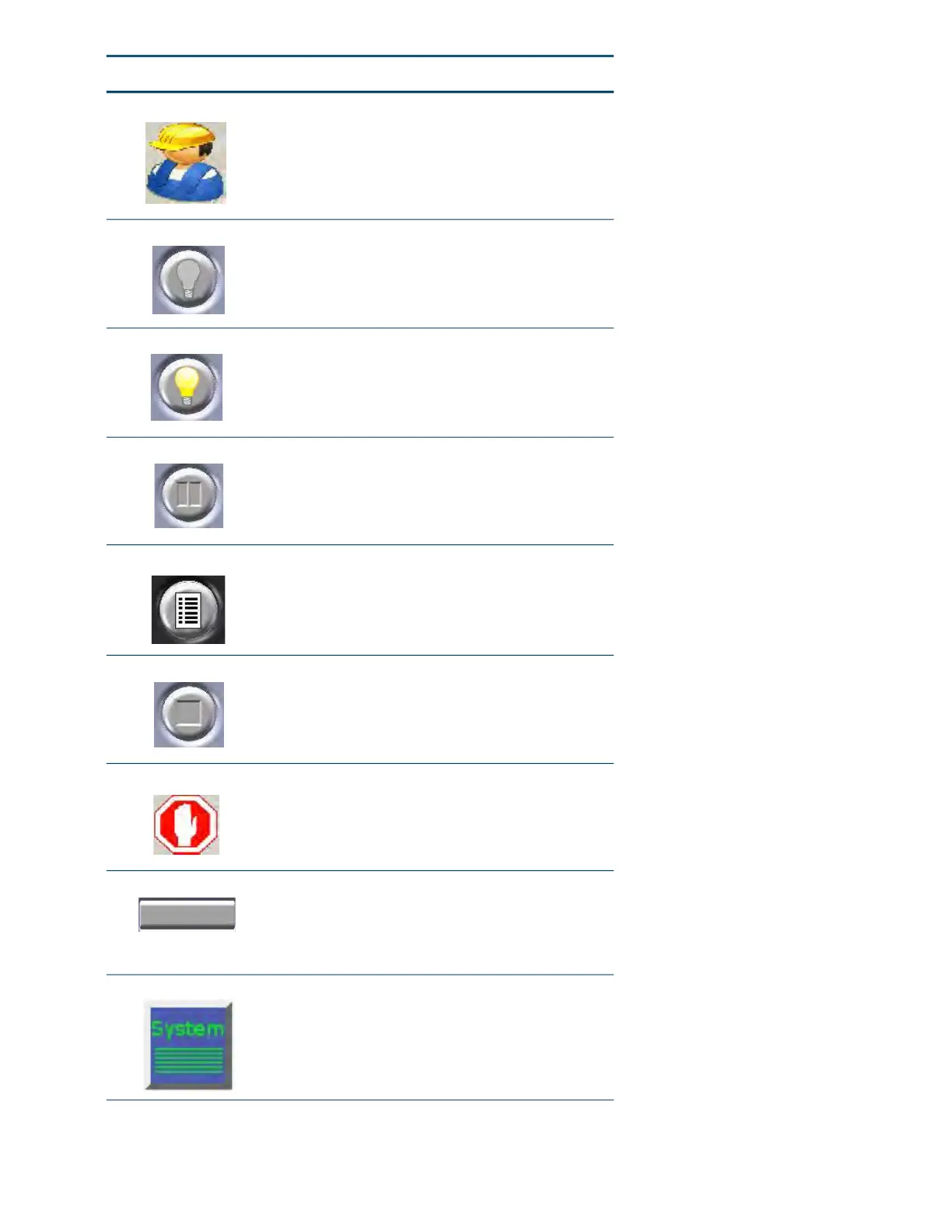
Operator Tools Opens the Operator Tools window.
Oven Light Off When pressed, the oven light is turned on.
Oven Light On When pressed, the oven light is turned off.
Pause Causes the system to temporarily stop building.
Pr
ess the Build button to restart.
Note: Pressing the pause button may be
d
elayed while the current operation completes.
Queue Window Displays a list of jobs that are queued and ready
to
be built.
Stop Stops a current build or calibration.
Stop Stops motion.
System Log Displays the latest system message. Pressing
t
h
e system log button displays a history of
system messages. Pressing the System Log
button again clears the current message from
the button.
System Status Opens the System Status window.
Button Description














 To Next Page