42
TOUCHSCREEN SYMBOLS
The following symbols are used in the menu displays.
Symbol Description
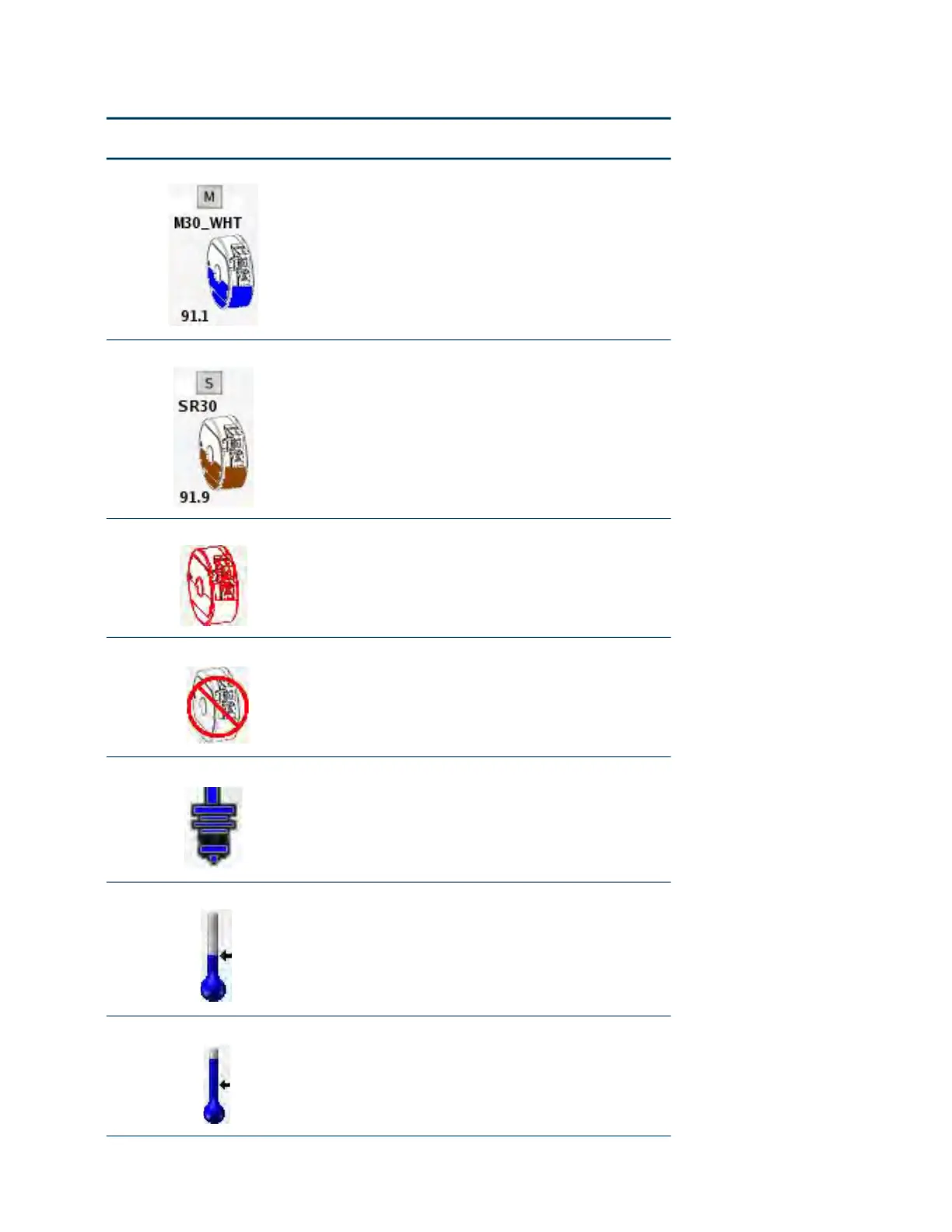
Canister Good model canister. The type of material is
di
splayed above the icon and the amount of
material remaining in the canister is shown below
the icon. The amount is given in cubic inches or
cubic centimeters depending on the machine
display units.
Canister Good support canister. The type of material is
di
splayed above the icon and the amount of
material remaining in the canister is shown below
the icon. The amount is given in cubic inches or
cubic centimeters depending on the machine
display units.
Empty Canister Empty canister.
Empty Canister Bay No canister in bay.
Model Tip Good model tip. This icon is accompanied with
an
odometer reading displayed at the bottom of
the icon. The type size is displayed above the
icon.
Model Tip at Setpoint Model Tip temperature is at setpoint.
Model Tip Cooling Down Model Tip temperature is cooling down.














 To Next Page