Basic Features
100 The Phone System Tab
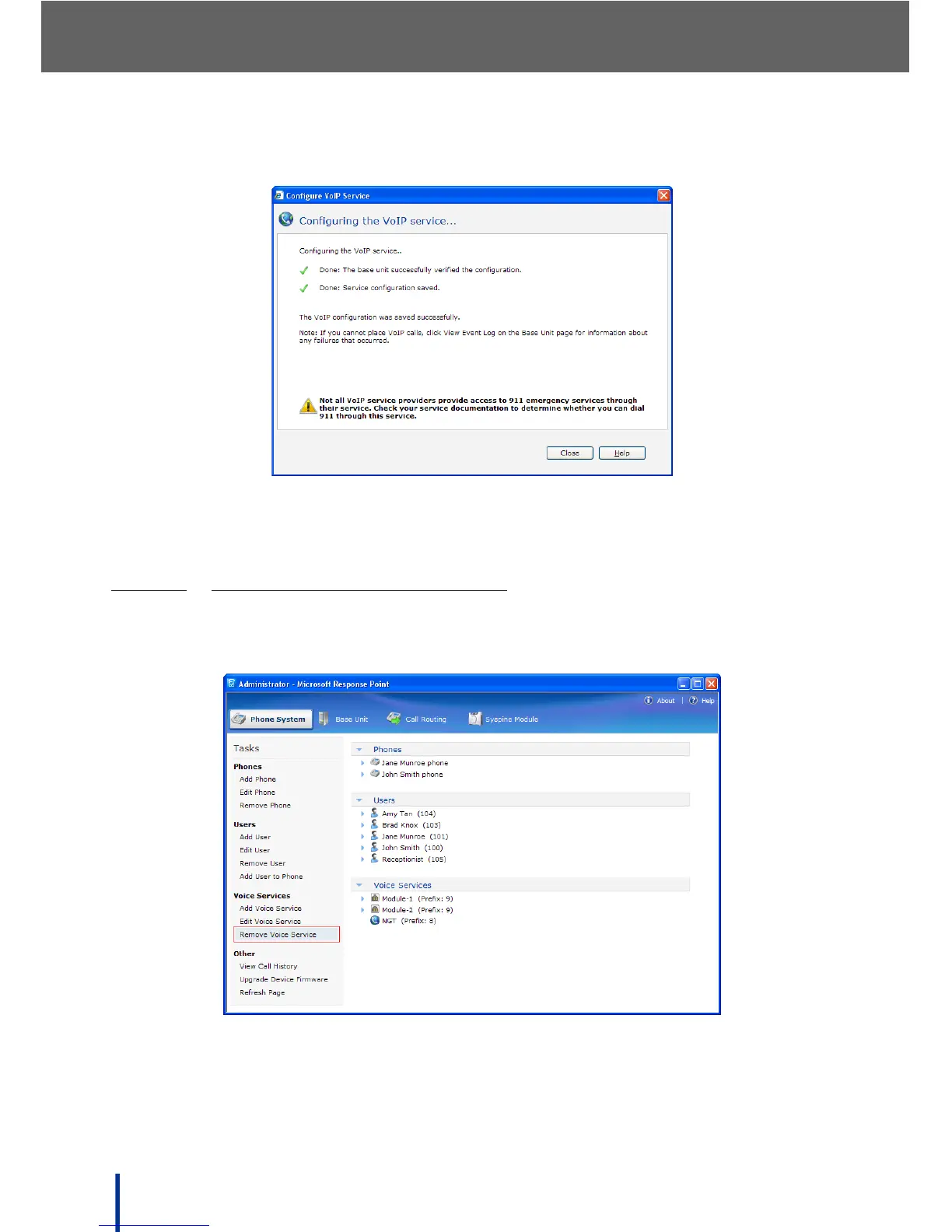
The Configuring the VoIP service screen displays.
Ensure all the green check marks appear as shown and click Close to
complete the VoIP voice service edit.
3.10.3.4
REMOVING VOIP VOICE SERVICES
To remove an existing VoIP voice service, perform the following steps:
1. In Phone System´ Voice Services click Remove Voice Service.



 To Next Page