Basic Features
Microsoft Response Point Administrator 69
3.9 Microsoft Response Point Administrator
This section contains information on the basic functionality available when
using Response Point Administrator. Microsoft Response Point provides the
management tools for the DOS-A50 including many features available in stan-
dard PBX systems. The DOS-A50 also provides effective management of hard-
ware and user access.
IMPORTANT!
Access to the Administrator should be restricted to the system admin-
istrators only. User’s personal settings are configured through the Assistant.
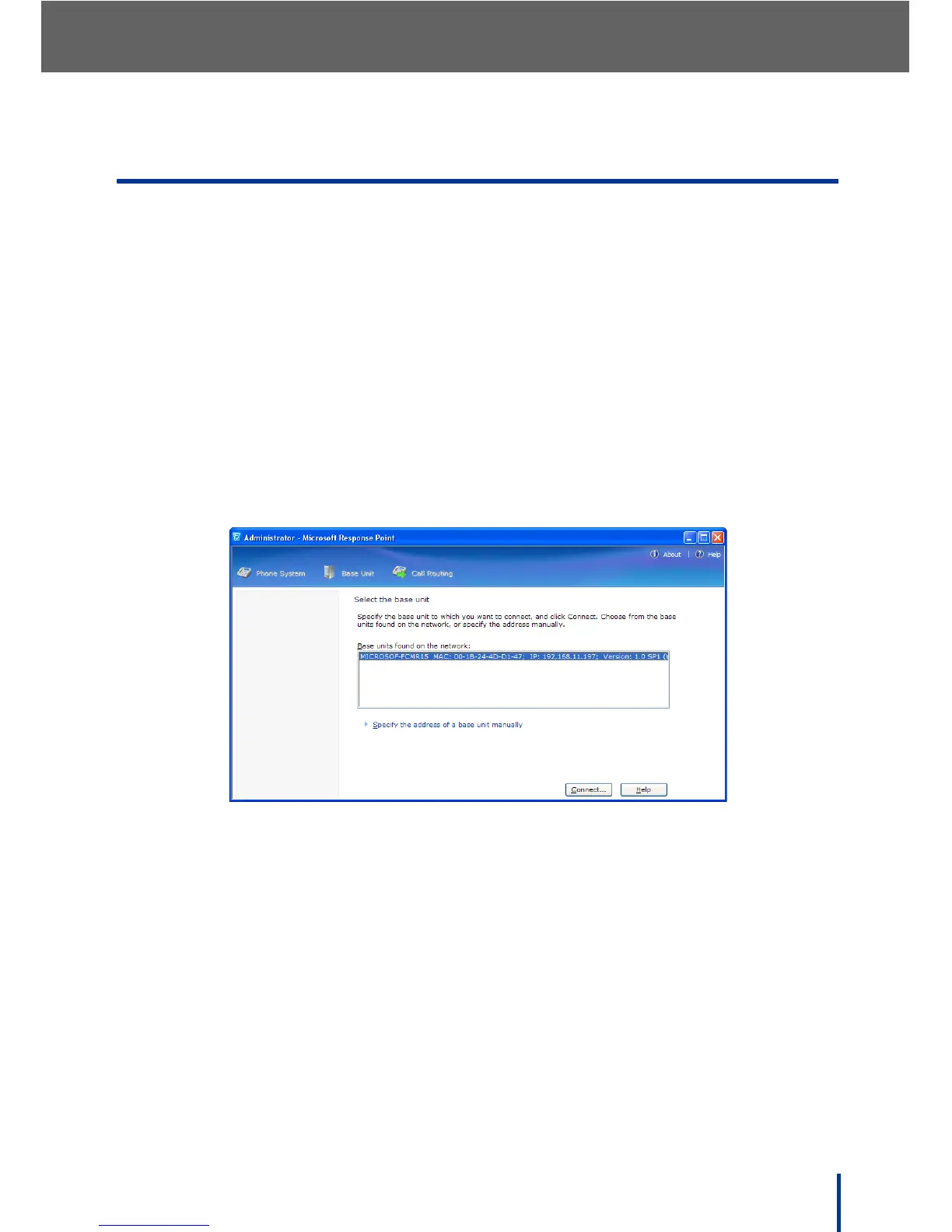
To begin using Response Point Administrator, perform the following steps:
1. Go to Start´ All Programs´ Microsoft Response Point Administrator
to launch Microsoft Response Point Administrator.
The Select the base unit screen displays.
2. Select the desired DOS-A50 (only one entry is present in the previous
image).
3. Click Connect.
N
OTE: The detection process can take a few seconds. If the required DOS-A50
is not present, see Troubleshooting on page 163.



 To Next Page