Installation
Installing Response Point Assistant on a User’s Computer 45
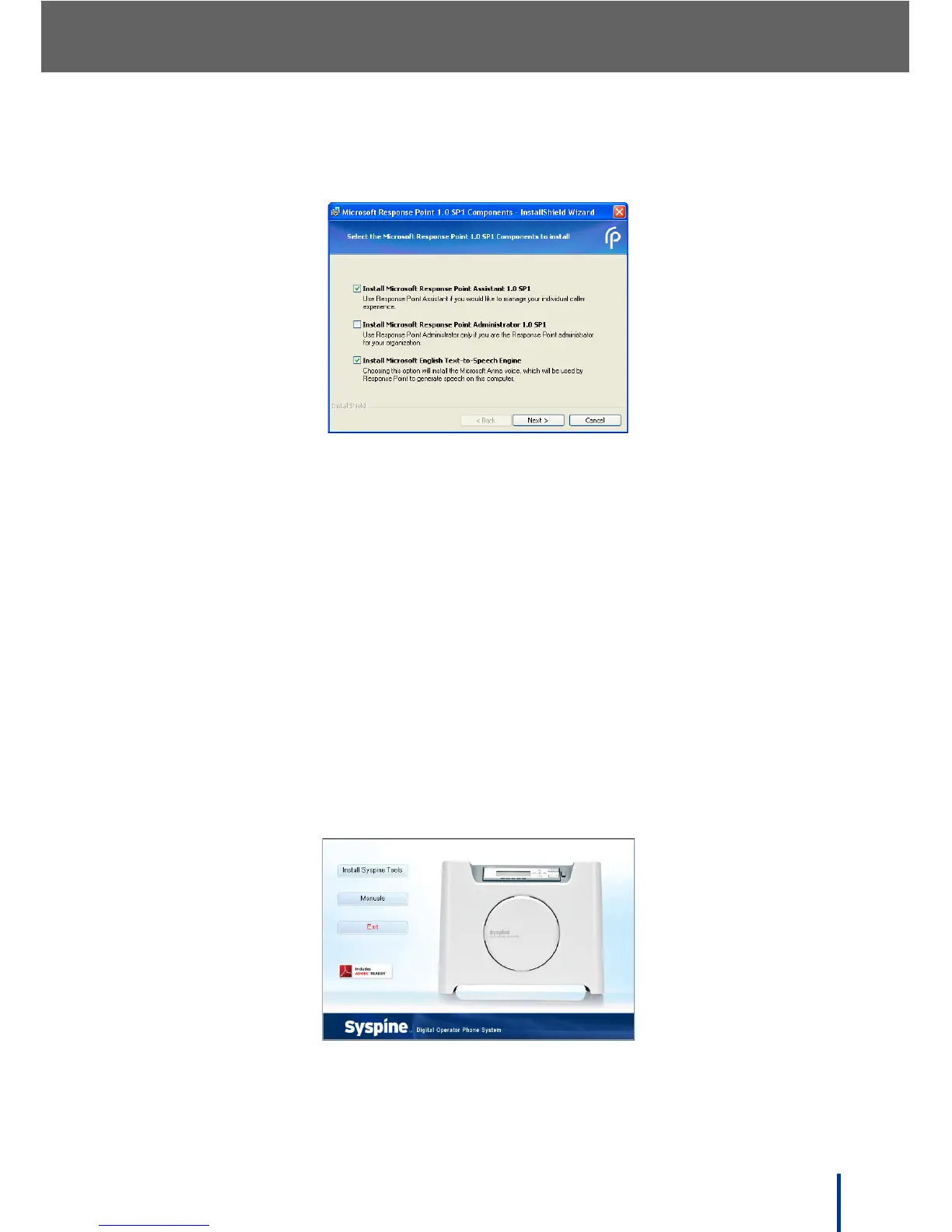
The Select the Microsoft Response Point 1.0 SP1 Components to
install screen displays.
N
OTE: • By default, the Install Microsoft Response Point Administrator 1.0
SP1 check box is clear. For security reasons, Response Point Adminis-
trator must only be installed on an administrator's computer.
• For Windows XP users, the Microsoft English Text-to-Speech Engine
software package must be installed.
3. Click Next.
4. Follow the on-screen prompts to install the software.
5. Once installation is complete, go to Start´ All Programs´ Microsoft
Response Point Assistant to launch Microsoft Response Point Assistant.
2.6.2 Installing with Windows Vista
1. Insert the Installation CD provided. The Auto-run Interface starts automati-
cally and the following screen displays.



 To Next Page